Workspace 0.8: from "what did I do today?
Workspace 0.8.0 closes the Félagi loop with pictures in reports, issue-aware pull requests, server errors filed as issues and a daily summary. 0.8.1 lets Félagi run its agents on your Mac.
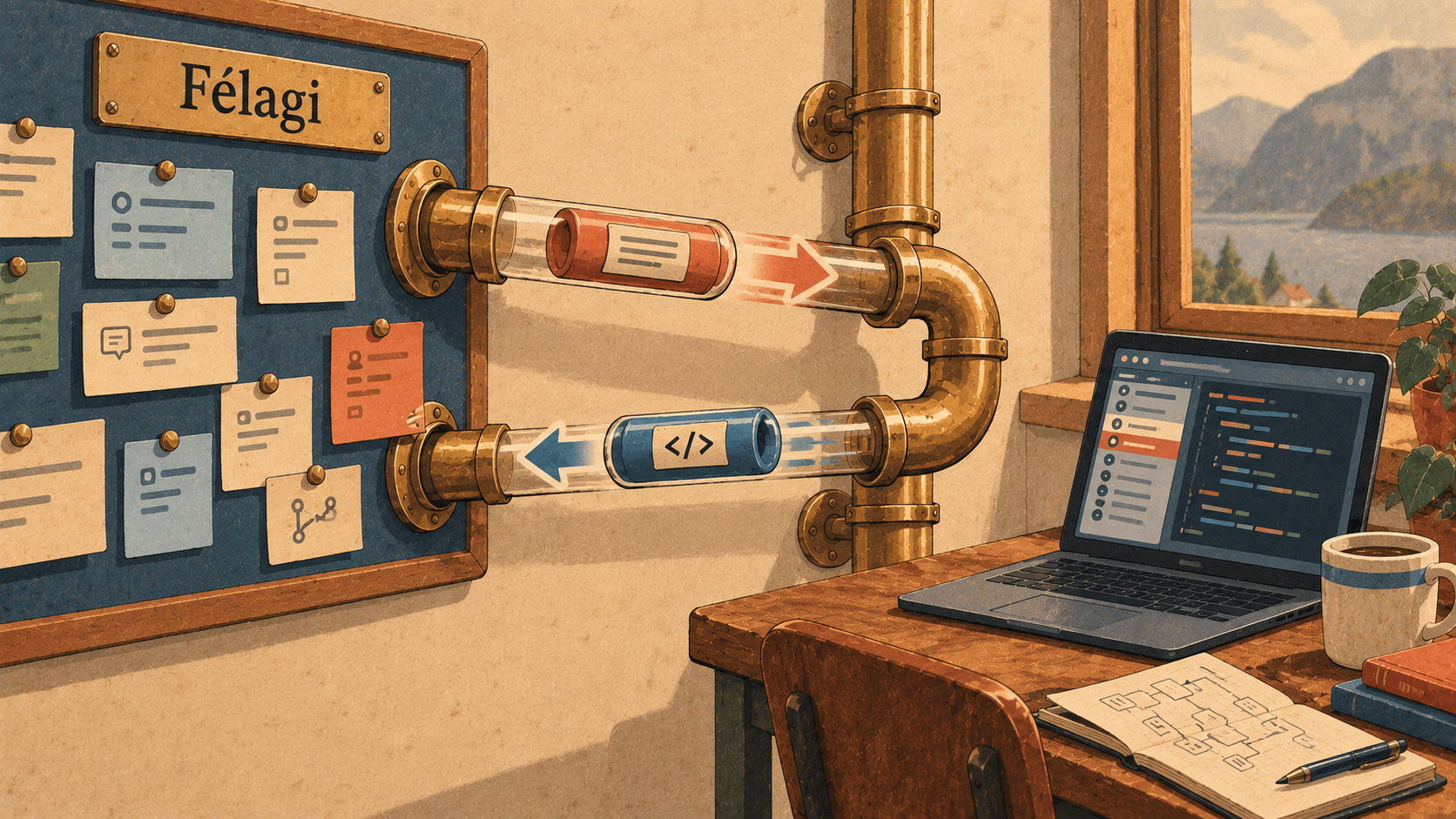
Two releases this week, and they share one thread. 0.7 connected Workspace to Elyra Félagi, our project portal: your assigned issues, one click to start work, a report to write it back. 0.8.0 fills in the parts around that flow. 0.8.1 turns it around: instead of you pulling work from Félagi, Félagi can hand work to your Mac.
Let's take them in order.
0.8.0: the details that make the loop close
Reports with pictures
When you press Report… on a thread that's working on an issue, the comment can now carry pictures. If the thread has pictures of the page, the before and after from the Browser tab, the latest pair is attached to the comment. Whoever reads the issue sees what changed, not just a description of it.
Imagine the issue is "the login button sits too low on Safari." The report says what was changed, and under it are two pictures: the page before the agent's turn, and after. A reviewer who never opened your branch can see the fix in two seconds. There's a tickbox to leave the pictures out when you'd rather not attach them.
Pull requests that know their issue
A pull request made from a thread on an issue uses the issue as its scope: something like fix(acm-231): login loop on safari. Its description ends with Félagi: ACM-231, and the report links to the pull request.
That sounds like a small tidy-up, but it's the sort of thing that normally depends on someone remembering. It follows the Conventional Commits format Workspace has used since 0.3.1, so a commit history stays readable, and anyone reading the PR can find the issue without asking.
A server error becomes an issue
In projects that run on Elyra Grove, the error chip over the message box shows server errors Grove recorded. Now there's File in Félagi next to them.
Press it and the newest server error becomes a Félagi issue: type exception, high priority, in the Félagi project linked to this one. Its description is Grove's explanation: the request, its SQL and mail, and the stack trace. If the thread wasn't working on an issue yet, it gets linked to the new one, so you can fix it right there and report back.
So the path from "the checkout returned a 500" to "there's a tracked issue with the stack trace, and an agent is already working on it" is one click and a message.
Today's work
Open the command palette (<kbd>⌘</kbd><kbd>K</kbd>) and choose Today's work. It shows the day at a glance:
The Félagi issues you worked on, with the agents' time in their threads set against the hours you've logged today, and a Log button for what's left. The agents' time is rounded up to five minutes, less what you've already logged.
Other threads you worked in.
Today's commits in those projects, by you.
Copy summary puts it on the clipboard as text, ready for a standup or a chat. It's the five o'clock question, "what did I actually do today, and have I logged it?", answered without you reconstructing it from memory.
0.8.1: Workspace as a Félagi runtime
Here's the other direction.
Félagi has agents of its own, with names like Freya and Bragi. Normally they run through Félagi's own daemon. In 0.8.1, Elyra Workspace can be that runtime instead. Work Félagi gives an agent runs as a thread on your Mac, where you can watch it, answer its questions and step in.
Setting it up
In Félagi, Admin → Runtimes → Connect a machine gives a daemon token (
fdt_…).In Workspace, Settings → Félagi → Run Félagi's agents on this Mac: set the daemon token (it's kept in the Keychain), give the Mac a unique machine name (such as
kh-macbook; blank uses the computer's name), and turn on Run agents here.The Mac now appears among Félagi's runtimes, once per agent kind it can run: Claude Code, Codex and Elyra. In Félagi, choose it as the runtime for the agents that should work here.
What happens when a run arrives
Say Félagi hands an agent an issue in a repository you have open. Workspace:
Finds the project whose Git remote is one of the repositories the run names, and starts a thread there in its own worktree (with its own Grove site, if Grove runs the app). If no matching project is open on this Mac, it refuses the run.
Gives the agent its instructions, skills, the workspace's context and the issue.
Sends what the agent does to Félagi as it happens: its replies, tool calls and your own messages.
Reports the result when the agent's turn ends: its last reply as the summary, the branch and any pull request as deliveries, and the cost, or a failure.
A cancel from Félagi stops the turn. If you quit Workspace, running work is handed back so Félagi can give it to another runtime. It's one run at a time per Mac, and Settings → Félagi → Status shows what the runtime is doing. It even warns when Félagi's own daemon runs on the same Mac, because the two would compete for the same work.
The reason to do this is simple: it's your Mac, with your repositories, your credentials and your tools, and now it's visible. You can open the thread, read what the agent is doing, and answer when it asks something, instead of reading a log afterwards.
Please read this part
Running Félagi's agents on your Mac is off by default, and it's worth being plain about what it means:
Félagi can hand your Mac work to do, for projects you have open. It can't pick a project you don't have.
What the agent does in those runs is sent to Félagi as it happens: its replies, tool calls, and your own messages in those threads.
The daemon token is kept in the macOS Keychain, and the feature only runs while Workspace is open.
We've updated the privacy section of the Workspace page to say so, as we did when Félagi reports first appeared. "The only requests the app makes are update checks" stopped being true in 0.7, and we'd rather correct the claim than leave it standing.
Why both, together
0.8.0 and 0.8.1 are two halves of the same idea. In 0.7 you pull an issue into a thread, work it, and report. 0.8.0 makes that loop close properly: pictures in the report, a PR that names its issue, an error that becomes an issue, a day that summarises itself. 0.8.1 lets the loop start from the other end, from Félagi, with your Mac as the place the work happens.
In both, the thing we're after is the same: the record of the work should come from the work. Not from memory at five o'clock.
Try it
Workspace 0.8.1 is out now (and includes 0.8.0). If you already have it, the app updates itself: it checks GitHub at launch and installs a new build only if the checksum matches, it's signed by the same Developer ID team as your copy, and Gatekeeper accepts it. If agents are still working, you can have it restart when they finish.
New here? It's a signed, notarized DMG for macOS 12 or later on Apple silicon, free and open source. Download it at elyracode.com/workspace. Félagi is at elyracode.com/felagi, and the full release notes are at elyracode.com/docs/workspace/changelog.