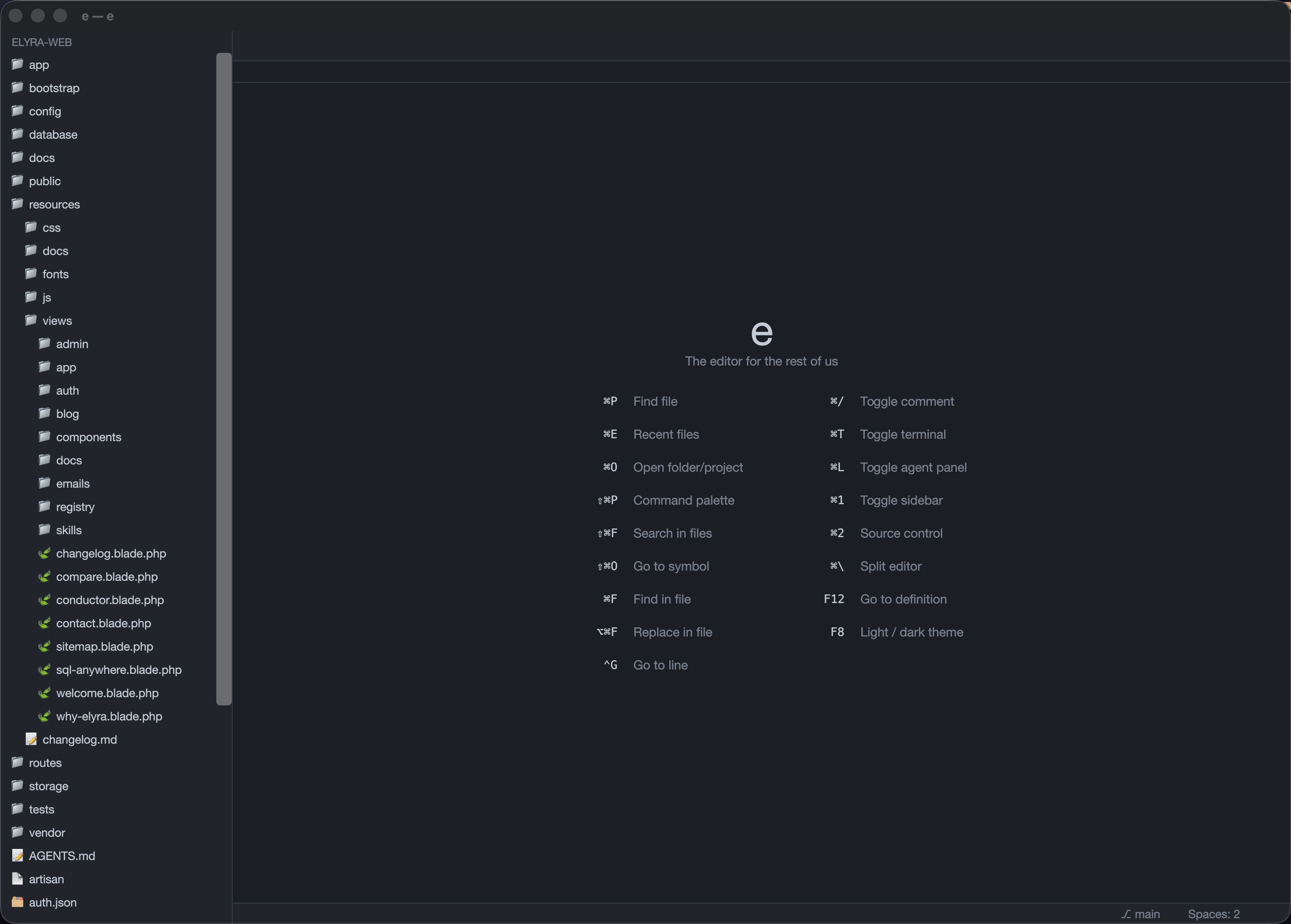
The editor for
the rest of us
.
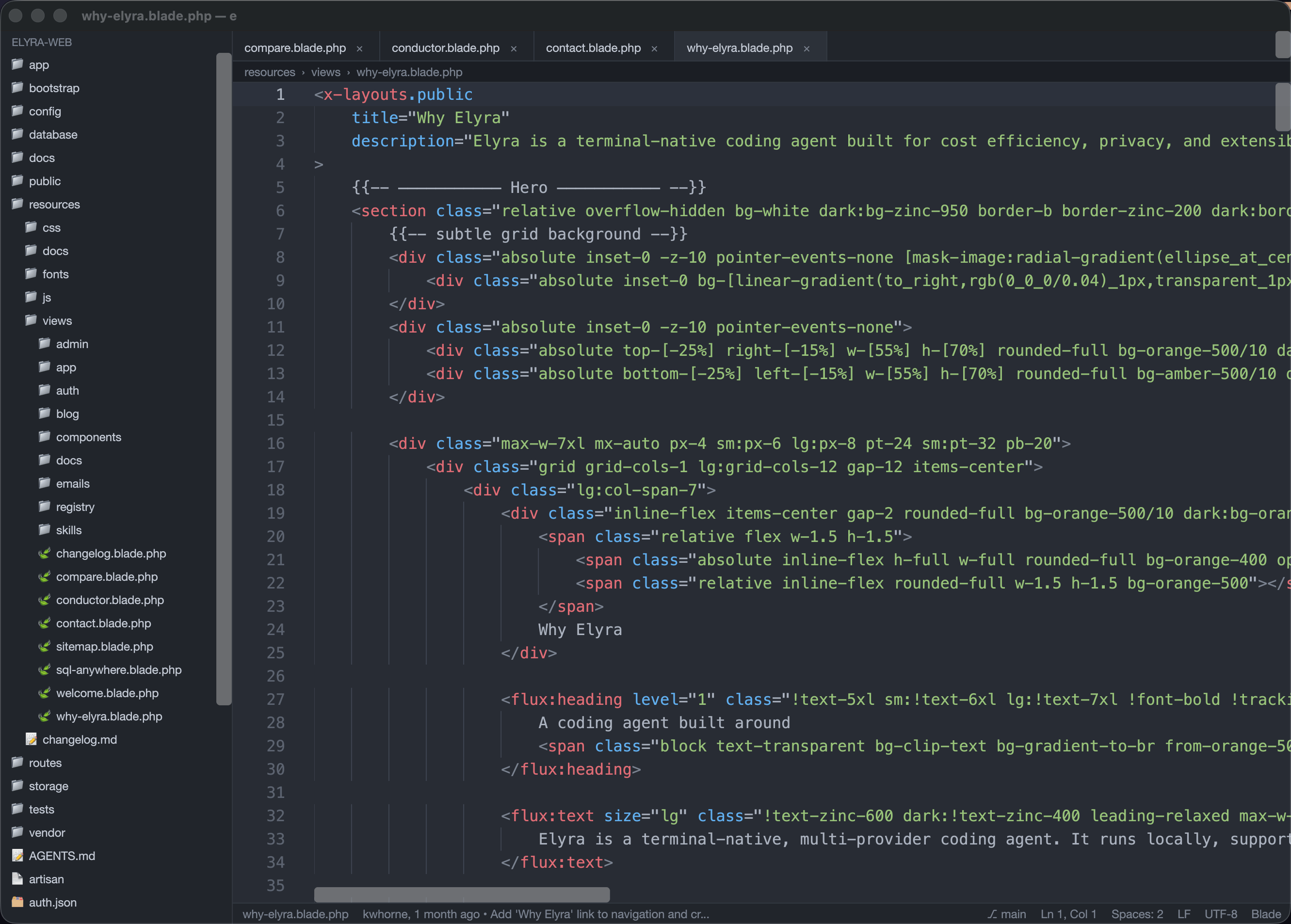
A fast, native code editor written in Rust — with first-class PHP/Laravel support, LSP, a built-in terminal and database panel, and an integrated AI agent panel running right beside your code.
Download for macOS
Grab the universal disk image, or a platform archive. New releases are detected by the built-in auto-updater.
Fast and native,
built for the web stack.
Tree-sitter highlighting, LSP, fuzzy navigation, and framework-aware completion for PHP, Laravel, Blade, Vue, Svelte and Tailwind — wrapped in a GPU-accelerated UI that stays out of your way.
GPU-accelerated & native
Written from scratch in Rust with a reactive, GPU-accelerated UI. Responsive on big files, light on resources.
Native agent chat panel
A native chat panel (⌘L) drives Elyra headless over its structured RPC (the e-agent crate) — or run Claude Code, Codex or any CLI agent beside your code. Deep co-op: reviewable propose_edit diffs, an autonomous TDD loop (⌘⇧T), and an activity timeline (⌘⌥A). ⌘⌥⇧T runs just the test the caret is in through the same panel. And since 0.9.16 an agent can wait for diagnostics: wait_diagnostics on the editor socket reloads the file the agent wrote, waits for every running language server to publish again, and answers with the problems — the write, check, fix loop without the agent guessing how long to sleep. And since 0.9.21 there is Elyra Cascade: Elyra as a chat panel instead of the terminal, drawn the way Devin Local and Windsurf's Cascade draw theirs — a session tab with this project's earlier sessions to resume, a streaming markdown transcript with tool-call cards, and a composer that attaches the active file, the selection or all open files, switches Code / Ask, and carries a model chip listing every model Elyra offers by provider with its thinking level. Underneath, Elyra runs headless over its RPC protocol, so the conversation is native views and stays fast however long it gets. API keys for Anthropic, OpenAI, Gemini and Grok go in Settings → Agents — into the macOS Keychain, never config.json, shown masked once saved — and are handed to Elyra as environment variables when Cascade starts it; a variable already exported in your shell still wins. Claude Code and Codex keep the terminal.
Review what the agent changed
An agent can touch forty files in a minute, and you did not write any of them. ⌘⌥V opens the whole session changeset risk-ranked — migrations, .env, config, routes, auth and dependency manifests first; lockfiles, tests and docs last — with a sign-off counter, Ask why for a single file, and Revert for just that one. No pushing a PR to review your own machine.
It reads the diff too
e flags what agents tend to leave behind: a forgotten dd() or console.log, a hardcoded secret, interpolated raw SQL, a dropColumn in a migration, a changed .env value, a deleted authorize() call, a skipped test, rejectUnauthorized: false. Each finding has an Ask button that sends it to the agent that wrote it. The matching is call-aware, so add( is never mistaken for dd(.
A gate, then a measured pull request
A verdict bar says Ready, Notes or Needs attention — and why: files still unreviewed, tests not run, danger flags. Run tests reports 12 passed · 2 failed · 1 skipped, each failure listed by its first assertion line and clickable straight to it, because “the suite failed” and “two of ninety tests failed” are different news. Measure routes replays the routes a changeset reaches, with the change and again with your work stashed, and puts a before/after table of status, time, queries and N+1 in the PR body — cautiously: write routes are never replayed, and without Clockwork or Grove's SQL capture the query columns read not visible rather than zero. Then Commit & PR commits in logical groups in dependency order with Conventional Commits subjects and opens the PR through gh.
Step debugger, containers included
Breakpoints, a live call stack, variable inspection and step controls over the Debug Adapter Protocol, so one UI drives PHP via Xdebug, Node, and Rust/C/C++ via codelldb. Under Laravel Sail it did not work at all until 0.9.12: the launch config sent empty path mappings, so Xdebug's container paths matched nothing on disk and breakpoints never bound, silently. e now reads your docker-compose.yml and maps the project root's bind mount, so a stock Sail setup needs no configuration.
Refactors you can read first
Rename (F2) asks the language server which occurrences are actually the symbol, across the whole workspace, and lists every site as it reads now and as it will read — nothing is written until you confirm. Through 0.9.12 it replaced whole-word matches in the active buffer and wrote them straight in, so it renamed inside strings and comments, missed every other file, and showed you nothing first. Refactor: Move Class does the same for a class and everything pointing at it, with PSR-4 choosing the destination and a namespace Composer could never autoload refused rather than written. Matching is whole-name, so moving App\Models\Order leaves App\Models\OrderItem alone. Where there is no language server the old textual rename is still the fallback.
LSP & tree-sitter
Diagnostics, completion, hover and go-to-definition across 12+ languages, with file-type icons in the explorer. A file can be served by several language servers at once — document sync reaches all of them, completions and code actions are merged, and formatting stays with the primary — except in a PHP project that ships Pint, where Pint takes it. A Laravel project's formatting is whatever Pint says it is, and letting the language server format to its own taste only produces a diff for Pint to undo. PHPStan runs on save alongside, each finding carrying its rule identifier; when PHPStan itself fails the error is shown rather than swallowed, because a run that never looked at your code must not read as a clean one. 0.9.14 is the release that made the language servers behave like part of the editor. Squiggles, completions and renames land on the right column in Norwegian text: the editor counts columns in UTF-8 bytes, servers count them in UTF-16 units, and nothing converted between the two — so on any line with an æ, ø, å or an emoji before the caret, diagnostics were drawn a few characters to the right and rename wrote at the wrong offset. Every position now crosses that boundary through a converter that knows the line's text. Opening the first PHP file no longer freezes the window for up to thirty seconds waiting on a handshake that now runs in the background. And a server that crashes is restarted and handed every open document again, up to three times, with the status bar showing each server for the active file — running, indexing with its own progress, not installed, or crashed — and a click starting whatever is down.
The official Laravel language server, too
In a Laravel project e runs laravel/lsp alongside Intelephense and merges their answers: Intelephense for general PHP, laravel/lsp for framework awareness — routes, views, translations, config, env, middleware, Inertia, Livewire, policies, container bindings and validation rules, with diagnostics and quick fixes. An unknown route or a missing view is a squiggle rather than a runtime surprise, and Blade files get a language server for the first time. Install it once with composer global require laravel/lsp; without it nothing breaks and e's own Laravel intelligence carries on — and since 0.9.14 its absence is not an errno. Opening a Blade file without it used to print could not start laravel-lsp (No such file or directory) for something that is not an error and has a one-line fix; e now names the missing binary, says the server is optional, and shows the command that installs it, once per session rather than once per file. Or click the status bar: the install command runs in a terminal tab, and the server starts the moment the binary appears on PATH, with no restart.
Laravel intelligence, built in
Completion for route(), view(), config(), env(), __(), x-… Blade components and Eloquent ($model->) from your live schema — plus log tail, schema diff and a Tinker scratchpad (⌘⌥T). None of it depends on an external server being installed. Since 0.9.15 it also checks what Intelephense cannot: view('orders.missing'), route('nope'), route('users.show') without the {user} it needs, and __('auth.nope') with no such key are underlined as you type, from the project data e already has — and that data now refreshes itself, where a new route used to be not found until you remembered Refresh Project Data. 0.9.16 lets the picker fix them: create the missing Blade file, or add the key to lang/<locale>/file.php. Packages teach e their string arguments through the ide.json the ecosystem already writes for PhpStorm — one file per package, instead of one feature per package. And a Migrations panel lists every migration with its batch and status, runs what is pending behind a Grove snapshot when it can, and rolls the last batch back. 0.9.19 adds the generating half: New Eloquent Model (⌘⇧N) takes a spec — fields with types, foreignId Customer for a key plus its belongsTo, relations, options — shows a live preview of the files it implies, and ⌘↩ writes them all: model, migration, factory with fakes from the column types, seeder, form requests with rules from the fields, controller, resource and policy. Existing files are left alone. Route Search (⌘⇧R) opens the action behind any URI, Find Unused Views lists the Blade nothing references, and ⌘⇧, is the whole Laravel menu in one list. Since 0.9.20 those chords work on a Norwegian keyboard: shortcuts matched only the character a key produced — ⇧, is ; on a Norwegian layout and < on a US one — so a chord that matches nothing by character is now matched by the physical key, and ⌥-dead-keys no longer start an accent composition while ⌘ is held.
Architecture map & request-replay
An interactive route → controller → view map (⌘⌥M); replay a request against your running app and see the response, SQL and N+1 warnings. Since 0.9.15 the Runtime panel reads Grove, and needs nothing installed in the app: with Grove serving the project, requests come from Grove's own timeline — it is the proxy — each one expandable into its causal chain, the SQL it issued with sql-capture on, the mail it sent, and the matching error-log entries, and the agent can be handed the whole bundle with credentials redacted. Clockwork remains the source when Grove is not around.
Semantic search
Describe what you’re looking for (⌘⌥K) — ranked locally with Ollama when available, lexical fallback otherwise. Nothing leaves your machine.
Visual undo tree
A branching history (⌘⌥U) that keeps edits a linear undo would discard, with click-to-jump time travel persisted across sessions.
Fuzzy finder & palette
One search dialog with tabs on ⌘P — Files, Symbols, Actions and Text, Files by default, Tab to cycle. These were four overlays behind four shortcuts, which meant deciding what you were looking for before you had started typing. Search & replace across the workspace stays on ⌘⇧F.
Integrated terminal
A PTY-backed terminal (⌘T) with ANSI colour, multiple tabs, rename and split — never leave the editor.
Seven themes, one code font everywhere
Besides its own Dark and Light, e ships Tokyo Night, Darcula, Material, Nord and Palenight, picked from cards in Settings → Appearance. A theme is the whole palette — chrome, gutter, cursor, selection, syntax and the error and warning colours every panel uses — and the window re-themes at once; F8 switches between the dark theme in use and Light. JetBrains Mono ships with e and is the default code font, so code looks the same on every machine, and Settings → Editor → Font offers the fonts programmers use, greying the ones not installed, for the editor, the terminal and code in every panel alike.
Markdown, written beside its preview
Since 0.9.23 ⌘⇧M opens the preview beside the editor rather than over it, live and scroll-synced, with tables, task lists, strikethrough, local images and links that go where they point — a URL to the browser, a relative .md into the editor. Writing gets the same care: Enter continues a list, a task or a quote and counts numbers on, an empty item ends the list, ⌘B and ⌘I toggle bold and italic, ⌘K makes a link from the URL on the clipboard, and ⌘⇧X ticks a task box. A file opened from the Finder, the Dock or open -a e now opens too, and a folder opens as the project — the same as dropping either on the window, since 0.9.24.
Database panel
Browse and query MySQL, PostgreSQL, SQLite and ClickHouse (⌘3) — connect from .env or manually, edit cells, export CSV.
Source control
Stage, commit, push/pull, switch branches, view history, stash, blame and resolve merge conflicts (⌘2).
Built-in auto-updater
Detects new GitHub releases, shows the changelog, and installs the update in place. Until 0.9.18 it asked the GitHub API, whose 60 unauthenticated calls an hour per address a day of restarts uses up — so the check failed with status: 403 for a reason that had nothing to do with you. The version now comes from the releases/latest redirect and the notes from the CHANGELOG at the tag, neither rationed; the download is verified against the published .sha256, and the API is only a fallback whose limit is reported as what it is.
Your coding agent,
beside your code.
Open the agent panel with ⌘L and run Elyra, Claude Code, Codex — or any CLI agent — without leaving the editor. The editor hosts; the agent reasons.
- Any CLI agent runs in a native panel next to your files
- Review the session changeset risk-first, and revert file by file
- Pairs perfectly with the Elyra coding agent
- Terminal, database and source control one keystroke away
- Free, open source, and built in Rust
Open a project,
start writing.
Download e, point it at your code, and get a native editor with an agent panel built in. Free and open source.