Workspace 0.7.0: from the issue to the hours, without leaving the window
Workspace now connects to Elyra Félagi: start a Félagi issue as an agent thread with one click, and report the comment, status and hours back when the work is done.
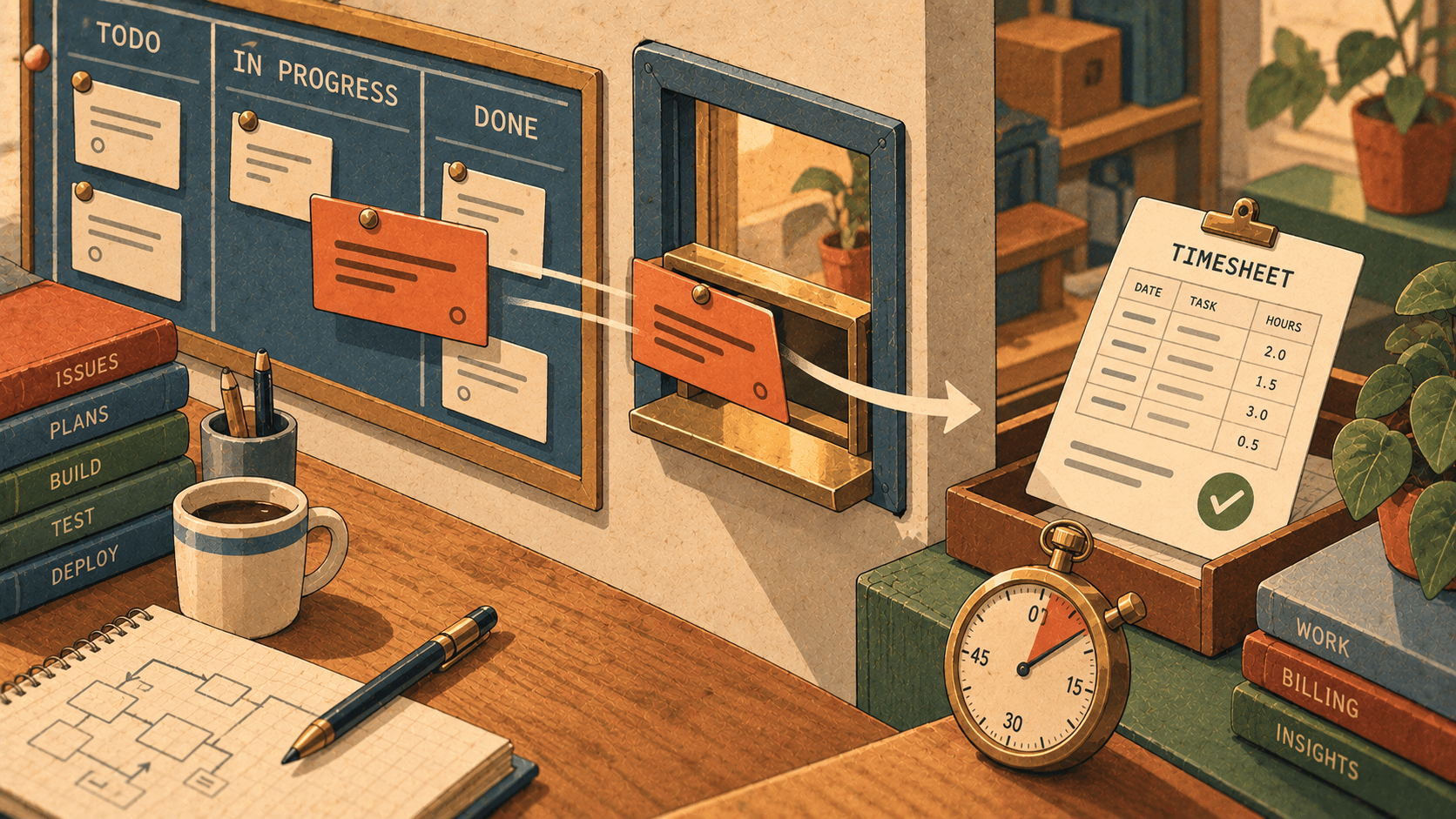
Think about what happens to a task between "someone wrote it down" and "someone logged the time".
You open the issue tracker. You read the ticket. You copy the text into an agent, because that's where the work will happen. You change the issue's status by hand, so the team knows you've started. You start a timer, or you tell yourself you'll remember when you began. The agent works. You review. And then you go back to the tracker, write a comment about what was done (in your own words, from memory), move the status, and type in the hours, usually a guess.
Every step is small. Together they're a lot of switching, and the last step is the one that gets skipped, because by then you've moved on.
Workspace 0.7.0 connects the task board to Elyra Félagi, our project portal, so that the issue, the thread, the timer and the report are all one flow.
Connect it once
In Félagi, make a personal token under Settings → API tokens. Give it Read and write, so work can be reported back. In Workspace, open Settings → Félagi → Connect…, enter Félagi's address and the token, and press Connect.
Workspace checks the token with Félagi and keeps it in the macOS Keychain, not in its own database. Disconnect removes it again.
That's it. The task board now has a Félagi tab next to Local.
The tab: what's assigned to you
The Félagi tab shows the issues assigned to you, in the columns To do, In progress, In review and Done. Each card has its identifier (such as ACM-231), its priority, and the time spent against its estimate.
If you've selected a project in the board's filter, the menu at the top of the tab can link it to a Félagi project. After that the tab shows only that project's issues. All my issues shows everything assigned to you. The tab asks Félagi again every 90 seconds, and the refresh button asks right away.
Start: one click from ticket to working agent
Say ACM-231 is "The discount code is applied twice at checkout", and it's yours.
Press Start on the card. Workspace:
Opens a thread in the selected project, named after the issue.
Sends the issue's text and acceptance criteria as the first message.
Moves the issue to In progress in Félagi.
Starts Félagi's timer on it.
You didn't copy anything. Nobody has to ask "who's on this?", because the status moved when you started. And the timer began when the work did, not when you remembered.
While the thread works on an issue, a banner above the message box shows the issue, its status in Félagi, and, while it runs, the timer. Open thread on the card jumps back to the thread later, and Open in Félagi opens the issue in your browser.
Report: the part everyone skips
When the agent is done and you've reviewed the change, press Report… on the banner. This is the bit we most wanted to make easy.
The report has three parts:
What was done: a comment. The thread's agent writes a draft from the conversation and the uncommitted changes, and you edit it as you like.
Status: suggested as In review, but any status can be chosen.
Time to log: filled in from Félagi's timer, in Félagi's notation (
1h 30m,45m,1.5h). Leave it empty to log nothing.
For the discount bug, the draft might say what was found and what was changed, written from what actually happened in the thread, not from a vague memory at five o'clock. You read it, fix a sentence, and press Send to Félagi.
That logs the hours (replacing the running timer, so nothing is counted twice), posts the comment, and sets the status. The thread notes what was sent.
A small honest detail from the docs: a read-only token can show issues, but it can't report. If Report doesn't work, check the token's access first.
Why this, and why in Workspace
We build both Félagi and Workspace, and for a while we were the integration ourselves. We'd copy issue text into a thread, move cards by hand, and then, too often, forget the hours.
The thing we kept noticing is that an agent's conversation is the best record of what was done on a task. It knows what it looked at, what it changed, and why. A report drafted from it is more accurate than one written from memory, and it takes seconds instead of a context switch. That's the whole idea: let the record of the work become the record of the work.
What leaves your Mac
You should know, because this is the first time Workspace talks to something other than GitHub (for updates):
It talks to the Félagi address you give it, and nothing else for this feature. The token stays in the Keychain.
When you press Start, the issue's text and acceptance criteria go to the agent as the first message, like anything else you'd send it, under that agent's own terms.
When you press Send to Félagi, the comment, status and hours go to your Félagi.
We've updated the privacy section on the Workspace page to say so, because "the only requests are update checks" was no longer true.
Try it
Workspace 0.7.0 is out now. If you already have it, the app updates itself: it checks GitHub at launch and installs a new build only if the checksum matches, it's signed by the same Developer ID team as your copy, and Gatekeeper accepts it. If agents are still working, you can have it restart when they finish.
New here? It's a signed, notarized DMG for macOS 12 or later on Apple silicon, free and open source. Download it at elyracode.com/workspace. Félagi is at elyracode.com/felagi, and the full release notes are at elyracode.com/docs/workspace/changelog.