Workspace 0.5.0: when the agent can see what your server saw
Server errors from Elyra Grove land in the same one-click chip as browser errors, agents get Grove's read-only MCP tools, and the Context tab shows your app's address, dev processes and caught mail.
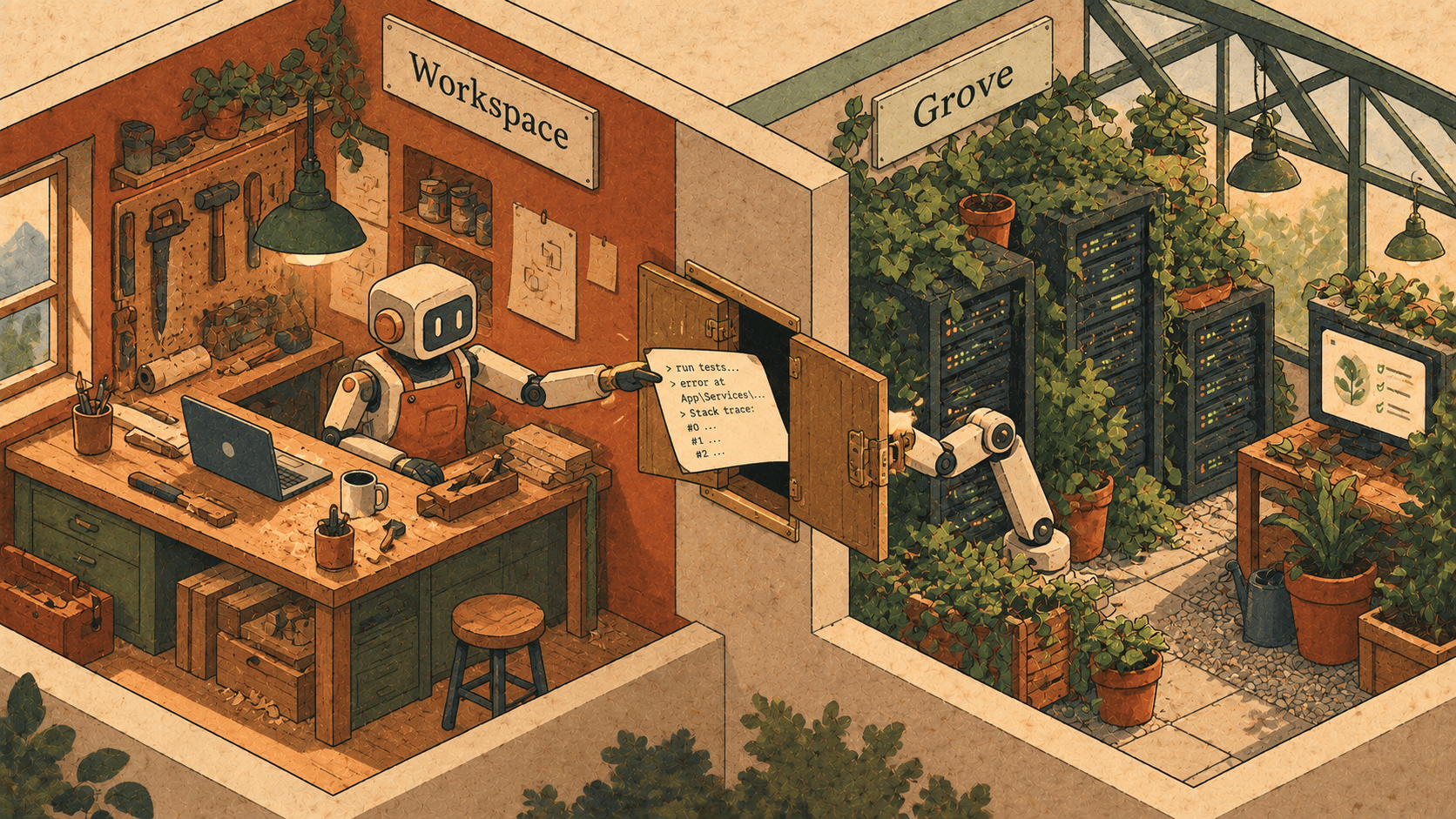
Here's a conversation you've probably had with a coding agent.
"The checkout page returns a 500."
"I'll take a look. Can you paste the error?"
So you alt-tab to a terminal, tail a log, find the stack trace, scroll past forty lines of framework internals, copy it, go back, paste it. Then the agent asks what the request looked like. And which query ran. And whether an email went out before it crashed.
The agent isn't being difficult. It just can't see what you can see. Workspace 0.5.0 fixes that for one particular setup: projects that run on Elyra Grove, our local development environment for Mac and Linux.
If you don't use Grove, nothing changes. Elyra asks the grove command line, from your PATH or ~/.grove/bin, and without it there's simply nothing to show.
Server errors in the same chip
Since 0.3 there's a chip above the message box when a local page in the Browser tab produces new errors: console.error, exceptions nothing caught, failed requests. One click, Add to message, and they're attached.
In 0.5.0 that chip also counts server errors: requests Grove recorded with a 5xx status since the thread was opened, from any browser. That matters. The page in the Browser tab doesn't even have to be open. If you hit the failing endpoint from your phone, from a test, or from a curl in another terminal, Grove saw it and the chip tells you.
Press Add to message and what's attached is Grove's explanation of each error (up to three): the request and its body, the SQL it ran, the mail it sent, and the error log with its stack trace.
So the paragraph you used to write becomes:
The checkout returns a 500. Fix it.
…and the agent already has the request, the query that ran just before, and the trace. Nobody pastes anything. Nobody asks "can you show me the query?"
Grove's tools, for the agent to use itself
Attaching an error is for when you noticed something. But sometimes the agent should go looking by itself.
In projects Grove runs as an app, agents now also get Grove's MCP server, next to the agent gateway. It's read-only, and it lets them look up sites, recent requests, request chains and explanations, logs, and the database schema.
Say you ask an agent to add a filter to an orders page, and it wants to know what the orders table looks like. Instead of guessing column names from a migration it half-remembers, it can look at the schema. Or it's debugging a slow page and wants the last few requests to that route. It can ask.
Two honest notes, because this is a feature about access:
It's on by default in those projects. Turn it off in Settings → Agents & MCP.
Anything an agent reads through these tools goes to that agent, under its own terms, like your messages and files do. We've said so in the privacy section of the page, because it's the sort of thing you'd want to know before you find out.
Grove in the Context tab
A smaller thing that you'll probably use more than the big ones. When Grove runs the project as an app (Laravel, PHP, or a proxied dev server, not a folder it only parks), the Context tab gets a Grove box showing:
the app's address, such as
https://shop.test, which opens in the thread's browser. The Browser tab's start page offers it too.whether
grove devis running the app's dev processes (Vite, queue worker…), with Start and Stop buttons.how many mails Grove has caught, when there are any.
So the loop for a web app becomes: start a thread, press Start on the dev processes, click the address, and you're looking at your app next to the conversation. No terminal tab to remember. And when the agent changes the signup flow and an email goes out, the mail count ticks up.
Local MCP commands, and a new theme
Two more, briefly:
MCP servers given to agents can now be local commands, not only HTTP servers. That's what makes Grove's tools possible, and it's there for anything else you want to hand an agent.
A Material theme, after Material Theme for VS Code: blue-grey surfaces, the Material colours and a teal accent. It's under Settings → Appearance, and the terminal colours follow it.
Why Grove, and why now
We build both. Grove runs your apps locally; Workspace runs your agents. For a while the two knew nothing about each other, and you were the integration: you carried errors, addresses and schema between windows.
That's the thing we want to stop asking of you. The agent works in Workspace, the app runs in Grove, and the facts about what happened live in Grove. Letting one read the other, read-only, and only when you've said so, felt like the right first step.
Try it
Workspace 0.5.0 is out now. If you already have it, the app updates itself: it checks GitHub at launch and installs a new build only if the checksum matches, it's signed by the same Developer ID team as your copy, and Gatekeeper accepts it. If agents are still working, you can have it restart when they finish.
New here? It's a signed, notarized DMG for macOS 12 or later on Apple silicon, free and open source. Download it at elyracode.com/workspace, and see the full notes at elyracode.com/docs/workspace/changelog.