Speaking ClickHouse's Own Language
A cozy look at Elyra Conductor 0.4.2 — ClickHouse joins the database browser, over its native protocol. Why we went the harder route, and how it works.
Most features arrive quietly. This one arrived as a good, sharp question.
We'd just shipped PostgreSQL support, and the natural next step was ClickHouse. My first sketch reached for the easy path: ClickHouse has an HTTP interface, you can POST a query and get JSON back, done by lunch. And the answer came back, gently but firmly: "ClickHouse over HTTP is not what I want."
Fair. So let's talk about why that instinct was right, and what it took to honor it.
The question hiding inside the question
There was a second thread in that conversation, and it's worth pulling on: "why can't we just use the Laravel ClickHouse driver the project already has?"
It's a completely reasonable thing to expect. The project's right there. Its .env knows the connection. Its composer.json has a driver. Why reinvent it?
Because Conductor isn't a PHP process. It's a compiled Rust app. When the database browser connects, it isn't running your Laravel code or loading Composer packages — it can't, any more than your terminal app can "borrow" your project's npm modules. It reads the values from .env (host, port, user, password, database) and then it has to speak the database's wire protocol itself, from Rust.
That's the same reason MySQL and Postgres support uses Rust clients, not PDO. So the real choice was never "Rust vs. the Laravel driver." It was "which way should Rust talk to ClickHouse" — and there were two honest options.
HTTP vs. native — and why native won
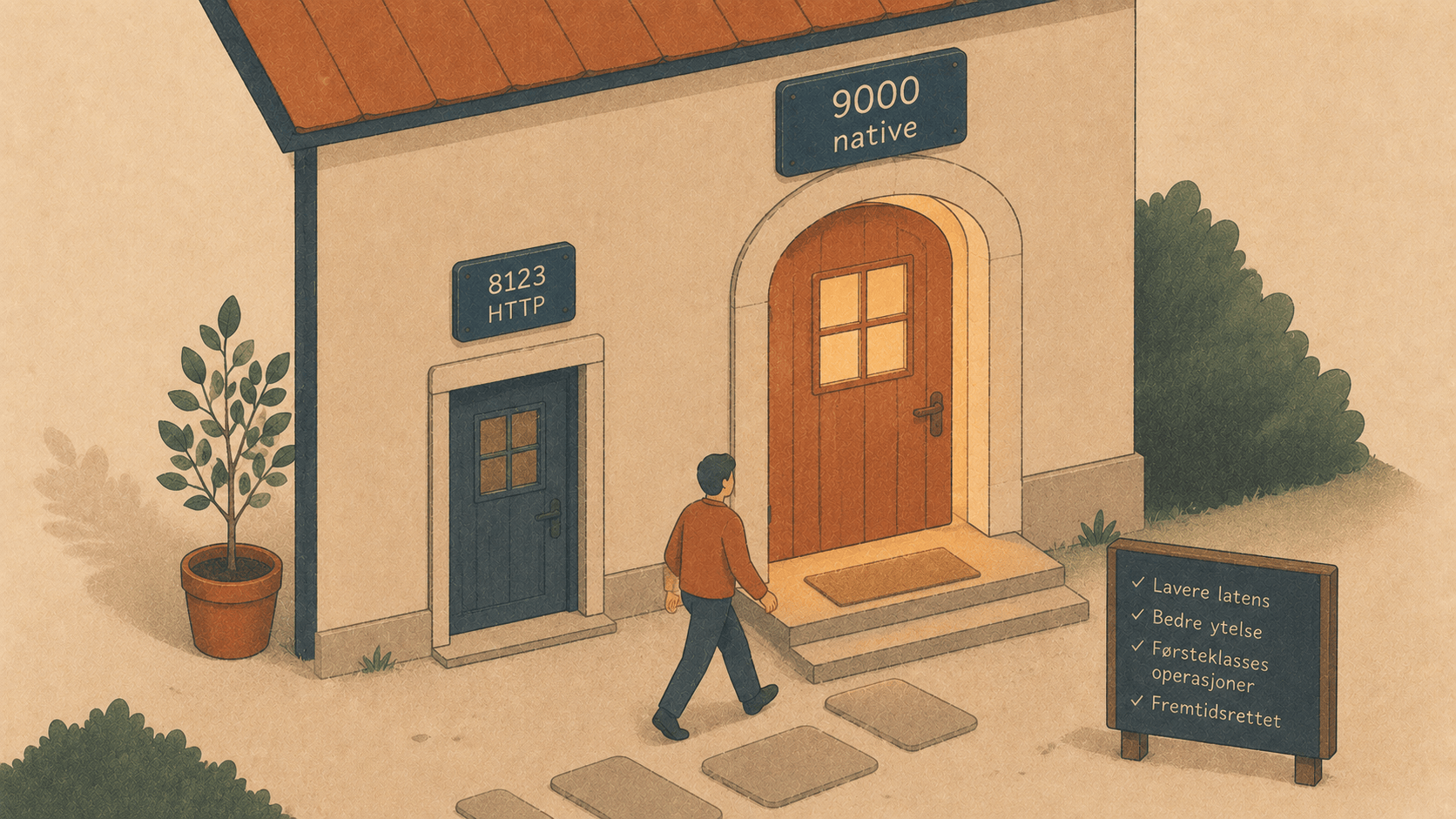
ClickHouse exposes two doors:
HTTP (port 8123) — simple, universal, server renders the values for you. Genuinely fine; lots of tools use it.
Native TCP (port 9000) — the binary protocol
clickhouse-clientitself speaks. Lower overhead, and the one most people mean when they say "connect to ClickHouse."
The preference for native wasn't fussiness. It's the protocol your ClickHouse setup is most likely to expose and trust, the one your existing connection details point at, the one that behaves like the CLI you already know. HTTP would've been a connection; native is the connection.
So 0.4.2 talks to ClickHouse on port 9000, native protocol, via the Rust klickhouse crate. No HTTP.
The hard part, and the trick that made it easy
Here's the catch with native protocol: HTTP lets the server turn values into text for you. Native hands you binary, and the client has to make sense of it — across ClickHouse's enormous type zoo: Int256, UInt128, Decimal64, DateTime64, UUID, Enum16, Array, Tuple, Map, IPv6… A database browser that only handles int and string is a toy.
Two things made this tractable.
A dynamic row reader. A generic browser can't know your columns at compile time. The klickhouse crate has a Row trait whose deserialize step hands you (name, type, value) for each cell — so a tiny custom row type captures any result without a predefined struct:
struct ChRow { cells: Vec<(String, Value)> }
// deserialize_row(map) -> keep (name, value) for every column
Value already knows how to print itself. The crate's Value enum — every ClickHouse type — implements Display with ClickHouse-style formatting. So turning any cell into grid text is almost nothing:
match v {
    Value::Null => None,
    other       => Some(other.to_string()),
}
A Decimal64(2, 1995) prints as 19.95. An Array(['a','b']) prints as ['a','b']. A DateTime64 prints as a timestamp. We didn't have to hand-format the type zoo — the crate did.
One more bit of plumbing: klickhouse is async, and Conductor's database commands are synchronous. Tauri already carries a Tokio runtime, so each query just does a block_on — the async machinery stays invisible.
How it feels
Open the DB panel, Manual connection…, pick ClickHouse (the port snaps to 9000), fill in host/user/password/database, Connect. From there it's the same browser you already know:
The table list (
SHOW TABLES) in the side panel.Click a table → full-window grid with sort, per-column filters, and paging.
A query tab for the analytical questions ClickHouse is built for:
SELECT toStartOfHour(ts) AS hour, count() AS hits
FROM events
WHERE ts >= now() - INTERVAL 1 DAY
GROUP BY hour ORDER BY hour;
Structure (
DESCRIBE TABLE) to see column types and spot theNullable(...)ones.⤓ Excel to hand a result to someone who lives in spreadsheets.
The one honest "no"
ClickHouse tabs are read-only — no inline cell editing. That's not laziness; it's respect for what ClickHouse is. It's a columnar analytics engine, not an OLTP row store — you don't double-click a cell and UPDATE one row; you ALTER … UPDATE as a background mutation. So rather than pretend, Conductor simply detects there's no primary key to edit against and keeps those tabs to what they're good at: reading, querying, exporting. A tool that knows its own limits is a tool you can trust.
The throughline
The easy version of this feature would have worked. But "works" and "right" aren't the same word. The right version speaks the protocol your ClickHouse actually expects, handles its full type system honestly, and declines to fake an editing model that doesn't fit.
That's the quiet promise underneath all of Conductor: it's a tool, and a tool should be honest — about how it connects, what it shows, and what it won't pretend to do. It reads your .env, speaks the database's own language, and never once reaches for a model.
Four engines now — MySQL, PostgreSQL, ClickHouse, SQLite — all in the same panel, all a click from the project you're already in. Open one. Ask it something. Stay right where you are. 🪵🔥
Elyra Conductor 0.4.2 adds ClickHouse to the database browser over the native protocol (port 9000), with auto-update built in. Conductor is a Rust app that reads your .env and speaks each database's wire protocol directly — it connects, queries, and exports, and it never reasons.