Your Terminal Has Amnesia. We Gave It a Memory
Terminals forget everything the moment you close them. Elyra Conductor v0.8.1 persists every command — the real command line, exit code, duration, and a tail of output — to a tiny local SQLite database, then makes it searchable across every session. Find that fix from three weeks ago by searching the symptom you remember, not the command you forgot.
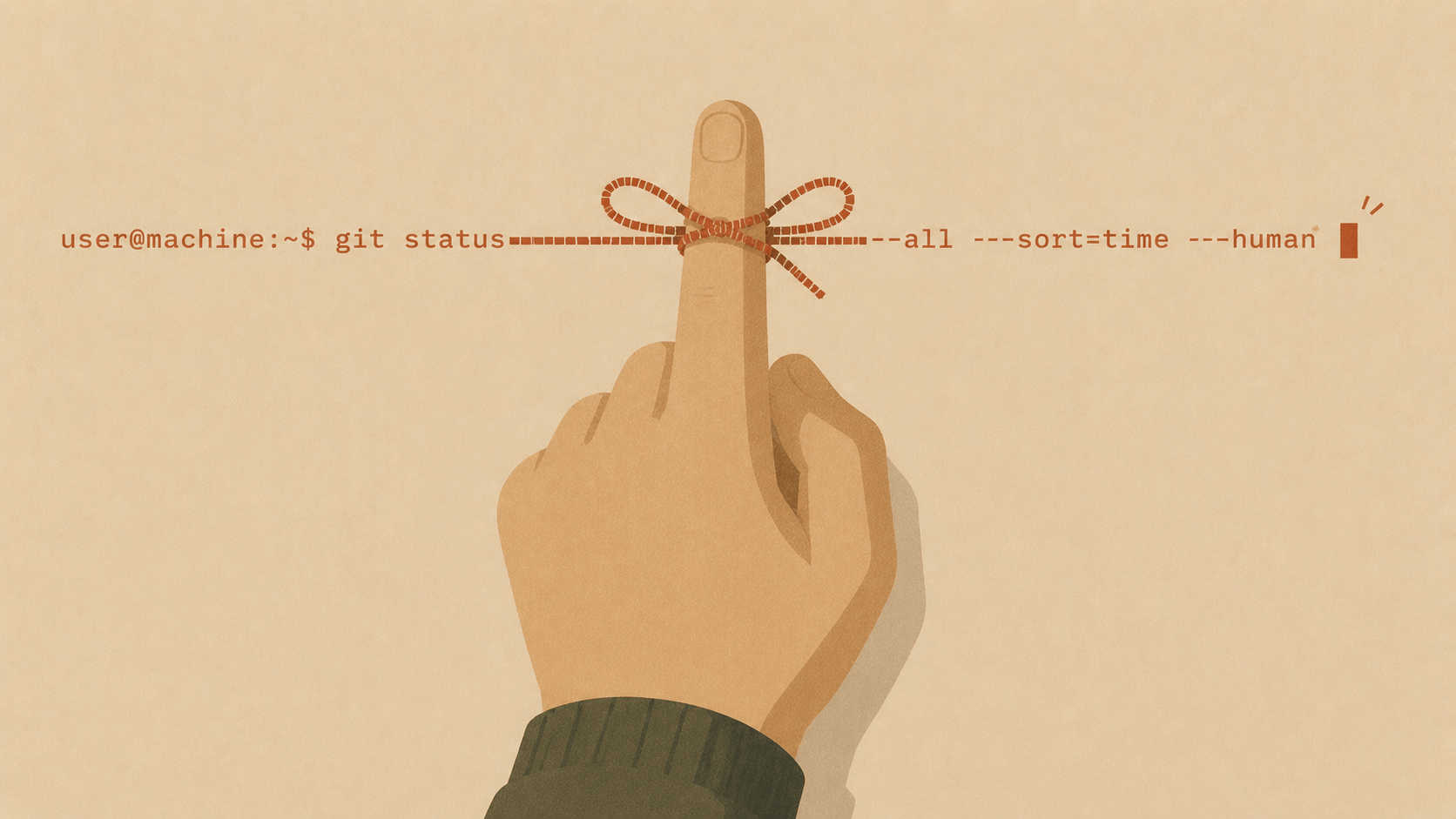
Quick quiz: how did you fix that gnarly build error three weeks ago? You remember that you fixed it. You remember the feeling of relief. But the actual command — the flag, the cache you cleared, the env var you set? Gone. So you google it again, or you re-derive it from scratch, paying the same tax a second time.
Terminals are weirdly amnesiac for tools we live inside all day. They keep a scrollback buffer until you close the window, and then — nothing. Every session starts from zero. Elyra Conductor v0.8.1 is a small release with one quietly large idea: the work you do should be remembered, so you can find it, search it, and learn from it.
From flight recorder to long-term memory
Conductor already had a command timeline — a "flight recorder" showing what ran in each pane, the exit code, and how long it took. It was genuinely useful, but it had the terminal's amnesia: close the app, and the timeline reset.
The shift in 0.8.1 is that every command is now persisted. When shell integration is on (more on that in a second), each finished command — the real command line, its exit code, how long it took, and a tail of its output — is written to a small local SQLite database.
The mechanics are deliberately boring, which is how you want your data layer:
CREATE TABLE commands (
  id INTEGER PRIMARY KEY,
  ts INTEGER, project_path TEXT, command TEXT,
  exit_code INTEGER, duration INTEGER, output TEXT
);
A few hundred bytes per command. No service, no cloud, no telemetry — a file on your disk that you can delete anytime.
The payoff: "how did I fix this last time?"
A memory you can't query is just a hoard. So the timeline gained a search box, and crucially it searches across every session, not just today — and it matches both the command and its captured output.
That second part is the whole trick. You rarely remember the command you need; you remember the symptom. So you search the symptom:
Search notarization → the session from three weeks ago surfaces, with the exact
sequence of commands that got the build through Apple's notary service.
Because the output is indexed too, an error message you half-remember is enough to find the fix you fully forgot. The terminal stops being a place where solutions evaporate.
Insights: where did today actually go?
Once you've got structured history, you can ask it questions you could never answer before. The timeline now has an Insights tab that aggregates your history over Today / 7 days / All time:
You ran 84 commands · 6 failed · spent 31 min waiting.
Where the time went
pnpm build — 41× · avg 34s · 23 min
pnpm test  — 12× · avg 18s · 3 min
git push   —  9× · avg  4s · 38s
That first line is a gut-punch in the best way. Twenty-three minutes waiting on the same build, forty-one times. Suddenly "today felt slow" has a number and a culprit, and "maybe I should cache that build step" becomes an obvious, justified afternoon. It's plain SQL aggregation over data you were already generating — no new plumbing, just finally asking.
The decision that ties it together: on by default
Here's the honest tension. All of this — the timeline, the persistent history, the insights, and the "Fix it" handoff from earlier releases — depends on shell integration: a small zsh shim that emits the markers Conductor reads to know the real command and exit code.
It had been opt-in, tucked away in the command palette. Which meant the features it powered were, for most people, quietly inert. You'd open the timeline and see process names like git and php instead of real commands, and never know what you were missing.
So in 0.8.1 we flipped it: shell integration is on by default. It's transparent — it sources your own .zshenv/.zshrc so your prompt, aliases, and instant-prompt setup are untouched — and if you'd explicitly turned it off before, that choice is still honored. But for everyone else, the memory now works out of the box, the moment you open a terminal.
It's a small philosophical call with a big effect: a feature that's off by default mostly doesn't exist. If we believe the memory is worth having, it should be on.
Why a "small" release matters
v0.8.1 doesn't add a flashy new panel. It takes something ephemeral — your command history — and makes it durable, searchable, and legible. That's the unglamorous kind of work that compounds: the same SQLite table is now the foundation for things still to come, like "you've run this exact three-command sequence four times this week — save it as a runbook?"
The terminal forgetting everything the moment you close it always felt normal, the way the terminal lacking color once felt normal. It isn't a law of nature. It's just a default nobody questioned.
Now your terminal remembers. Go ask it how you fixed that thing.
Elyra Conductor v0.8.1 is out now. Existing installs will offer the update automatically — release notes included.