One day, eight releases: Elyra Workspace learns where its code came from
Eight Workspace releases in one day, from 1.5.0 to 1.11.0, all built on one record: which instruction wrote which lines.
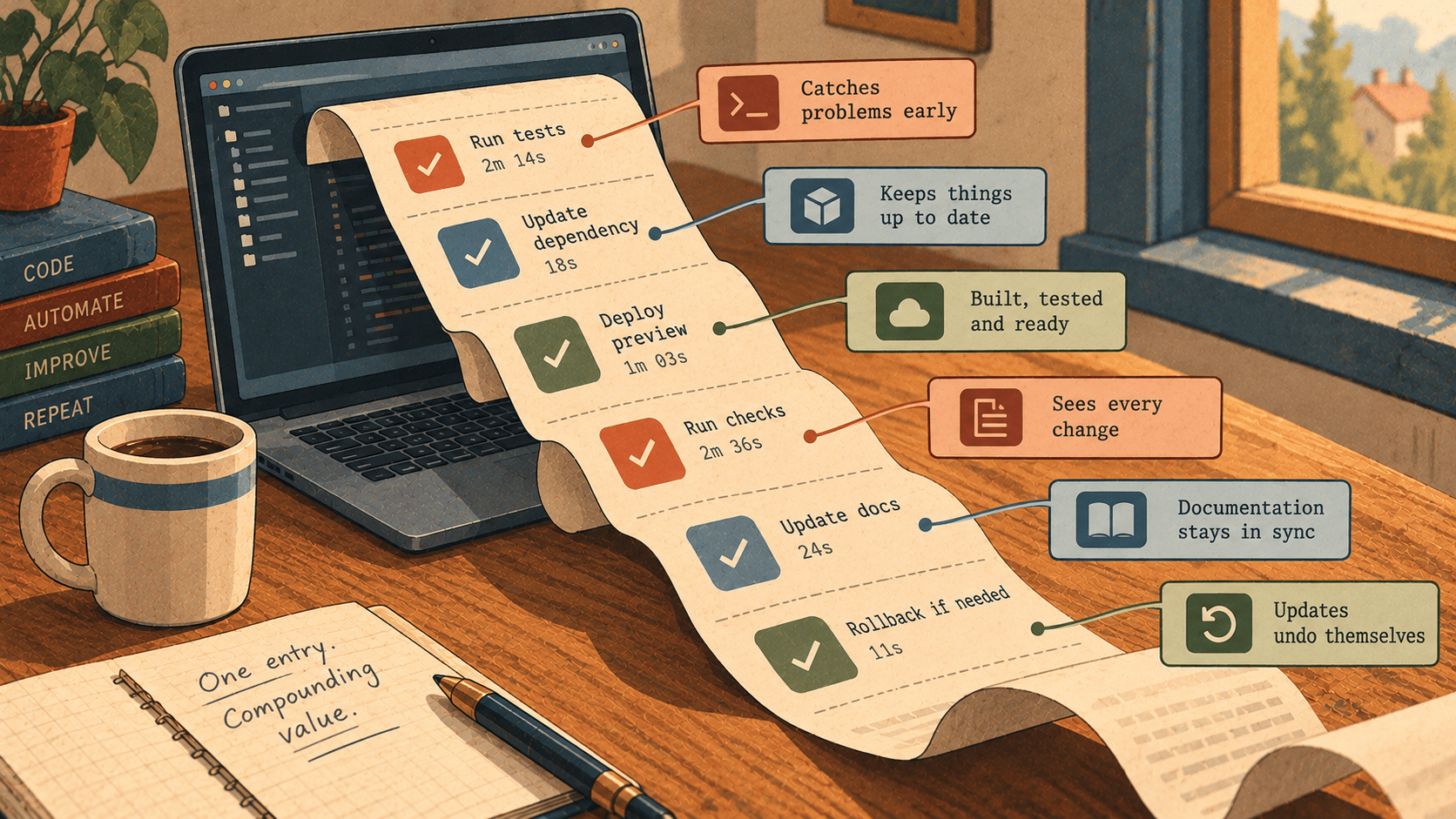
Today we shipped Elyra Workspace eight times, from 1.5.0 in the morning to 1.11.0 after lunch. That sounds like a lot. It isn't really eight separate stories, though. It's one idea, followed all the way through.
Since 1.3.0, Workspace has quietly kept a record. After every turn it notes which lines the turn added, and which message and thread they came from. It does this for every agent, even when the agent committed on its own. Until today that record mostly answered one question: who wrote this line?
Today it started answering better ones: What does this branch actually do? Which instruction broke the build? Can I take back just that one request? Why is this side of the conflict here at all?
Here's what changed, why, and what it looks like in practice.
1. See what the agent is carrying (1.5.0)
Why. An agent reads its whole context again on every call it makes. One huge tool result, say a log a command printed, gets paid for on every step after it, until the conversation is compacted. You couldn't see that before. Now you can.
How. The Context tab now opens with what fills the context window:
the agent's own setup
your messages
the agent's replies
tool calls
tool results
Each part comes with its size, its share and roughly what carrying it cost in the last turn. Largest lists the biggest single entries, and a click scrolls the conversation to one. When a single tool result takes up a large part, a hint tells you. Compact and Clear are right there. Click the context meter under the message box to open the tab.
✏️ Illustration: you asked the agent to run the full test suite with verbose output, and three turns later everything feels slow and expensive. Open the Context tab and the culprit is at the top of Largest. Compact, and carry on.
2. Every agent gets the same setup (1.5.0, 1.5.1)
Why. "Write instructions once and every agent follows them" was not quite true. Gemini CLI, Cursor Agent, OpenCode and the other ACP agents never received the project instructions, debug mode or the shared skills. ACP has no system prompt to put them in.
How.
ACP agents: since 1.5.0 the instructions lead the first message of each new session.
Side chats and forks: they now start their own session instead of writing into the main thread's.
Plan only: Elyra refuses an ACP agent's requests to write files.
Gemini CLI: since 1.5.1, in a project without a
GEMINI.md, Gemini threads also get the project'sAGENTS.md(orCLAUDE.md), unless your Gemini settings already name a file.Skills:
.gemini/skillsis shared alongside.claude/skillsand.agents/skills. Each agent only gets the skills it doesn't already find on its own.
📘 From the docs: Claude Code finds
.claude/skills, Gemini CLI finds.gemini/skillsand.agents/skills, and the other agents get them all.
3. Find it again (1.6.0, 1.7.0)
Why. The best documentation of how your project got the way it is often sits in old threads, in what was asked, what was tried and what the tools printed. And in a large codebase, "where is that function?" shouldn't take a grep.
How.
<kbd>⌥</kbd><kbd>⌘</kbd><kbd>F</kbd> searches every thread at once: your messages, the replies, tool calls and the start of each tool's output. Every word must occur and matches the start of a word, case and accents don't matter, and double quotes give an exact phrase. Hits come best first, grouped by thread. Agents can search the same way with the gateway's
search_threadstool.<kbd>⌘</kbd><kbd>T</kbd>, Go to symbol, jumps to a function, method, class, type or module by name. It uses the same symbol index the agents use.
📘 From the docs:
deployalso findsdeploymentanddeployed."rounding error"finds that exact phrase.updtotfindsupdate_totals, and an exact name comes first.
1.7.0 is also simply faster. The thread draws only the rows in view, so a thread with thousands of entries scrolls like a short one. While an agent writes, only its own thread redraws.
4. A branch, told as a story (1.8.0, 1.11.0)
Why. A diff tells you what changed. When three agents and five instructions went into a branch, what you really want to know is why.
How.
Grouped by instruction: since 1.8.0 the PR tab groups everything a branch adds by the instruction behind it. You see the thread, the agent, the files, whether the checks passed afterwards, what it cost and how many lines nobody has read. Lines no agent wrote come last.
From instructions writes the pull request title and description without a model. The instruction behind the most lines becomes the title, and the description has one section per instruction.
Review step by step (1.11.0) walks the branch one instruction at a time, oldest first. Each step shows what was asked, what the agent said it did, and the lines it wrote, with a dot on the unread ones. Mark as read and next moves you along.
✏️ Illustration: on Friday afternoon you review a branch where Claude Code built a checkout flow and Codex fixed rounding in the totals. You don't get one long diff. You get two steps, each with the request that started it and the agent's own account of what it did.
5. When it breaks: who, and how often (1.9.0)
Why. Failing checks don't always come from the last turn. They may come from another thread, another agent, or something from hours ago.
How. Who broke it? on a Checks failed card finds the instruction that made the checks fail. Every turn already has a snapshot taken before it. Workspace runs the checks against those snapshots in a temporary copy next to the project, up to 40 turns back, halving the range until it finds the turn. Your working folder is not touched. The card names the message, thread and agent, and Send the failure there asks that thread to fix its own mistake.
📘 From the docs: thirty turns take about seven runs.
And because Workspace now knows which checks passed after which instruction, Usage statistics can tell you how each agent and model does on your code: green on the first try, green in the end, fixes each and cost each.
📘 From the docs: a new thread can show a line like Checks green on the first try in shop: Codex 9 of 10 ($0.12 each), Claude Code 7 of 10 ($0.40 each).
6. Take back one instruction, not everything after it (1.10.0)
Why. Restore files takes the whole folder back, and everything after that point goes with it. Often you only want to undo one request.
How. Since 1.10.0, Workspace also takes a snapshot when each turn ends, so it knows exactly what a single message changed.
Undo this instruction, the arrow next to Restore files, takes back only that: its edits go, files it created are removed and files it deleted come back.
What came after stays, even in the same files, as long as the changes don't touch the same lines.
Files that don't merge cleanly are left as they are. Ask the agent to finish hands those to the agent, and Put it back restores the undone changes.
✏️ Illustration: you asked for "add a CSV export" and then "tidy up the controller". The export turned out to be a bad idea. Undo the first instruction and the tidy-up stays.
7. Merge conflicts that know why (1.11.0)
Why. A merge conflict shows you two blocks of text. It doesn't tell you what each side was for, so resolving one often means picking a side and losing an intention.
How. When a merge, a pull or Use this one in Best of N leaves conflicts, Resolve, knowing why puts a message for the agent in the message box. It contains each conflict, both sides, and the instruction behind each side. The agent then resolves it so that what both sides were asked to do still holds. You read the message, add to it if you like, and send it. Agents can ask for the same with conflict_context.
Why this matters
Most of these features use no extra model and no extra service. They all come from one record that Workspace was already keeping on your Mac, in its own database, with nothing added to your commits. Once you know which instruction wrote which lines, a lot of hard questions turn into simple lookups:
reviewing
describing a pull request
finding a regression
undoing a mistake
resolving a conflict
That's the real story of today: not eight features, but one record that keeps paying off.
Upgrading: Workspace updates itself. If you're on 1.2.0 or earlier, install the disk image from elyracode.com/workspace by hand, once. The full details are in the changelog.