Elyra Workspace 1.1: agents that test what they built, and find you when they need you
Workspace 1.1 is about what happens after you trust the window: saved browser journeys, a stronger model for the second fix, a summary when you come back, and answers from your phone.
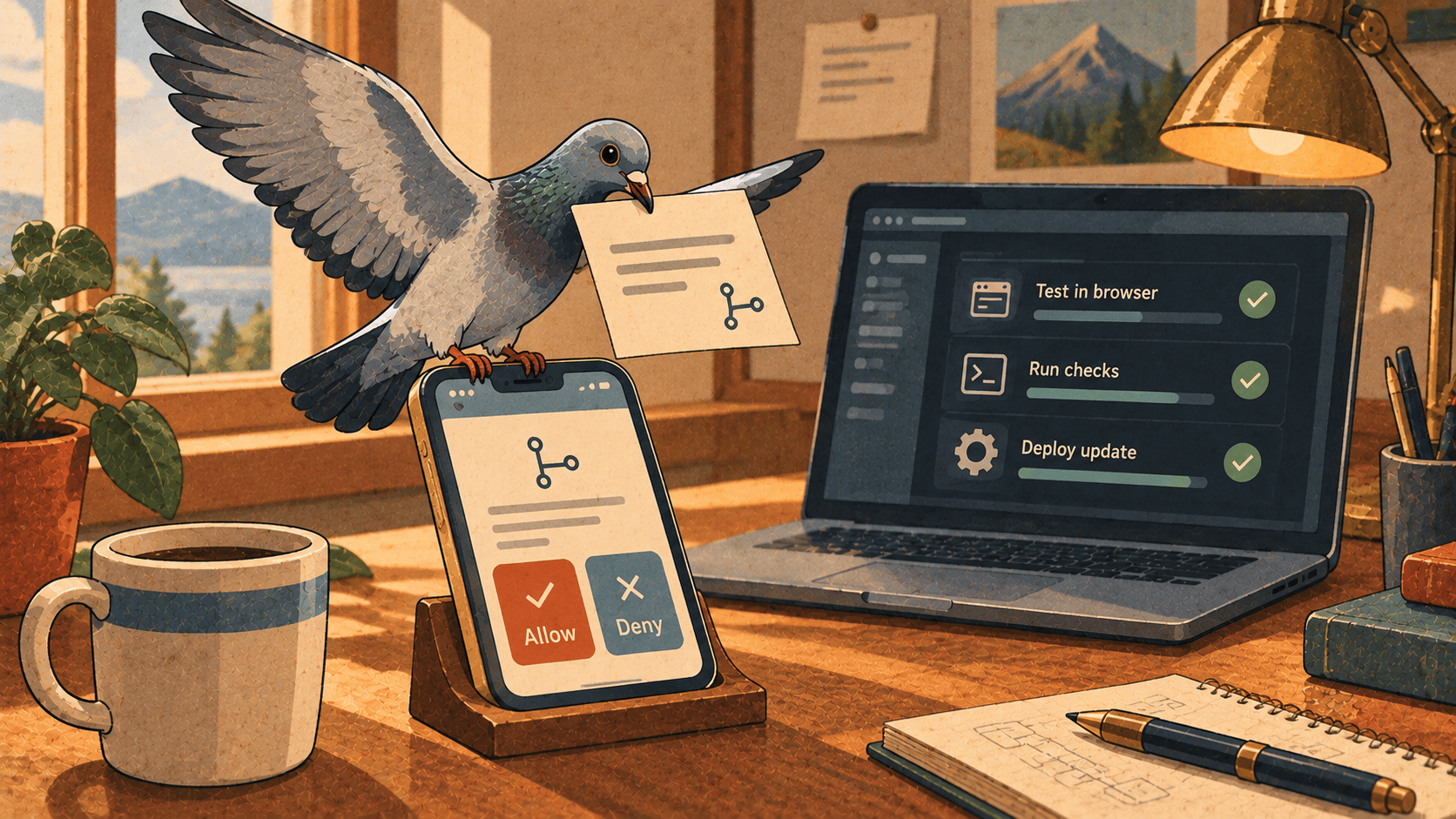
Last time, with 1.0, we said a version number is a promise. This release is about what happens after you trust the window: what the agent does when it thinks it's done, and what happens when you're not there to see it.
Both come down to one question. How do you know it worked, and how do you find out if it didn't?
"The tests pass, but did the search box actually work?"
Passing tests tell you the code does what the tests expect. They don't tell you the button moved, the checkout needs a click nobody tested, or the flow still works after the next change. Most of us don't have browser tests for every flow, because writing them is tedious, and they're the first thing to go when a deadline appears.
Workspace already let agents use a local page: open it, click, fill in fields, press keys, wait for something to appear. In 1.1, what they did becomes something you can keep.
An agent that tried a flow can save it as a journey. You just ask:
Try the checkout with the code SUMMER and save it as a journey.
The agent saves the steps it just took in .elyra/journeys/<name>.json in your project: open a page, click, fill in, press, wait, plus what must be on the page when it works. It's a small JSON file you can read, edit and commit with the code.
From there it works like a test you never had to write:
Replay by hand. The Context tab lists the project's journeys. ▶ replays one in the thread's browser, Run all replays every one. Journey passed or Journey failed, with the step and why, appears in the conversation.
Replay after each turn. Switch it on in the Context tab, and after every turn that changed files, and after the checks passed, the journeys run. A broken flow goes back to the agent like a failing check, with the same number of automatic fixes.
Imagine Freddy (our example developer, from the course) changing the search box on Tuesday. On Friday, an agent fixes something unrelated in the same component. Without anyone asking, the search journey replays, notices the results list no longer appears, and sends that to the agent the way a failing test would. The changelog puts it plainly: UI regressions get caught without anyone writing browser tests.
A few honest limits, all from the docs:
It needs the dev server running and the window open.
A journey saved on
shop.testalso runs on a worktree's own site, so parallel threads can replay the same flows.Replaying clicks and types in the page, so an agent asks first unless the thread is in Full access. And agents only use pages served from your own Mac, never read password fields, and can't run their own scripts in the page.
A journey checks what you said must be on the page. It doesn't judge whether the page looks right. That's still your eyes.
"The first fix didn't work. Now what?"
Since 0.10, a project can have a check command, and when it fails, the failure goes back to the agent for an automatic fix. Journeys use the same mechanism. The problem is that if the first attempt didn't work, a second attempt by the same model, with the same effort, often doesn't either.
In 1.1, the second fix gets a stronger model. When the checks or journeys still fail after a first automatic fix, the next one gets the agent's escalation model (Settings → Providers, for example opus) and its highest effort. Then the thread goes back to its own model. If you haven't set an escalation model, only the effort goes up.
A cheap model for the easy turns, a strong one when it counts. Say the thread runs on a fast model. The first fix is an obvious typo, and it handles it. If the journey still fails after that, you only pay the strong model's price for the turn that needed it, not for the whole afternoon.
"Which of the three attempts is the good one?"
Best of N gives one task to several agents, each with its own thread and worktree. Until now, comparing them meant opening each and reading. In 1.1, the comparison shows whether each candidate's checks and journeys passed, and recommends one, with a reason: green first, then the smallest change, then the lowest cost.
It's advice, and you pick. But the reasoning is the right one: a green candidate that changes eight lines beats a green one that changes eighty, and a cheap one beats an expensive one when everything else is equal. Use this one then brings that candidate's changes into your project, staged, not committed, so you review them first.
"What happened while I was away?"
Come back to the window after ten minutes or more, and a summary is waiting. It shows what the threads did in the meantime: what needs you (an approval, a question, a proposed rule or automation), what failed (the turn, the checks, a journey), what finished, and what is still working, each with a line about it and what it cost. Click a row to open the thread. While you were away… in the command palette shows it again.
It's the page you want at nine in the morning after a night of automations. One list, sorted by whether it needs you, with the cost of the night in the same place.
"Can I answer from my phone?"
This is the one that changes your day. Turn on Settings → General → Phone, and threads that need you or finish while Workspace isn't the active app push to your phone through ntfy. It works for every thread, including those started by an automation or Félagi.
The pushes have buttons:
An approval has Allow, Always and Deny.
A yes/no question has Yes and No.
A question with up to three options gets a button each.
The answer goes straight to the agent. To answer in your own words, publish to the topic followed by -reply, and the text answers the open question, or goes to the last thread as a message.
Picture the walk to the train. A push says the agent has a question: two ways to handle a migration. You tap one. Ten minutes later, another says the thread finished, and since finished means the checks passed, you don't need to go back and look.
Two honest notes, both from the docs:
It's off by default, and it works through the ntfy server, so the Mac needs no incoming connection. But pushes and answers pass through that server, so use your own for privacy.
Anyone who knows the topic can read the pushes and answer them. Workspace makes the topic for you, as a long random name, so keep it private. Remember too that Allow on a phone is the same decision as at the desk.
"I keep correcting it about the same thing"
Every team has one: "no, we always validate with Form Requests." You say it in one thread, and next week you say it again in another.
Now, when you correct an agent, it can propose the correction as a rule, a card in the thread with the rule and what taught it. One click on Add to AGENTS.md puts it under Learned rules in the repository's AGENTS.md (or CLAUDE.md, if that's what the project has), so every agent and your team get it. Commit it with your changes. Add to project instructions keeps it in Workspace only, and Dismiss drops it.
The choice is a choice about who the rule is for. A convention the team follows belongs in the repository. A personal preference belongs in Workspace.
Why this release
1.0 was about being able to leave. 1.1 is about what you find when you're back, or what finds you while you're out:
The agent tries the flow, and the flow is kept and replayed.
A failure that survives one fix gets the stronger model.
The best candidate is recommended, with a reason.
What happened is summarized, and what needs you reaches your phone.
Corrections stop being repeated, and become rules.
None of it makes the agent cleverer. It makes the work visible, checked, and hard to lose.
Try it
If you already have Workspace, it updates itself: it checks GitHub at launch, and installs only if the checksum matches, the signature is the same Developer ID team, and Gatekeeper accepts it. And if a new version ever fails to start twice, it goes back to the previous one by itself.
New here? Download it at elyracode.com/workspace. There's also a full course, Freddy Learning Elyra Workspace, at elyracode.com/courses, and the release notes are at elyracode.com/docs/workspace/changelog.