Tidy Up: Elyra 0.9.27
A housekeeping release. /ext now uninstalls as easily as it installs — space marks the change, enter applies it — and the new elyra doctor resources command finds the Elyra sessions you started three days ago and forgot about, child processes and all.
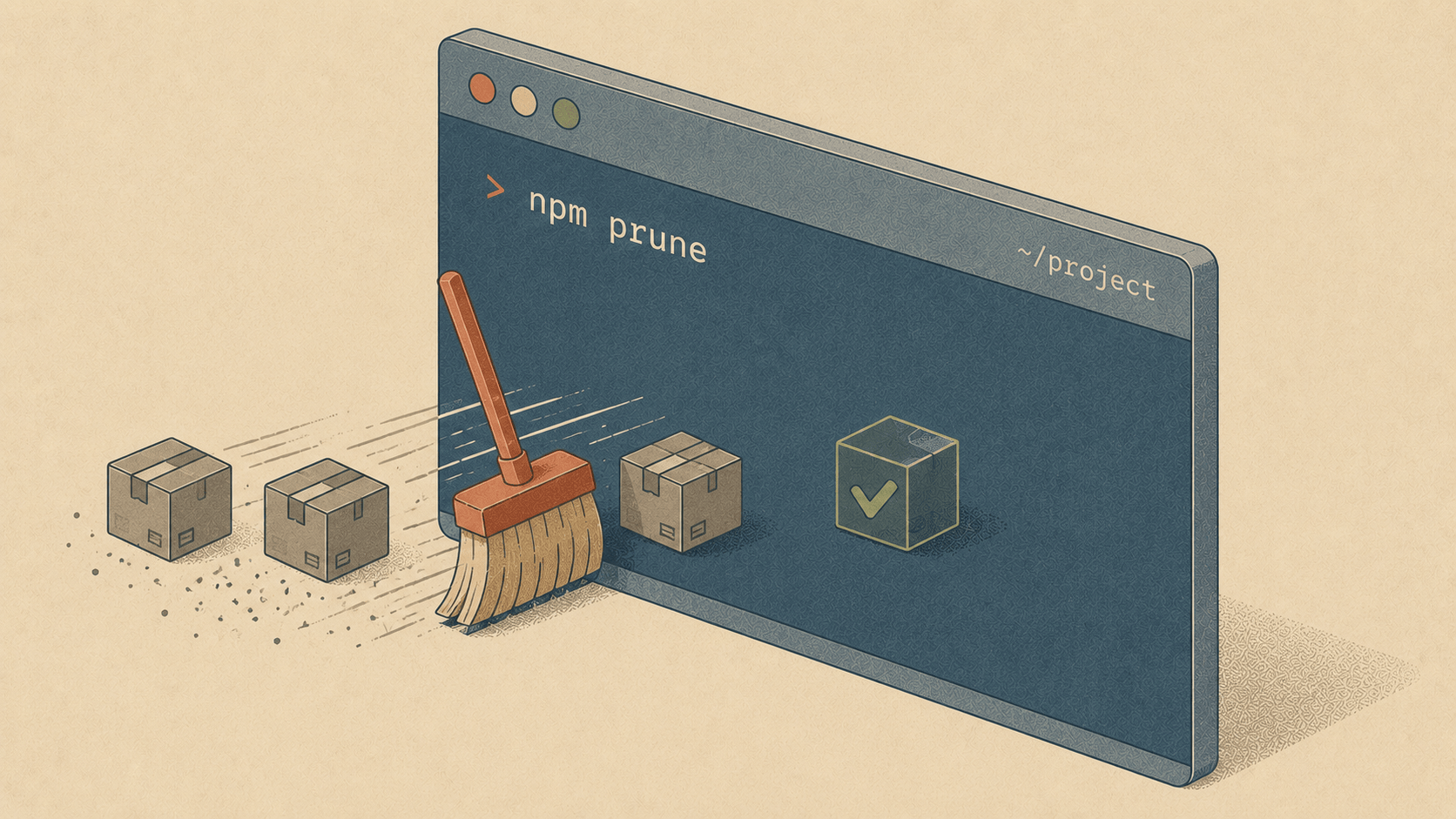
Some releases add shiny new powers. This one is about something humbler — and honestly, just as satisfying: cleaning up after yourself. Elyra 0.9.27 makes it easy to remove extensions you no longer need, and to find those Elyra sessions you started last Tuesday and forgot about.
Why this release
Two small confessions inspired this version.
First: installing extensions in Elyra has always been a joy. Open /ext, mark a few packages, hit enter, done. But removing one? That meant leaving the session, remembering the exact package name, and typing elyra remove npm:@elyracode/... in another terminal. Installing was a browse; uninstalling was homework. Tools should be as easy to leave as they are to adopt — a stack you experimented with, an LSP for a language you no longer write, that presentation package from a one-off demo. If it takes friction to remove things, they simply never get removed.
Second: a few of you reported that your laptop battery seemed to drain faster with Elyra around. We took that seriously and measured. The good news: an idle Elyra uses essentially zero CPU. The real story: forgotten Elyra instances — sessions started in some tmux pane three days ago, each holding a few hundred megabytes, sometimes with a language server or a headless browser still attached. The problem wasn't Elyra working too hard. It was Elyra instances nobody remembered starting.
So 0.9.27 is a housekeeping release. Here's how the two pieces work.
Uninstall right from the extension browser
/ext now handles both directions. Installed extensions show a green ✓, and space toggles the change you want to make: on a package you don't have, it marks [x] for install. On one you do have, it marks [-] (in red) for removal. Then enter applies everything in one pass.
Extensions  (1 to install, 2 to remove)
[ ]   stack-tall      TALL: Livewire 4, Flux UI, Alpine.js, Tailwind

→ [x]   lsp-rust        Rust LSP: go-to-definition, find-references, diagnostics
[-] ✓ anna            Presentations: Anna.js slides, terminal demos
[-] ✓ youtrack        YouTrack: issues, comments, tags, links, projects
[ ] ✓ laravel         Deep Laravel understanding: models, routes
↑↓ navigate  space mark install/remove  enter apply  esc cancel
✓ = installed · space marks [x] install / [-] remove · changes activate after /reload.
Hit enter and Elyra works through the queue with live progress — Installing @elyracode/lsp-rust (1/3)..., Removing @elyracode/anna (2/3)... — and gives you one combined summary at the end:
Installed @elyracode/lsp-rust. Removed @elyracode/anna, @elyracode/youtrack.
Run /reload to apply the changes.
One mental model: space marks the change you want, enter applies it. Escape still cancels mid-queue if you change your mind, and pressing enter with nothing marked installs the highlighted package, exactly as before. No new keybindings to learn.
Find your forgotten sessions
The new elyra doctor resources command answers the question "wait, how many Elyras do I have running right now?" — including their child processes, because a language server or headless Chromium spawned by a session counts against your memory, not some abstract cloud.
$ elyra doctor resources
Running Elyra instances:
PID 48213   up 2h 14m     CPU 3m 12s    mem 310 MB
└─ intelephense (PHP LSP)             mem 145 MB
PID 17902   up 3d 6h      CPU 1m 44s    mem 288 MB   ⚠ looks forgotten
└─ chromium (headless)                mem 412 MB
PID 51338   up 12m        CPU 22s       mem 295 MB
⚠ 1 instance has been running for over a day and holds significant memory.
If you no longer need it:  kill 17902
Instances that have been running for over a day while holding a lot of memory get flagged, with a ready-to-paste kill hint. No magic, no automatic termination — just visibility. In our experience, seeing the list once is enough to make the habit stick.
And to put the battery question to rest: we measured idle CPU before building this, and it's clean. Memory held by forgotten sessions was the real cost — which is exactly what this command surfaces.
Get it
elyra update
Or, if you're starting fresh:
npm install -g @elyracode/coding-agent
Then open /ext, admire your ✓ markers — and maybe mark a [-] or two. Your RAM will thank you.