Elyra 0.9.54: An Agent That Asks for Help, Remembers, and Asks Before It Writes
Elyra 0.9.54 adds a built-in oracle for second opinions, sessions that can find and read each other, commit trailers that lead back to the conversation, /handoff, and a safer approval rule for headless mode.
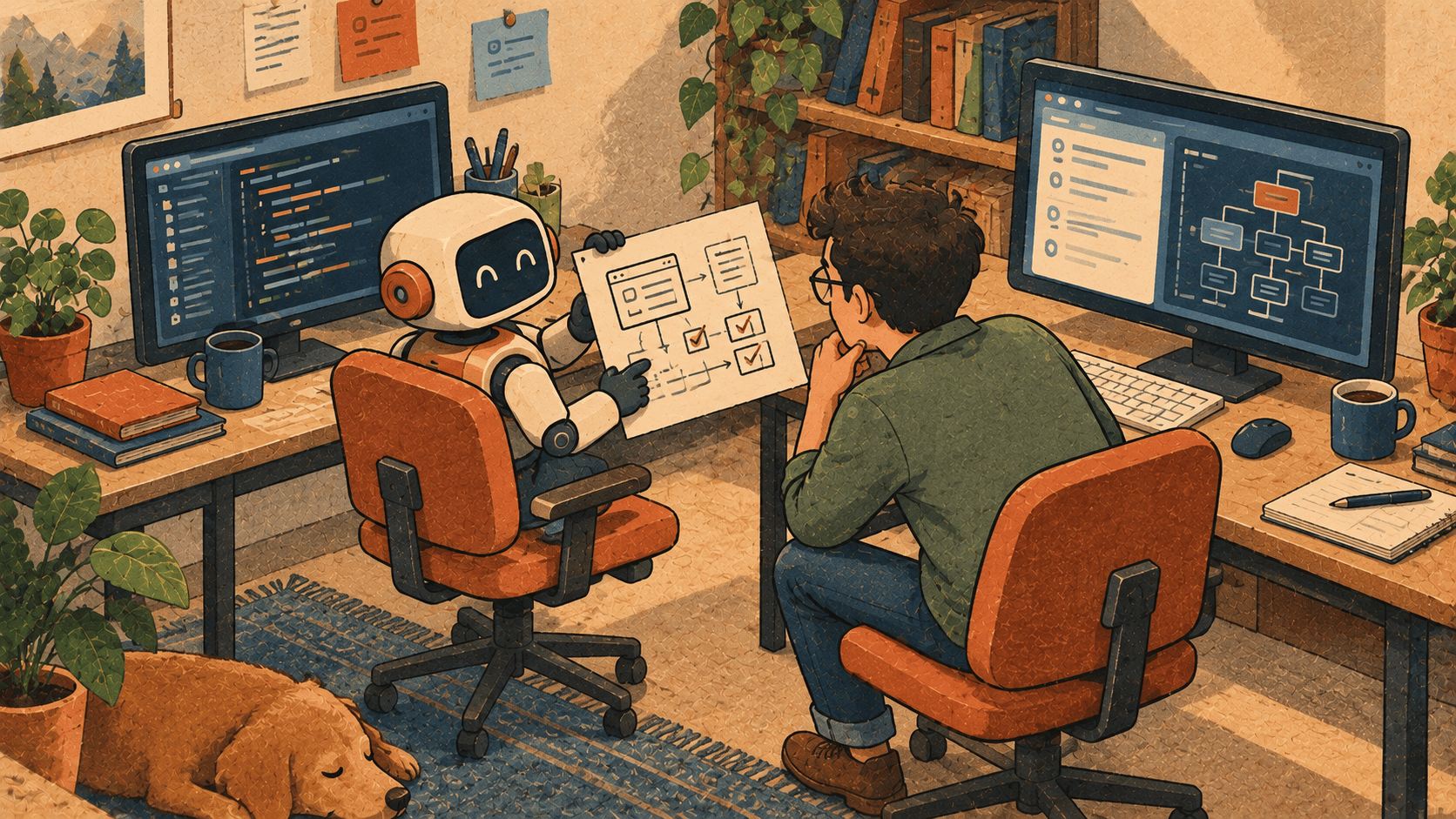
Most releases teach Elyra to do something new. This one is about something softer: knowing when to ask a colleague, remembering what you worked on last week, and not writing anything into your future without asking first.
Here's what changed, why, and how to use it.
The oracle: a second pair of eyes
Why
Every developer knows the moment. You've tried the fix twice, the test still fails one run in ten, and you're starting to go in circles. A good engineer doesn't keep circling. They turn their chair around and say, "Hey, can you take a look at this?"
Agents get stuck in the same loops, and until now Elyra had nobody to turn to. The @elyracode/subagents extension had an oracle, but you had to install it and ask for it explicitly.
In 0.9.54 the oracle is built in and on by default.
How it works
The oracle is a tool the agent can call. It makes one call to a second model with high reasoning, with no tools and no view of your conversation. That last part is deliberate. The agent has to explain the problem precisely: the goal, what it tried, what happened, and which files matter. Half the time, writing a good question is what solves the problem, and the oracle gets a clean slate instead of inheriting the agent's assumptions.
Which model does it ask?
oracle.model, if you've set oneYour smart routing powerful tier (Opus 5.5 by default), if that's a different model from the one you're running
The closest-matched model from another provider
Your current model, as a last resort
So if you're working with Sonnet, the oracle is Opus. If you're already on Opus, it reaches for another provider. One honest caveat: a gateway like OpenRouter counts as "another provider", so it could pick the same model family through a different door. If you want a guaranteed different perspective, pin it:
{
  "oracle": { "model": "openai/gpt-6.1-sol" }
}
What it looks like
You can ask for it directly:
> The checkout test is flaky. Ask the oracle what we're missing.
oracle Why does checkout.test.ts fail roughly 1 in 10 runs? (2 files)
anthropic/claude-opus-5-5 • $0.041
The test and the webhook handler both write to the same order row.
The handler's update can land after the assertion reads it...
The agent also calls it on its own when it's stuck after a couple of failed attempts, or before a risky change. It's told plainly not to use it for routine work, since the oracle is slower and costs more.
Speaking of cost: the oracle's spend is counted in /cost, the footer, /goal --budget, and the Elyra-Cost commit trailer. No hidden line items.
Don't want it? Set "oracle": { "enabled": false }.
Sessions that remember each other
Why
Here's a conversation every agent user has had:
You: Do the same thing we did for the login redirect last week.
Agent: I don't have access to previous conversations. Could you describe what was done?
Your sessions are sitting right there in ~/.elyra/agent/sessions/. The agent just couldn't see them.
How it works
Two new tools, both on by default:
find_sessionssearches earlier sessions in this project (or all projects) using the same query syntax as/resume: fuzzy words,"exact phrases", orre:regex.read_sessionopens one session and has a model pull out what the current task needs: decisions, files, commands, and what was left unfinished. You get a focused summary, not a 40,000-token transcript dumped into your context. It uses your fast tier (Haiku by default) to keep this cheap.
The friendliest way to use it is the new @@ in the editor. Type it, start typing a few words, and pick a session from the list:
> Apply the fix from @session:0198c3a2-7f1e-7b4a-9c2d-5e8f1a3b6c7d to the signup form
The agent sees the mention, reads that session, and gets to work. No re-explaining.
You can also just describe it:
> What did we decide about the queue worker setup?
find sessions queue worker
read session 0198bbbb "the queue worker configuration and why"
Session 0198bbbb "Queue setup" (/work/shop, 14 messages):
Horizon with 3 workers on the default queue; the payments queue
got its own supervisor after timeouts on Stripe webhooks...
Commits that lead home
Every commit the agent makes now carries a second trailer:
feat: add retry to the payment client
Elyra-Cost: $0.42 (claude-opus-5-5, 4 turns)
Elyra-Session: 0198c3a2-7f1e-7b4a-9c2d-5e8f1a3b6c7d
Six months from now, when you're staring at a strange line in git blame, you can open the conversation that produced it:
elyra --session 0198c3a2
A prefix is enough, and it works from any project. The agent can follow that trail too: point it at a commit and it can read the session behind it. Turn it off with gitSessionTrailer: false. Ephemeral sessions (--no-session) skip it automatically.
/handoff: a fresh start that keeps what matters
Why
Long sessions get heavy. /compact helps, but it summarizes everything and keeps working in the same session. Sometimes what you really want is a clean slate for the next task, carrying only the parts of the past that the task needs.
How it works
> /handoff now implement the same permission checks for teams
The model reads your conversation and writes a self-contained first prompt for a new session:
## Context
We added role-based permission checks to the project API.
Key decisions:
- Policies live in src/policies/, one per resource
- Checks happen in middleware, not controllers
Files involved:
- src/policies/ProjectPolicy.ts
- src/middleware/authorize.ts
Task
Implement the same permission checks for teams...
That prompt lands in the editor of a brand-new session. Read it, tweak it, press Enter. The old session stays as it was and is recorded as the parent. Press Esc while it's generating if you change your mind.
The tools that were quietly sleeping
This one is a little embarrassing, so let's just say it.
skill_write, extension_write, and decision_record (the tools that let the agent save a skill, give itself a new tool, or record an architecture decision) have shipped for months. The changelog described them. The system prompt had guidance for them. But they were never in the active tool set. They were registered and never switched on. The agent couldn't use them.
They're on now.
While fixing that, we found something more important. All three ask for your approval first, but if there was no interactive UI (print mode with -p, or MCP server mode), the approval step quietly said "yes". With the tools active, that would have meant an agent driven by a script or by an outer MCP host could write an extension, which is TypeScript that runs in every future session, without any human ever seeing it.
So the rule is now simple: if approval is required and nobody is there to give it, nothing is written. The agent is told why and which setting allows it:
Extension "jira-tools" was not saved: saving needs the user's approval
and this mode has no interactive UI. The user can set autoExtensions: true
to save without approval.
Interactive mode works as before: you get a dialog. If you want headless automation to save skills or decisions, opt in explicitly with autoSkills, autoExtensions, or decisionLog: "auto".
Small things you'll appreciate
Shell completions
Tab completion for subcommands, flags, and values like --provider, --thinking, and --mode:
source <(elyra completions zsh)      # ~/.zshrc, after compinit
source <(elyra completions bash)     # ~/.bashrc
elyra completions fish | source      # fish config
The script is generated from your installed version, and pressing Tab never starts Elyra.
For extension authors
A tool_call handler can now answer a call without running the tool. Useful for cache hits, dry runs, or policy answers:
elyra.on("tool_call", (event) => {
if (isToolCallEventType("bash", event) && event.input.command.startsWith("terraform apply")) {
return {
result: {
content: [{ type: "text", text: "Dry run only here. Use terraform plan." }],
},
};
}
});
A tool that calls a model can return details.modelUsage, and Elyra counts that cost everywhere spend is shown.
One thing to know when upgrading
The default tool set grew from four tools to ten. That changes the tool list sent to your provider once, so your first request after upgrading misses the prompt cache. After that, the cache works as usual.
Try it
elyra update
Then, in your next session:
Type
@@and mention something you worked on last weekAsk the oracle about the bug that's been bothering you
Run
/handoffwhen the session starts feeling heavy
None of this makes the agent smarter on its own. It makes it a better colleague: one that asks for help, remembers what you did together, and doesn't write anything into your future without asking.
Happy building. 🌿
— The Elyra team