eTerm 0.9: the questions you were about to scroll up for
eTerm 0.9 moves the answers you keep scrolling for to where your eyes already are: a local review window for agent changes, same-failure verdicts on test runs, live ports and ⌘J on tabs, and project layouts that never run without asking.
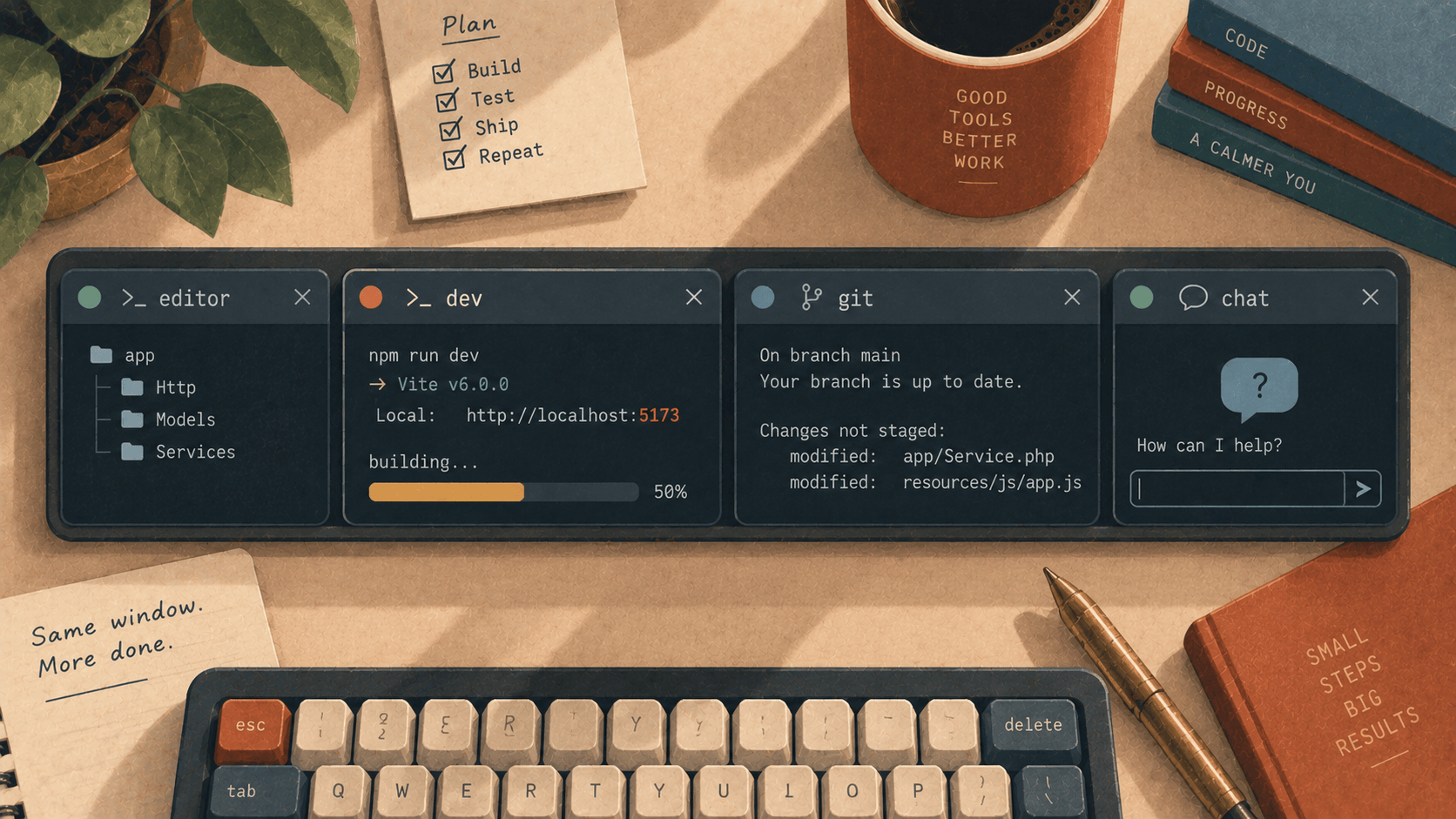
Most of what you do in a terminal isn't typing. It's checking. Is the build done? Did that test fail the same way as last time? Which of my five tabs is the agent waiting in? What did it just change? Is the dev server still up, or am I refreshing a page served by a process that died ten minutes ago?
Each of those questions has an answer somewhere in the terminal already. It's three screens up, or in a tab you aren't looking at, or in git status in a pane you'd have to switch to. eTerm 0.9 is about putting those answers where your eyes already are. It adds four things, and each one keeps a boundary we want to be clear about.
1. Reading what the agent just did
An agent in a pane says "Done! I've updated the handler and added a test." You now have two choices, and neither is good. You can believe it. Or you can run git diff, scroll through four hundred lines of monochrome patch in a terminal eighty characters wide, and try to hold in your head which parts you had something to say about.
⌘⇧R opens eTerm's review window on everything that has changed in that session's working tree since the last commit: staged, unstaged and new files alike. You read it the way you'd read a pull request, with the code coloured as code, file by file. That's the same window 0.8 already used for reviewing PRs on GitHub.
Then you comment. Press c on a line and write what you think:
src/Http/Controllers/WebhookController.php:41— this swallows the exception; we want the 500 so Stripe retries.
Leave three or four of those. Then ⌘↩ hands them back to the session. What arrives on the prompt looks like this:
src/Http/Controllers/WebhookController.php:41
    } catch (\Throwable $e) { return response()->noContent(); }
this swallows the exception; we want the 500 so Stripe retries.
tests/Feature/WebhookTest.php:18
$this->postJson('/webhook', $payload)->assertOk();
assert the signature check too, not just the happy path.
That's the file, the line, the line quoted as the file has it, and what you said.
Here is the boundary: it's pasted, not sent. The comments land on the prompt, and the agent hasn't seen them until you've read them where they landed and pressed return yourself. A review is you speaking. The window helps you speak precisely, and it doesn't speak for you.
One honest note, which the docs make and we'll repeat. The pull-request review from 0.8 needs neither gh nor a browser. It talks to GitHub with a token from your keychain. This one does run git, because the only thing that can tell you what changed in a working tree without rewriting it is git. And since nothing goes to GitHub here, no token is needed. New files are read up to sixty of them and none over 256 KB, because nobody reviews a generated lockfile line by line.
2. Is this the same failure?
You run the tests. They fail. You change something and run them again. They fail. Now comes the question every developer has asked a thousand times: is that the failure I just fixed coming back, or a new one?
The usual answer is to scroll up and compare. A timestamp has changed, so the lines don't match exactly, and your eyes have to pick out the parts that matter.
From 0.9, a finished command is set against its last run in that session, and the verdict sits at the end of its last line:
$ php artisan test
FAILED  Tests\Feature\WebhookTest > rejects a bad signature
...
Tests:  1 failed, 41 passed (0.94s)          same failure as the last run
$ php artisan test
...
Tests:  2 failed, 40 passed (1.02s)          not the failure of the run 4 min ago · 2 new, 1 gone
$ php artisan test
Tests:  42 passed (0.91s)                    fixed
The last one is in green. There's also the last run passed, for the day you broke something that was working a minute ago.
What gets compared is the lines that talk about failing, with their numbers taken out. That's the whole trick, and it's why the verdict is right when it counts. 0.94s and 1.02s aren't a difference. line 41 and line 43 usually aren't either. An expected true getting false in a new test is.
3. Which session wants you
Since 0.8.17, a tab has shown a thin line that pulses while its session is working. Working here means output nobody typed, or a program that says it's busy, as opposed to merely running. 0.9 gives that line three new jobs.
It knows how long things usually take. A command that has run here before fills the line towards its usual duration. cargo build takes about forty seconds, so at twenty it's half full. When a run goes past its usual time, the line goes back to pulsing, because nobody knows how far along a late run is. A progress bar that sits at 98% for five minutes is lying, and we'd rather not.
It carries the ports. A session serving something shows it on the tab: :5173, :8000. Click one to open it. A server bound to every address, 0.0.0.0, opens as localhost, which is the address a browser can actually reach. And when the command stops, the port turns red. That's the feature in this release we'd defend hardest. A dead dev server whose port still looks alive is exactly how an afternoon goes on the wrong bug: you edit, you refresh, nothing changes, you edit something else. The red port answers that question before you ask it.
And ⌘J lists every session in the window in the order the questions come:
waiting   claude   ~/code/freddy     "Should I also update the migration?"
failed    tests    ~/code/freddy     1 failed · same failure as the last run
running   vite     ~/code/freddy     :5173
idle      zsh      ~/code/invoices
Waiting first, because an agent that's waiting for you is time going nowhere. For a waiting session, the list shows what it last asked. Then failures. Then what's still going. Idle last. Press return on a row to go there.
4. The project's own layout, without the surprise
Every project has the tabs it wants open: the dev server in one pane, the test watcher below it, a shell beside them. You set them up by hand every morning. Or you write a script, and then remember to run it.
A project can now say what it wants in a .eterm.toml at its root:
[[pane]]
run = "npm run dev"
[[pane]]
run = "npm test -- --watch"
split = "down"
[[pane]]
Each pane splits off the one before it, to the right or down, and runs its command. A pane with no run is just a shell. At most six panes are read.
Here's the boundary, and it's the reason the feature is shaped the way it is: nothing runs because the file is there. When a session arrives in the directory, a strip at the bottom of the window names every command the layout would run. Open in a new tab runs them. Not now puts the strip away. A file that doesn't parse isn't offered. Neither is a run with a line break in it, which is two commands wearing one.
That matters more than it sounds. .eterm.toml is a file in a repository, and repositories get cloned. If opening a folder were enough to start its processes, then cloning someone's project and cd-ing into it would run their commands on your machine. Other tools have learned this the hard way. A terminal is exactly the place where "it ran because the file was there" would be most dangerous, so here you read the commands first and choose to run them.
Why these four
Look at them together and they're one idea. Each takes a question you already ask several times an hour and moves the answer to the place you're already looking:
What did the agent change? It's in a review window, and your comments go back as text you still control.
Is this the same failure? The answer sits at the end of the line you just read.
Is the server still up? The port on the tab goes red when it isn't.
Which tab wants me?
⌘J, in the order that matters.
And each one keeps a line it won't cross. It pastes rather than sends. It says outright that it runs git. It won't draw a progress bar it can't back up. And a repository doesn't get to run anything by being opened.
Get it
eTerm 0.9 is at elyracode.com/eterm, a notarized macOS build for Apple silicon. Already running it? It updates itself. The review guide has the local review, including what it doesn't do yet, and the configuration guide has .eterm.toml.
Let an agent loose on something small. When it says it's done, press ⌘⇧R before you believe it.