Elyra SQL Client 0.10: ClickHouse, and the buttons we turned off
Elyra SQL Client 0.10.0 talks to ClickHouse over its HTTP interface — real types, a Stop button that stops, server-enforced timeouts — and deliberately refuses the editing features a columnar store can't honestly support.
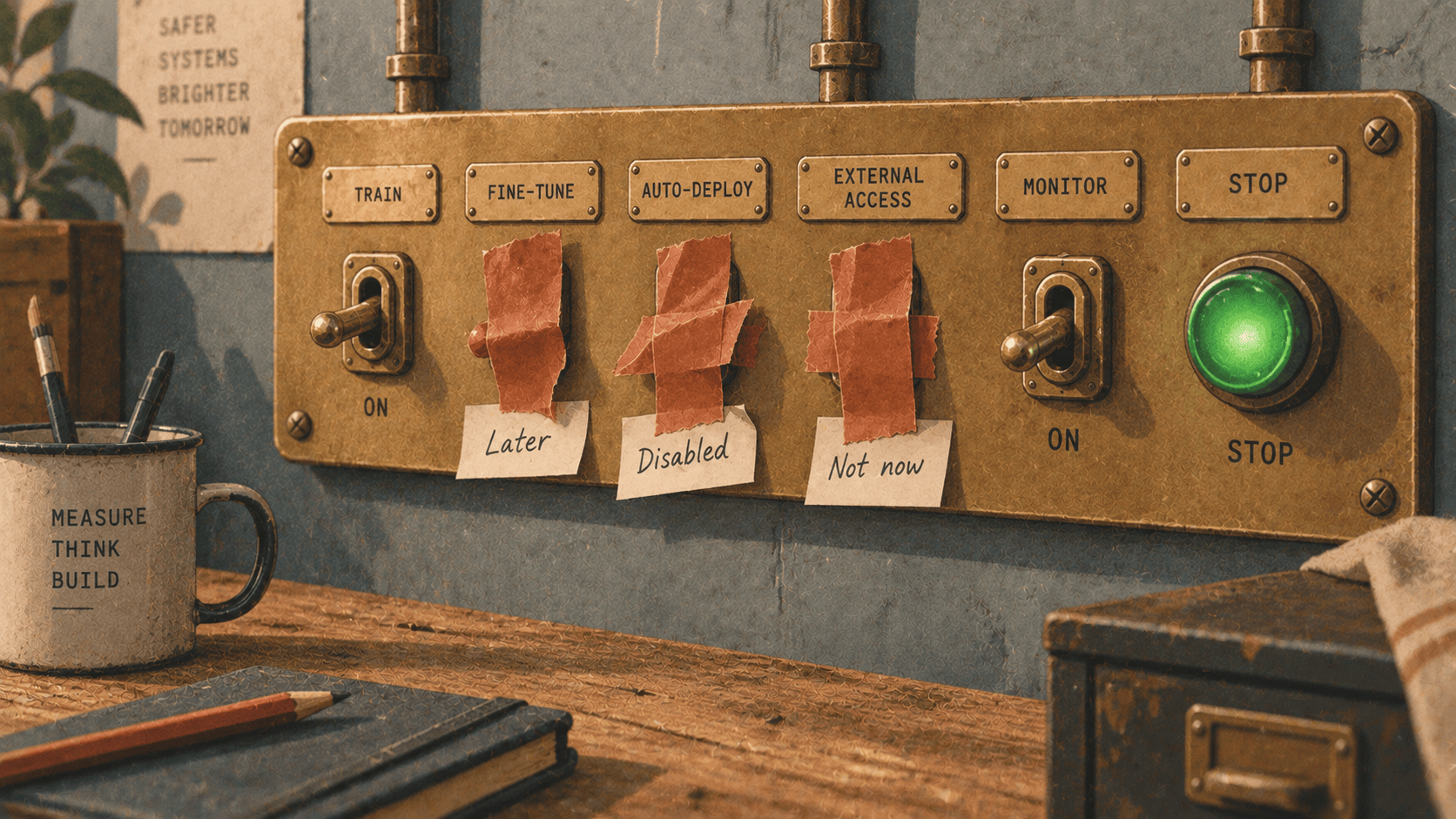
There's a fast way to add a database engine to a SQL client, and there's the right way, and for ClickHouse they are very much not the same thing.
The fast way is the MySQL compatibility port. ClickHouse speaks a dialect of the MySQL wire protocol on port 9004, and Elyra SQL Client already speaks MySQL. Point the existing driver at the new port, adjust a few strings, and you have "ClickHouse support" in an afternoon. We tried it. It worked, in the sense that queries ran and rows came back.
Then we looked at the rows.
Why not the shim
Three things, each of them a reason on its own.
Every column arrives as a string. The MySQL shim doesn't map ClickHouse's types onto MySQL's; it renders everything to text and sends that. So a UInt64 is a string, a DateTime64(3) is a string, a Decimal128(10) is a string. The grid — which aligns numbers right and text left, which renders dates as dates, which knows to offer a chart for a numeric column — loses all of it. You'd be looking at a spreadsheet of strings pretending to be a database.
It isn't there on ClickHouse Cloud. The managed service exposes HTTPS on 8443 and nothing else. An engine that only works self-hosted isn't an engine, it's a demo.
You can't cancel anything. Over the shim there's no way to name a query, so there's no way to tell the server to stop it. SELECT count() FROM events WHERE … against forty billion rows is exactly the kind of query you want a working Stop button for, and over the MySQL port the button would have been decorative.
So 0.10.0 talks to ClickHouse over its HTTP interface — port 8123, or 8443 when you tick Require TLS, and the two move together because Cloud only has the second. It cost a proper driver: a new connection type, a JSON result format, a query-id per statement, a type mapper. But the grid gets real ClickHouse types, Stop actually stops, and the connection's Statement timeout is enforced by the server — as max_execution_time on each request — rather than by a client-side timer that gives up listening while the server keeps working.
What you get
Once connected, ClickHouse is a database like the others. Browse the navigator, open a table, page through it, sort, filter, run whatever you like in the editor, export to CSV or JSON, chart a result, profile a column, ask the assistant — which knows the ClickHouse dialect, so it writes toStartOfMonth() rather than DATE_TRUNC and reaches for argMax where a MySQL user would write a self-join.
SELECT
  toStartOfHour(ts)      AS hour,
  countIf(status >= 500) AS errors,
  count()                AS requests,
  round(errors / requests * 100, 2) AS error_pct
FROM http_log
WHERE ts >= now() - INTERVAL 24 HOUR
GROUP BY hour
ORDER BY hour
Right-click error_pct → Chart → line. That's the whole workflow, and it's the same three clicks you'd make on a MySQL result.
One detail under the hood worth knowing: introspection reads system.tables, system.columns and system.databases, not INFORMATION_SCHEMA. ClickHouse has an INFORMATION_SCHEMA, for compatibility, but it calls every object BASE TABLE — so a materialised view, a dictionary, a Merge table and a plain MergeTree all look identical — and it gives no row counts. system.* knows what things actually are, and the navigator says so.
The buttons we turned off
Here's the part of the release we thought hardest about, and it's about what doesn't work.
Open a ClickHouse table and you'll notice: no inline editing. No + row. No table designer. Structure sync and data sync are greyed out. Data generation isn't offered. Every one of those is a Pro or Premium feature people pay for, and every one is unavailable on this engine — deliberately, and with a sentence saying why rather than a silent no-op.
The reason is what those buttons mean. Double-click a cell in Elyra SQL Client, type a new value, press Enter, and the client sends:
UPDATE orders SET status = 'shipped' WHERE id = 4471;
One row, addressed by its key, changed now, inside a transaction you could roll back. That's the contract the button makes with you.
ClickHouse can't keep that contract. It's a columnar store with neither row-addressable updates nor transactions. The nearest thing it has is:
ALTER TABLE orders UPDATE status = 'shipped' WHERE id = 4471;
— and that statement is a mutation: an asynchronous rewrite of entire data parts. It returns before the change is visible. It matches rows by predicate, not by key, so if id isn't unique (and in ClickHouse it often isn't) you've changed more than one. And it cannot be rolled back. We could have wired the inline editor to emit that and called it "row editing". It would have demoed fine on a ten-row table. It would have been a lie about what the button does, and the kind of lie that costs someone a table one day.
So on ClickHouse those features are refused rather than approximated. The status bar says why. SQL you write yourself still runs — INSERT, CREATE TABLE, ALTER TABLE … UPDATE if you actually want a mutation and know what you're asking for. The client won't stop you doing things on purpose. It won't do them for you behind a button that promises something else.
The bug that ClickHouse found
Adding an engine is a good way to find bugs in the ones you already have. ClickHouse was the first engine to hand us a Decimal as a bare JSON number rather than a quoted string — and that path went through an f64.
An f64 holds about fifteen or sixteen significant digits. Decimal128(10) holds thirty-eight. So a cell containing:
1234567890.1234567890
came back as:
1234567890.1234567
The last three digits gone, silently, with no error and no indication in the grid. On exactly the columns a financial dataset cares about — amounts, rates, balances — and in exactly the way that's hardest to notice, because the number still looks right.
Cells keep the server's own digits now, end to end, for every engine. The fix was small. Finding it needed a database that sends numbers differently from the three we'd been testing against, which is an argument for the fourth engine all by itself.
Where it sits
Elyra SQL Client is first-class for Elyra SQL Server, and that hasn't changed — the dialect, the catalog, the admin surface. It has spoken MySQL and MariaDB since 0.8.1 and SQLite for longer. ClickHouse is the first engine that's a genuinely different kind of database — columnar, analytical, built for the query that scans a billion rows and returns twelve — and it's the reason the client had to learn to say "not here, and here's why" rather than assuming every database is a row store with a slower or faster clock.
We think that's the right lesson to have learned before the fifth engine.
Get it
Elyra SQL Client 0.10.0 is at elyracode.com/sql/client — macOS on Apple silicon, Linux on x86_64 and ARM64, signed and verified by the updater. ClickHouse browsing and querying work on Free; the assistant, export and charts follow the same Pro/Premium gates they do on every engine. The connections guide has the ClickHouse section, including What is turned off, and why.
Add a connection. Pick Engine → ClickHouse. Watch the port change to 8123. Then run something against a very large table and press Stop, just to see it work.