Ctrl+G in Elyra – when your TUI meets your favorite editor
You're sitting in Elyra, mid-conversation with the model. You need to explain something a little complicated – maybe paste in a stack trace, sketch out an architecture, or just write a prompt that needs more than a line or two to land properly.
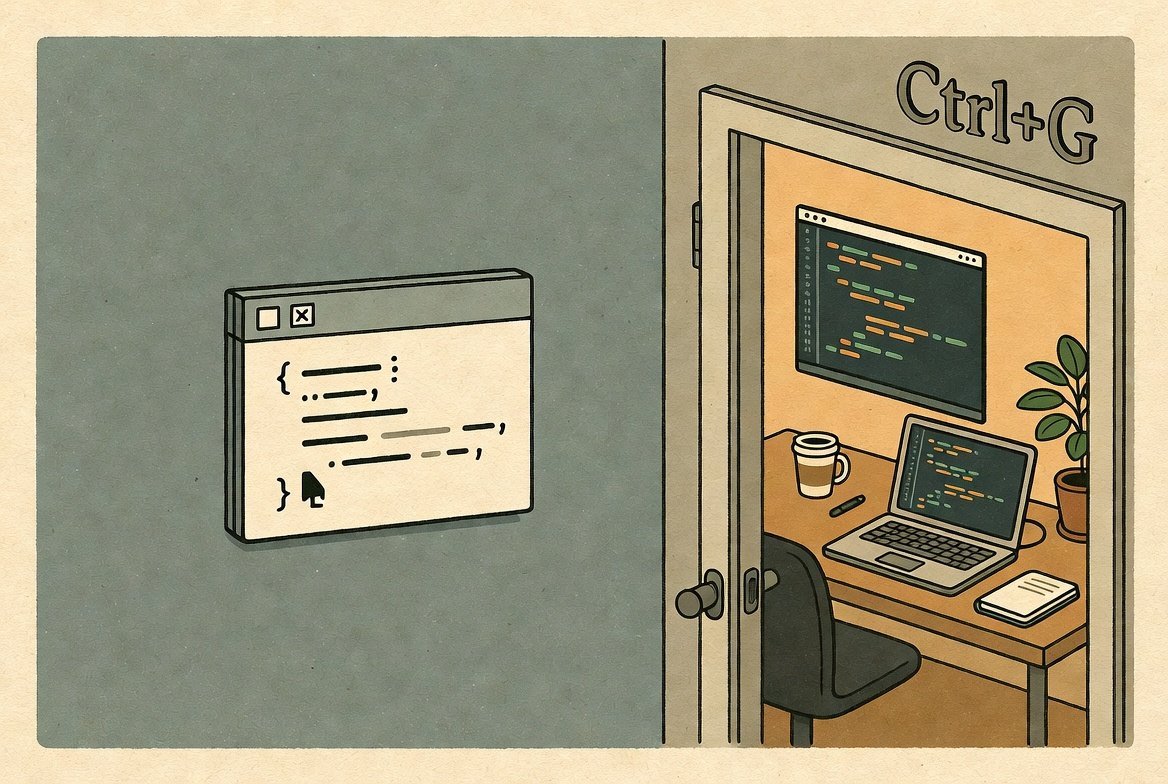
And there you are, in that modest input field at the bottom of the terminal, fingers starting to itch for some actual editing.
That's where Ctrl+G shows up and quietly saves the day.
What Ctrl+G does in Elyra
The short version: Ctrl+G opens whatever you're writing in your external editor.
In the keybindings table it's listed as app.editor.external, and it does one thing very well. It takes the contents of your prompt field, opens it in the editor you've configured via $VISUAL or $EDITOR, and the moment you save and close – your text is back in Elyra, ready to send.
$VISUAL  → Elyra's first choice
$EDITOR  → fallback if VISUAL isn't set
Set neither, and the system falls back to whatever your OS considers default – typically vi on Unix systems. (Yes, that's a lesson plenty of us have learned the hard way.)
Why this shortcut exists
Because a TUI prompt is wonderful for short questions, but genuinely awkward for:
Longer, structured prompts with headings, lists, and code blocks
Pasting in large chunks of text you want to tidy up before sending
Multi-line editing where you want to jump around, search, and use the shortcuts that already live in your muscle memory
Syntax highlighting when you're writing markdown or code inside the prompt
With Ctrl+G, the full power of your editor – Vim, Neovim, Helix, nano, VS Code, Zed, whatever you reach for – drops straight into your Elyra flow. It's a bit like switching from a sticky note to your actual desk, mid-sentence.
Setting it up
In your .zshrc, .bashrc, or whichever shell config you live in:
export VISUAL="nvim"
# or
export EDITOR="code --wait"   # remember --wait for GUI editors!
That little --wait flag matters for GUI editors like VS Code, Zed, and Sublime. Without it, the command returns immediately, and Elyra thinks you're done before you've written a single word.
A typical workflow
You start writing a prompt in Elyra
You notice this is going to be more than a couple of sentences
You hit Ctrl+G
Your editor pops open with whatever you've already typed
You edit in peace – with all your usual shortcuts intact
You save (
:wq,Ctrl+S, whatever your tool of choice wants)You're back in Elyra with a nicely composed prompt
Enter, and off it goes
Customization
Like everything else in Elyra, the keybinding can be swapped out. In your keybindings config, app.editor.external is the one that controls this – so if Ctrl+G is already claimed by your terminal for something else, just remap it to whatever feels right under your fingers.
In short
Ctrl+G in Elyra is one of those tiny things that sounds trivial until you've used it once. It's the bridge between the quick, conversational TUI and the full editor you already know how to drive. Prompt-writing stops being "type in a cramped field" and starts being "write the way you actually want to write."
Set $VISUAL, give it a try, and see if your prompts don't quietly become a little more thoughtful. ☕