The Release That Waits for Nobody: Elyra 0.9.33
Two quiet fixes in Elyra 0.9.33: mid-turn compaction that runs before the provider rejects your request, and manual overrides for terminal capability detection.
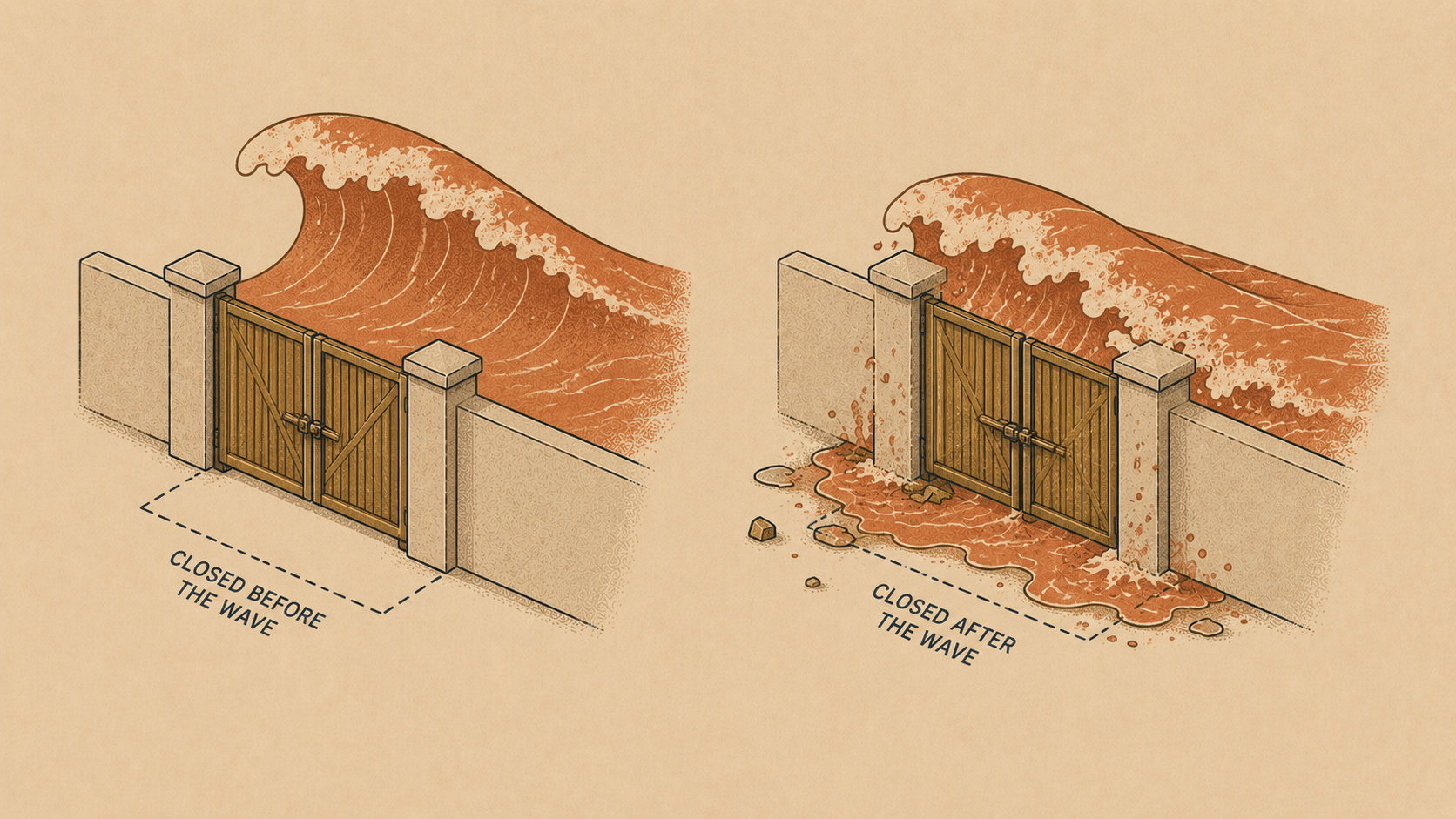
Some features announce themselves with a splash. Others just quietly remove a frustration you'd learned to live with — and you only notice weeks later that the annoyance is gone. Elyra 0.9.33 ships two of the quiet kind: compaction that acts before disaster instead of after, and an override switch for terminals we don't recognize.
Why this release
Both features share a root cause: software guessing wrong about the future.
The first guess: "the context will probably fit." Elyra has always compacted your session automatically when it grows too large — but the check ran between runs. Inside a run, the agent could read a huge file or get an enormous test log back, sail past the threshold, and send a request that was doomed before it left the machine. The provider would reject it with a context overflow, and only then would Elyra compact and retry. It worked — you'd never lose your session — but it cost a wasted request, a wasted round trip, and a visible stumble.
The second guess: "this terminal probably can't do that." Our terminal detection is deliberately conservative. On Kitty, Ghostty, WezTerm, or iTerm2 you get clickable links, inline images, true color — the works. On a terminal we don't recognize, we play it safe and turn things off, because an OSC 8 hyperlink on a terminal that swallows it means your URL just vanishes. Safe. But if you're on a perfectly capable terminal that we simply haven't met, safe means worse.
Both fixes follow the same principle: measure what you can, and give the human an override for what you can't.
Compaction, now with foresight
Here's the old failure mode:
● read src/models.generated.ts        (21,400 lines)
● bash npm test                       (huge log)
✗ Error: 400 — prompt is too long
  Context overflow detected, Auto-compacting...
  Retrying...
Notice the order: fail first, fix after. The request that failed wasn't free — it uploaded your entire oversized context just to be told no.
As of 0.9.33, Elyra estimates the context right after tool results land, in the middle of the run. We know the exact token count from the last metered response, and we estimate what the fresh tool results add on top. If the sum crosses the compaction threshold, compaction runs between the tool results and the next request:
● read src/models.generated.ts        (21,400 lines)
● bash npm test                       (huge log)
  Auto-compacting...
● The tests reveal three failures, all in the same module...
No error, no doomed request, no retry. The run just continues — with a tidied context. And if you use smart routing, there's a nice detail: the router classifies the compacted context, so its tier decision reflects what will actually be sent.
The between-runs check still exists; this covers the gap it couldn't see. You don't configure anything — if auto-compaction is on, the mid-turn check is on.
Your terminal, your call
Terminal capability detection is a guessing game played against decades of half-implemented standards. We keep a list of terminals we trust, and everyone else gets the cautious treatment. That's the right default and the wrong ceiling.
Now you can overrule us in your settings:
{
  "terminal": {
    "hyperlinks": "on",
    "images": "kitty",
    "trueColor": "on"
  }
}
Everything defaults to "auto" — existing behavior, zero change unless you opt in. Each field overrides one capability:
hyperlinks: "on"— force OSC 8 clickable links on a terminal we don't recognize (or"off"if your terminal claims support but renders garbage)images: "kitty"or"iterm2"— pick the inline image protocol yourself;"off"disables images entirelytrueColor: "on"— force 24-bit color whenCOLORTERMisn't set but you know better
If you're on a capable niche terminal — a new release, an SSH session with a proper passthrough, a terminal that supports the Kitty protocol but doesn't advertise it — this is your key to the full experience.
Get it
elyra update
Then do absolutely nothing: the mid-turn compaction just works. And if you've ever squinted at plain-text URLs in a terminal you know can do better, spend thirty seconds in your settings file tonight.