Litr: a browser you could fit on a floppy disk. Nearly.
Litr is a 3.8 MB macOS browser that renders with the system's WebKit, unloads tabs you aren't using, and makes exactly one network request of its own.
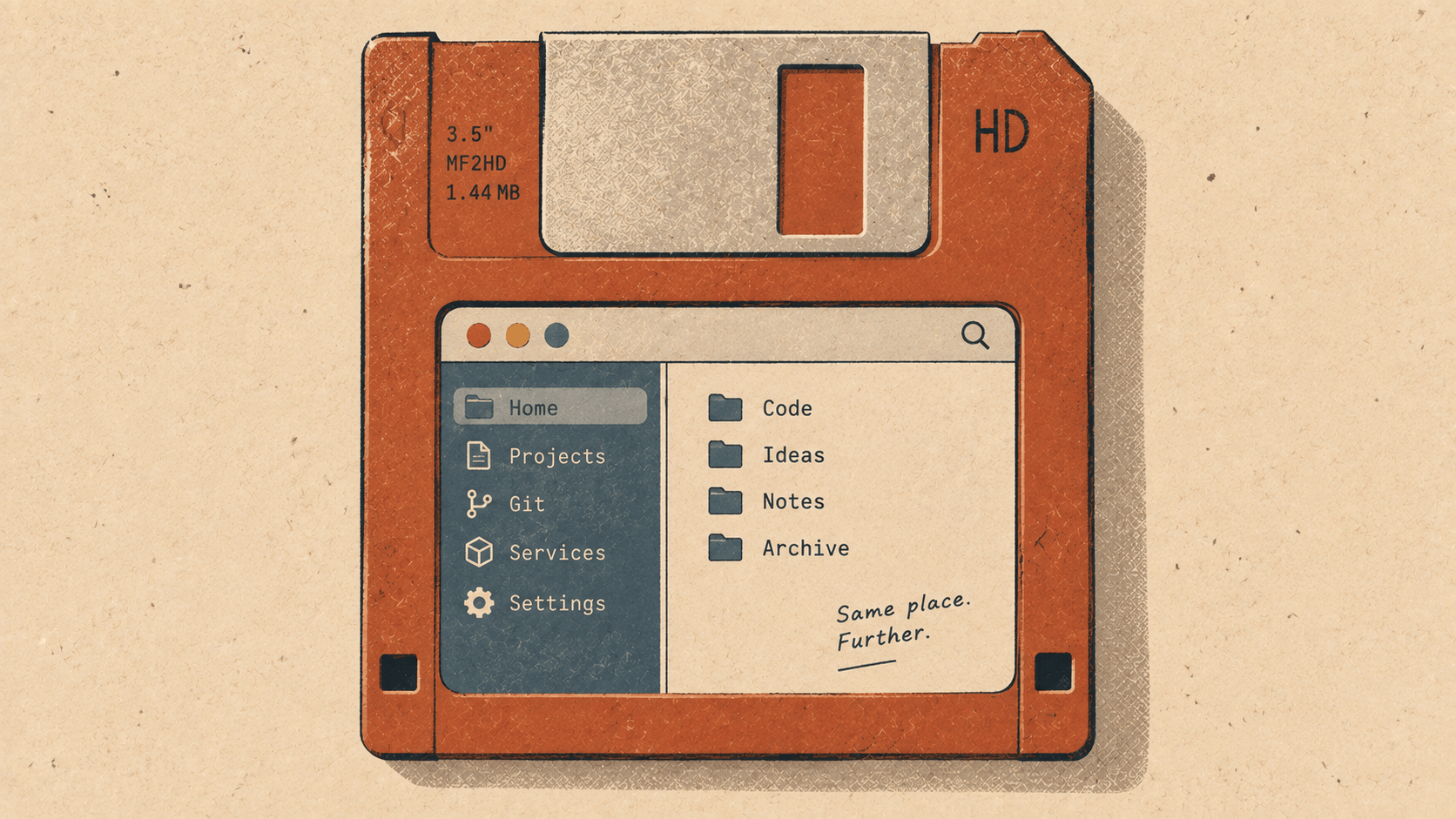
The download is 3.8 MB.
That's the whole browser: the tab sidebar, the command palette, the ad blocker with its hundred and seventeen thousand rules, the updater, and the thing that turns a website into an app with its own icon in your Dock. Installed, it's about 4 MB. For comparison, the browser you're probably reading this in is a couple of hundred megabytes before it has opened a single page. Several of the pages it opens today are bigger than Litr.
It sends nothing about you, either. No telemetry, no analytics, no crash reports, no account, no sync. We'll come back to that, and to what "nothing" means in practice, because a claim like that deserves the details.
How a browser gets that small
It's small because of one decision: Litr doesn't bring its own browser engine.
Almost every browser you can download ships its own copy of an engine, usually Chromium. That's a whole operating system's worth of rendering, networking, JavaScript and media code, bundled inside the app and updated separately. It's why browsers are large, and why they bring their own set of security updates on top of your system's.
Your Mac already has an excellent engine: WebKit, the one Safari uses. It's already installed, and it's patched every time macOS is. Litr renders pages with the system's WebKit and spends its own few megabytes on everything around the page: the window, the tabs, the palette, the blocker. The interface is native, written in Rust with GPUI. There's no Electron and no web page pretending to be a toolbar.
So the 3.8 MB isn't a stunt, and nothing clever was squeezed out. It's what's left when you stop shipping a second copy of something the machine already has.
Small at rest, too
A small download is nice. What you notice every day is memory, and here the same thinking goes a step further.
At rest, Litr uses about 75–85 MB. The trick is that only the tabs you're using are loaded. Tabs run down a sidebar you can hide. A background tab that hasn't been touched for five minutes is unloaded: its page is let go, but the tab stays in the sidebar with its title and colour. Click it and it comes back where you left it, with its scroll position and its back/forward history. Litr also keeps a limit on how many pages stay alive at once, one to six, your choice, and unloads the least recently used when you go past it.
The sidebar can say 12 tabs while memory says three pages. You keep all the tabs you can't bring yourself to close, and you only pay for the ones you're reading.
You can also do it on a timer. A scheduled tab unloads a heavy dashboard after an hour, or opens your mail every morning at nine:
⌥⌘S  →  Action: Unload   After: 1 hour
         Action: Open     Every weekday at 09:00
No telemetry, and what "nothing" means
Plenty of software says it doesn't track you. The honest version names every request the software makes, so here is Litr's:
Litr itself makes exactly one request. Once a day, and 30 seconds after it starts, it fetches elyracode.com/litr/latest.json to see whether there's a newer version. The request carries nothing about you or your browsing. It's an ordinary HTTPS request for a small file. The file itself is short enough to quote in full:
{
  "version": "1.3.0",
  "url": "https://elyracode.com/litr/litr-1.3.0-arm64.zip",
  "sha256": "12b0bf9b…a349a542"
}
Don't want even that? Turn off Check for updates automatically in settings. You can still check whenever you like from the menu.
Everything else on the network is the pages you open and what those pages load, minus the ads and trackers, which are blocked. Your searches go to the search engine you picked in settings, not through us.
One detail that's easy to miss: the ad block rules ship with the app. Most blockers download fresh filter lists on a schedule, which is one more request, to one more server, on your behalf. Litr's roughly 117,000 rules, from EasyList and EasyPrivacy, are compiled into WebKit's own content rules and go wherever Litr goes. Ads and tracker scripts are never downloaded at all. That includes YouTube's ads, which get their own section in the docs.
And everything Litr stores stays on your Mac. Tabs, history, settings and schedules are in one SQLite file under ~/Library/Application Support/Litr/. Cookies and logins are WebKit's, in WebKit's usual place. The privacy page in the docs has a table listing every file and folder, so you can read it, back it up, or delete it by hand and know that nothing is left.
An update you can trust
Since the updater is the one thing that talks to our server, it's worth knowing how carefully it listens.
When there's a new version, a strip under the toolbar offers Install, What's New and Later. Nothing downloads until you say so. Before Litr replaces itself, the download has to pass three checks:
It matches the SHA-256 checksum published next to it.
It's a Litr app signed with Wirelabs' Developer ID and unchanged since it was signed.
It's the version the website says it is.
If any check fails, nothing is replaced, and the About panel says why. During the swap the old version is kept aside and put back if the new one can't be moved into place. Then Relaunch, which only happens when you choose it, saves your tabs and brings them back.
The rest of it, briefly
Web apps. Turn a site you keep open all day, like mail, chat or a calendar, into its own app, with its own icon in the Dock, its own window and its own cookies and logins. File → Create Web App…, and Litr suggests a name and builds the icon from the site's own. Your Fastmail stays signed in without sharing cookies with everything else.
The command palette.
⌘Kfinds tabs, history, commands and settings. Most things in Litr are a few letters away.Glass that takes its colour from the site. The window edge picks up the colour of the page you're on, which sounds decorative until you notice you can tell your tabs apart at a glance.
Why a small browser
A browser is the program you keep open all day. It's the one with the most tabs, the most memory and the most access to what you do. That's exactly the program where small and says nothing are worth the most.
Small means there's less of it: less to download, less to keep in memory, and fewer lines of code between you and the page. The engine is one your operating system already keeps up to date. Says nothing means the only traffic is the traffic you asked for, plus one daily question about updates that you can switch off.
Litr doesn't try to be everything Chrome is. It tries to be a browser you'd forget was running, until you look at the memory graph.
Get it
Litr 1.3 is at elyracode.com/litr: 3.8 MB, signed and notarized, for Macs on Apple silicon running macOS 13 or later. It updates itself from here on, and only when you say yes.
Open it, open a dozen tabs, go and make a coffee. When you come back, look at Activity Monitor.