Grove 0.8 — your environment is now code
Grove 0.8 introduces grove.toml and grove up: commit your local environment to the repo, and onboard anyone from git clone to a running HTTPS app in one command.
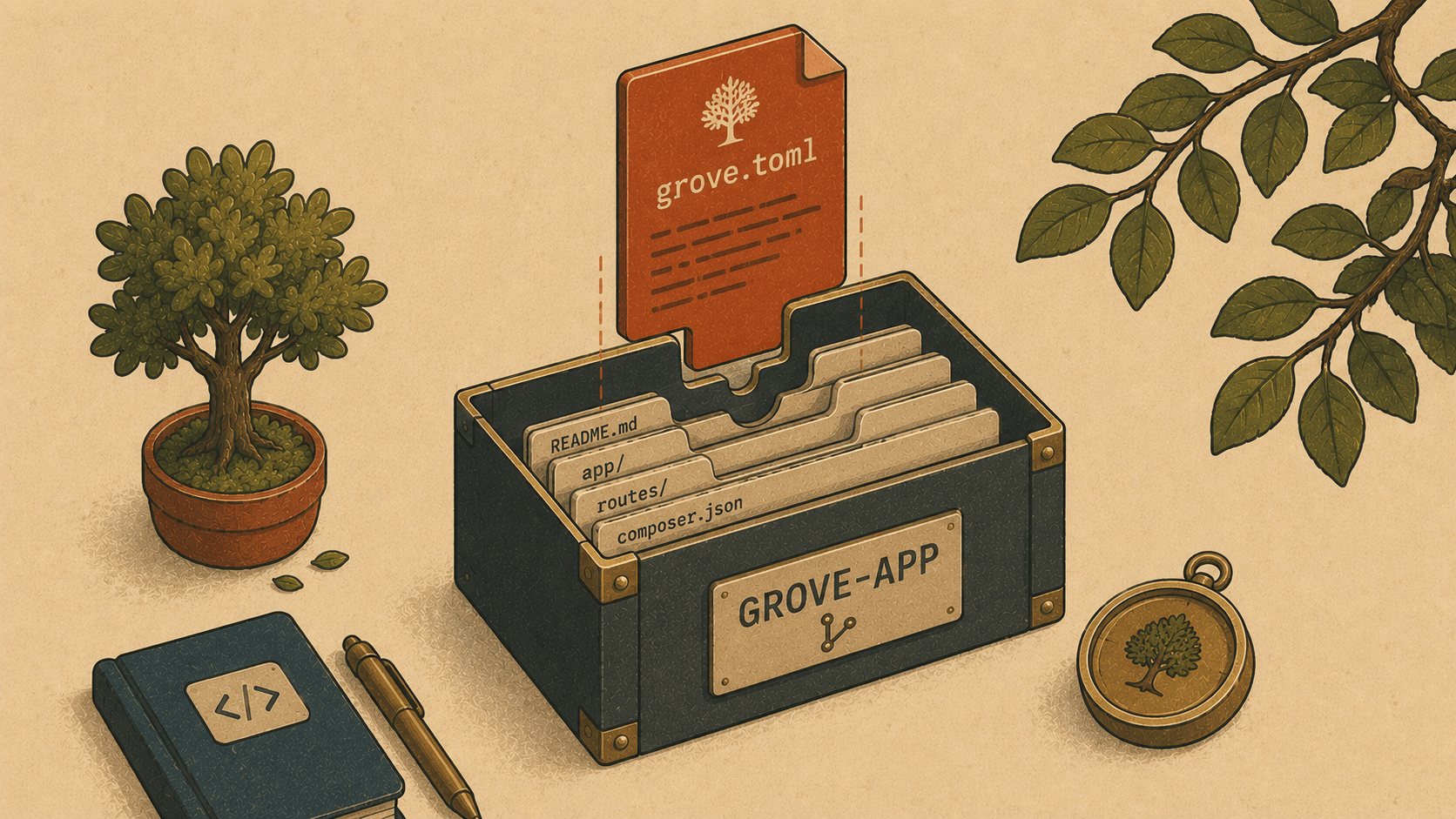
There's a special kind of friction that only shows up when someone else touches your project. You've had it running locally for months — the right PHP version, a MySQL database, Redis for the queue, a Vite server humming. It all works. Then a teammate clones the repo, and… it doesn't. Wrong PHP. No database. "Which services do I need again?" A README with six manual steps, three of which are subtly out of date.
Grove 0.8 fixes that with a small, boring, wonderful idea: put the environment in the repo.
Why: the README was never the source of truth
Every project already documents its environment somewhere — usually a ## Local setup section in the README, written once and slowly rotting. It says "PHP 8.4, MySQL, run npm run dev." It's prose. Nobody can run prose.
Meanwhile the actual setup lives in your head and your machine: the PHP version you pinned, the database you spun up, the queue worker you remember to start. None of it travels with the code.
Grove is uniquely placed to close that gap, because it already does all of those things — pin PHP, pin Node, install and run databases, supervise dev processes. The only thing missing was a way to write it down in a form Grove could execute. So we added one file and one command.
How: grove.toml + grove up
You commit a grove.toml to the project root. It's short and readable — a description of what this project needs, not a script:
# grove.toml
name = "myapp"
php = "8.4"
node = "22"
secure = true
services = ["mysql", "redis"]
dev = true
Then anyone — a new teammate, a future you on a fresh laptop — runs one command after cloning:
$ grove up
Bringing up myapp…
  ✓ link
  ✓ https on
  ✓ php 8.4
  ✓ mysql
  ✓ redis
  ✓ dev
✓ myapp is up → https://myapp.test
That's the whole onboarding. grove up reads the file and orchestrates the steps you'd otherwise do by hand: it links the project as a .test site, turns on HTTPS, pins PHP 8.4 and Node 22 (downloading them if this machine doesn't have them yet), installs and starts MySQL and Redis, and fires up the dev processes. From git clone to a running, styled, HTTPS app in one line.
Starting from nothing
Don't have a grove.toml yet? Grove writes you a friendly, commented one, pre-filled with your defaults:
$ grove up --write
✓ wrote /Users/you/Code/myapp/grove.toml — edit it, then run `grove up`
# grove.toml — this project's local environment, committed to the repo.
# A teammate runs `grove up` after cloning to get an identical setup.
name = "myapp"
php = "8.4"
node = "22"
secure = true
Bundled services Grove should install + start for this project:
services = ["mysql", "redis"]
services = []
Start the dev processes (Vite + queue worker) as part of grove up:
dev = true
Uncomment what you need, commit it, and you're done. A couple of flags round it out: grove up ~/Code/other-project targets a different directory, and grove up --no-dev brings everything up but leaves the dev processes off (handy on CI, or when you just want the database).
The nice part: no new machinery
Here's what I like most about this release. grove up didn't invent anything. Linking sites, pinning versions, installing services, starting dev processes — Grove already did all of that, each as its own command. grove up is just a conductor: it reads the file and plays those existing operations in order. Small surface, big payoff. That's the shape a good feature tends to have.
Where this takes Grove
For a while, Grove's pitch was "a better local server — a native, open Valet." With 0.8 it quietly becomes something more: a place where a project's environment is versioned alongside its code. Change the PHP version for a feature branch? It's a diff. Onboard a contributor? It's git clone && grove up. The environment stops being tribal knowledge and becomes a reviewable, committed part of the repo.
$ git clone git@github.com:you/myapp.git
$ cd myapp
$ grove up
Three lines to a running app. Grove auto-updates — after it relaunches, hit Tools → Restart daemon, drop a grove.toml in your project, and try it. 🌱🌳
The workbench is getting interesting: next up we're looking at AI-assisted log triage in the Doctor panel, branch-aware database environments, and webhook capture-and-replay over tunnels. Ideas welcome!