Elyra v0.7.5: The agent that tells you when it's been improved
There's a quiet problem with CLI tools. You install them, they work, and then you forget about them. Updates ship with new features, performance improvements, and bug fixes, but you never find out because nothing tells you they exist.
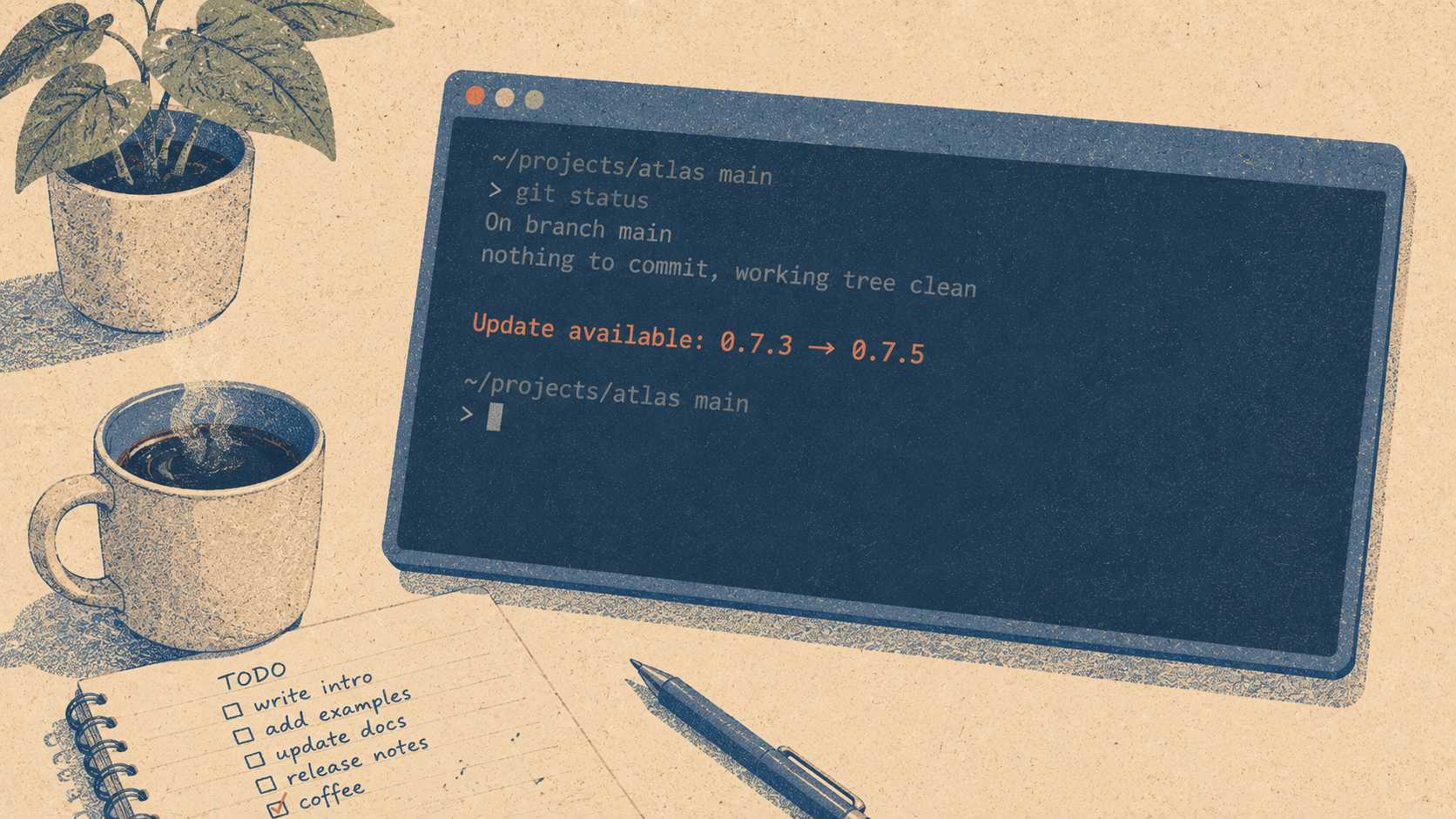
You're running a version from three weeks ago. The current version has better compaction, smarter routing, and six new commands. You don't know. You keep using the old one, wondering why the agent seems to forget things after long sessions (fixed two versions ago) or why your token costs seem high (smart routing improvements shipped last week).
v0.7.5 fixes this with the simplest possible solution: the agent tells you.
What you see
When you start Elyra and a newer version exists on npm, a single line appears:
Update available: 0.7.3 → 0.7.5. Run elyra update
That's it. No modal, no popup, no countdown timer, no "remind me later" button. One line, dim text, doesn't interrupt your workflow. If you want to update, run the command. If you don't, ignore it and start working.
How it works
On startup, Elyra makes a single HTTP request to the npm registry — specifically https://registry.npmjs.org/@elyracode/coding-agent/latest — to check the latest published version. The request has a 5-second timeout and runs in the background, fire-and-forget. If the network is slow, the request is down, or anything goes wrong, it fails silently. Startup is never delayed.
The check compares the response version against the currently running version using simple semver comparison. If the registry version is newer, the notification appears. If it's the same or older (you're on a prerelease), nothing happens.
Updating
elyra update
One command. Elyra updates itself and all installed extensions. No npm install -g, no version numbers to remember, no package name to type. Just elyra update.
If you want to update only Elyra without touching extensions:
elyra update --self
If you want to update only extensions:
elyra update --extensions
Disabling the check
If you're on an air-gapped network, behind a restrictive firewall, or just don't want the check:
export ELYRA_SKIP_VERSION_CHECK=1
Or:
export ELYRA_OFFLINE=1
The ELYRA_OFFLINE flag also disables model list fetching and other network calls, so it's the right choice for fully offline environments.
Why this matters more than it looks
The gap between "a fix exists" and "the user has the fix" is where frustration lives. A user reports that compaction loses architecture context. We fix it in v0.6.0. But if they're still on v0.5.8 and don't know v0.6.0 exists, they're still frustrated. They might even stop using the tool, thinking it's a fundamental limitation rather than a fixed bug.
The version notification closes that gap. It doesn't force anything. It just makes information available at the moment the user is most likely to act on it: when they're starting a session and the terminal is right there.
Also in this release
@elyracode/design-lookup is now listed in the /ext package browser. Extract design systems from any website — colors, typography, spacing, components, and layout patterns — with /lookup-design <url>.
And a housekeeping note: the model test references were updated after Fireworks removed kimi-k2p5-turbo from their API. This is the fourth time a provider has removed models between releases. The generated model list handles this automatically; the test references needed manual updates. We're considering making the test model selection dynamic to avoid this recurring maintenance.