Your website has two audiences now - Elyra v0.7.8
For twenty years, SEO meant one thing: make Google happy. Write good titles, add meta descriptions, build backlinks, and wait for the crawler. The rules were well understood, the tools were mature, and most developers had internalized the basics even if they didn't enjoy them.
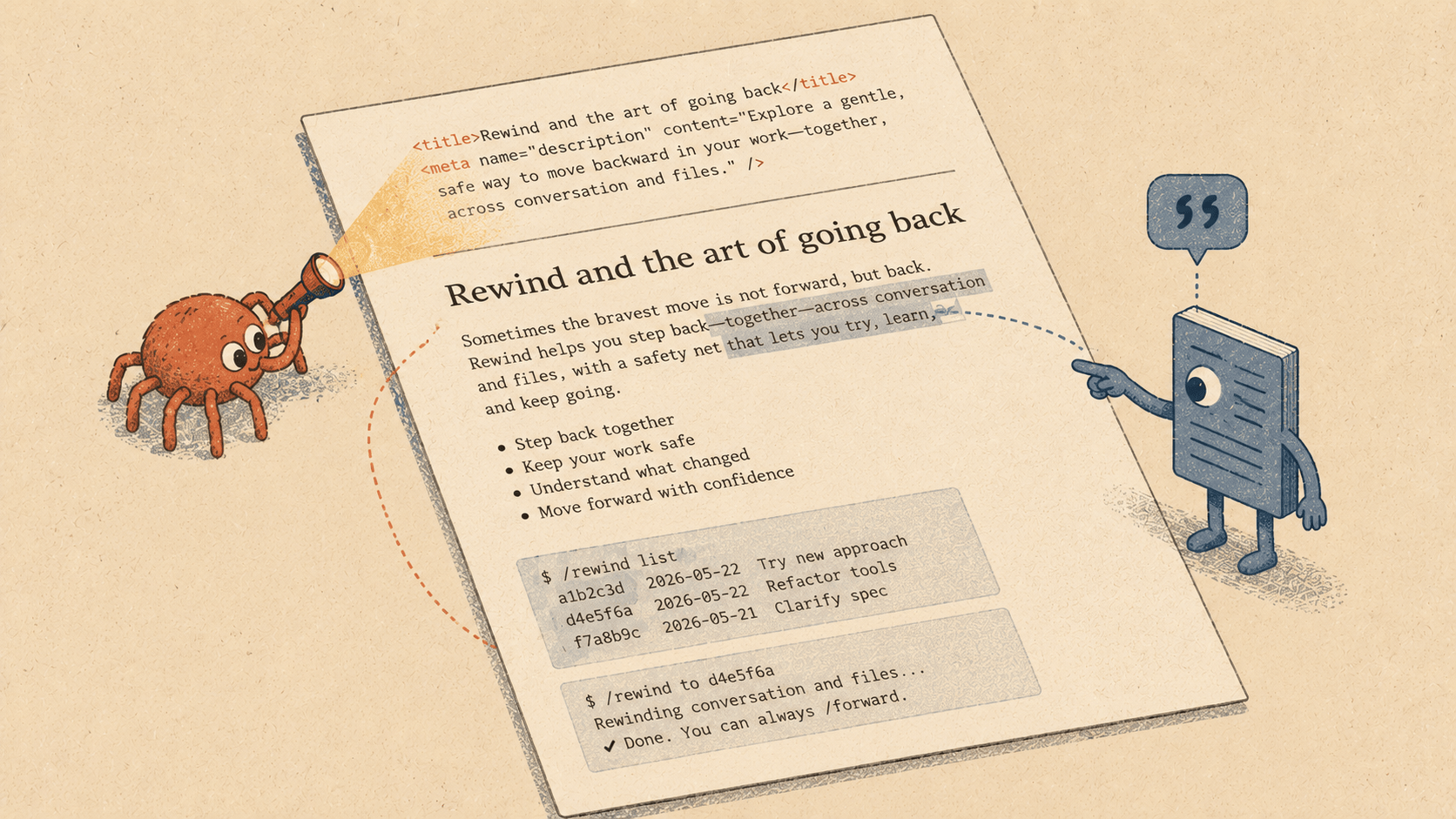
That world is splitting in two.
When someone asks ChatGPT "what's the best project management tool for small teams," the answer doesn't come from a search results page. It comes from the model's training data, augmented by whatever it can retrieve and parse in real time. Your carefully crafted title tag and meta description? The model might use them. Or it might skip straight to your page content and try to extract a direct answer.
Google itself is changing. AI Overviews synthesize answers from multiple sources, and the user never clicks through. Perplexity cites pages inline. Bing Copilot summarizes. The traffic patterns that SEO was designed to capture are fragmenting, and the new gatekeepers read differently than the old ones.
This doesn't mean traditional SEO is dead. Google still sends the majority of web traffic, and the fundamentals — clear titles, descriptive meta tags, logical heading structure, fast load times — still matter. But there's a growing second channel where your content needs to be readable and citable by machines that think in paragraphs, not keywords.
What LLMs actually need from your site
Search engines follow links and parse HTML structure. LLMs do something different: they try to understand what your page means and extract statements they can cite or paraphrase. The things that help them are surprisingly simple:
Clear entity definitions. If your about page says "Acme Corp is a developer tools company founded in 2019," that's a citable fact. If it says "We're passionate about empowering developers," that's marketing copy the model will skip.
Self-contained paragraphs. A paragraph that makes sense without the surrounding context is easy to quote. A paragraph that starts with "As mentioned above" is not.
Structured answers. FAQ sections, comparison tables, numbered steps — these map directly to how LLMs organize information. Schema.org markup (FAQPage, HowTo) makes the structure explicit.
llms.txt. A relatively new convention (documented at llmstxt.org) that works like robots.txt but for language models. It tells LLMs which pages exist, what they contain, and how they're organized. It's a sitemap for AI.
Why a coding agent is the right tool for this
SEO auditing tools exist. Lighthouse runs in your browser. Screaming Frog crawls your site. But they all work on the rendered output — the HTML your server produces after all the framework magic runs.
A coding agent works on source code. It sees your Next.js layout components, your Vue single-file components, your Blade templates. It can tell you that src/app/products/[id]/page.tsx is missing structured data, and then fix it right there — adding the JSON-LD script tag in the exact right place for your framework.
That's the gap @elyracode/seo fills. It's not a crawler. It's a code-level SEO and LLM readability analyzer that pairs with an agent that can act on its findings.
Getting started
elyra install @elyracode/seo
The extension activates automatically when your project contains template files — HTML, JSX, TSX, Vue, Svelte, Astro, Blade, or any of the common templating formats.
It adds four tools and a skill:
Tool Purpose seo_audit Full SEO + LLM readability analysis seo_generate_llms_txt Generate llms.txt from project structure seo_generate_schema Generate JSON-LD structured data for pages seo_generate_meta Audit and report missing meta tags
The elyra-seo skill gives the agent deep knowledge of SEO best practices, the llms.txt spec, schema.org types, and framework-specific patterns — so you can ask for help in plain language and get technically correct results.
Example: auditing a project
> Audit this site for SEO and LLM readability
The agent runs seo_audit and returns a prioritized report:
Scanned 12 template files.
Summary
23 issues found: 2 critical, 5 high, 9 medium, 7 low
src/app/layout.tsx
- [CRITICAL] Missing <title> tag
src/app/products/[id]/page.tsx
- [HIGH] Missing meta description
- [MEDIUM] No JSON-LD structured data found
- [MEDIUM] 3 image(s) without alt text
- [LOW] Missing OpenGraph tags: og:title, og:description, og:image
src/app/about/page.tsx
- [HIGH] Missing H1 tag
- [MEDIUM] No JSON-LD structured data found
- [LOW] Missing Twitter Card meta tags
(project root)
- [LOW] No llms.txt found. Generate one with seo_generate_llms_txt
for better LLM discoverability.
The agent doesn't just report — it knows how to fix. Ask it to address the issues, and it edits the files directly: adding meta tags in the right format for your framework, inserting JSON-LD scripts, fixing alt attributes.
Example: generating llms.txt
> Generate an llms.txt for this site. The URL is https://acme.dev
The agent scans your route structure and produces:
# Acme Dev Tools
> Developer tools for cloud infrastructure.
Pages
Optional
It suggests the output path based on your framework (public/llms.txt for Next.js, static/llms.txt for Nuxt) and asks you to review before writing. You add descriptions to each link, tweak the sections, and tell the agent to save it.
Example: adding structured data
> Add JSON-LD structured data to the product pages
The agent reads a product page, detects the content type, and generates appropriate schema.org markup:
Suggested schema.org type for src/app/products/[id]/page.tsx: Product

JSON-LD template to add inside <head>:
<script type="application/ld+json">
{
"@context": "https://schema.org",
"@type": "Product",
"name": "PRODUCT NAME",
"description": "PRODUCT DESCRIPTION",
"image": "IMAGE URL",
"offers": {
"@type": "Offer",
"price": "PRICE",
"priceCurrency": "USD",
"availability": "https://schema.org/InStock"
}
}
</script>
It then fills in the placeholders from the actual page content and adds the script tag using edit. If it finds existing JSON-LD, it reports what's already there so you don't end up with duplicates.
The type detection is automatic — article pages get Article, FAQ sections get FAQPage, about pages get Organization, how-to guides get HowTo — but you can override it:
> Add FAQPage structured data to the support page
Why an extension and not core
SEO is domain-specific. If you're building a CLI tool, a backend API, or a mobile app, you don't need SEO tools taking up space in your tool registry or SEO knowledge inflating your system prompt.
As an extension:
Install only when you need it. Web projects get it. API projects don't.
The skill loads contextually. The
elyra-seoskill activates when the agent detects it's relevant — it doesn't consume tokens on every request.Updates ship independently. SEO best practices evolve. Schema.org adds new types. The llms.txt spec gets refined. The extension can update without waiting for an Elyra core release.
Community can extend it. Someone building a Shopify theme might want product-specific audits. Someone running a news site might want Article-specific checks. Extensions can build on extensions.
The skill makes the difference
The four tools do the mechanical work — scanning, generating, auditing. But the elyra-seo skill is what makes the agent understand SEO. It contains:
The complete llms.txt specification with examples
Schema.org type reference with required properties for each
Meta tag checklist (essential, OpenGraph, Twitter Cards)
LLM readability patterns (entity definitions, citable paragraphs, structured answers)
Framework-specific guidance (where to put meta tags in Next.js vs. Nuxt vs. Laravel)
This means you can ask open-ended questions and get useful answers:
> What schema.org types should I use for a recipe blog?
> How do I make this landing page more likely to appear in AI Overviews?
> What's missing from our SEO setup compared to best practices?
The agent combines the skill knowledge with the audit tools to give specific, actionable answers grounded in your actual codebase.
Get it
elyra update
elyra install @elyracode/seo
Then ask: "audit this site for SEO."
Elyra v0.7.8 — see the changelog for the full release notes.