The One Where Your AI Agent Learns to Use YouTrack - Elyra v0.8.1
Here's a workflow I see constantly: developer gets a Slack message about a bug. Opens YouTrack in the browser. Reads the issue. Copies the description. Pastes it into the AI agent. Gets a fix. Goes back to YouTrack. Updates the state. Adds a comment. Closes the tab.
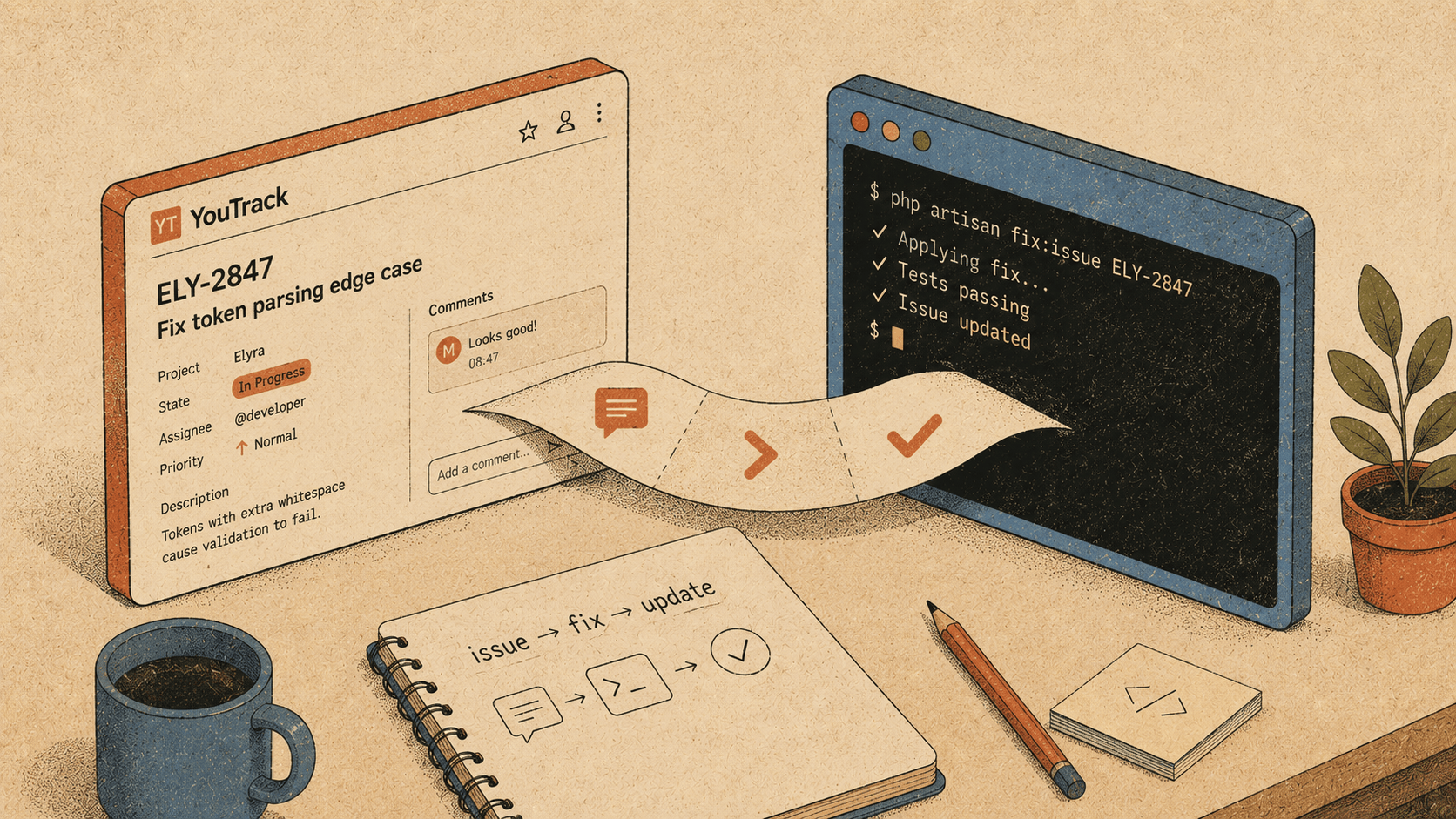
That's six context switches for something that should be zero.
Today's release adds @elyracode/youtrack — a full YouTrack integration that lets the agent read, create, update, and manage issues without you ever leaving the terminal.
Setup
Two environment variables. That's it.
export YOUTRACK_BASE_URL=https://your-instance.youtrack.cloud
export YOUTRACK_TOKEN=perm:xxx.xxx.xxx
Or drop them in your project's .env:
YOUTRACK_BASE_URL=https://your-instance.youtrack.cloud
YOUTRACK_TOKEN=perm:xxx.xxx.xxx
Then install the extension:
elyra install npm:@elyracode/youtrack
No Composer dependency. No npm package in your project. No config files. The token is a YouTrack permanent token — generate one from Profile → Account Security → Tokens in your YouTrack instance.
What you can do
Eighteen tools covering the full YouTrack API. Here's what that looks like in practice.
"What's on my plate?"
> Show me my open issues
Calling youtrack_search_issues({ query: "for: me #Unresolved" })
12 issue(s):
ECOM-342  Fix checkout timeout on mobile  [In Progress]  P:Critical  @kh
FEED-89   RSS feed missing image tags     [Open]         P:Normal    @kh
POS-201   Receipt printer encoding bug    [Open]         P:Major     @kh
...
The agent uses YouTrack's query language directly. for: me means "assigned to the authenticated user." #Unresolved means "not in a resolved state." You can combine these freely:
> Show me critical bugs in the Ecom project updated this week
Calling youtrack_search_issues({
query: "project: Ecom Type: Bug Priority: Critical updated: {this week}"
})
"Tell me about this issue"
> What's the full story on ECOM-342?
Calling youtrack_get_issue({ issue_id: "ECOM-342" })
ECOM-342: Fix checkout timeout on mobile
Description: Users on iOS Safari experience a 30s timeout when submitting
the checkout form. The request reaches the server but the response is not
received by the client...
Project: Ecom
Reporter: Anna Larsen
Created: 2026-05-22 09:14 UTC
Updated: 2026-05-26 16:30 UTC
Custom Fields:
Priority: Critical
State: In Progress
Assignee: Knut W. Horne
Type: Bug
Subsystem: Checkout
The agent sees everything: custom fields, tags, timestamps, reporter, votes. Enough context to start working on the fix immediately.
"Fix it and update the issue"
This is where it gets interesting. You can chain the issue context directly into code work:
> Read ECOM-342, fix the bug, and update the issue when you're done
The agent reads the issue, understands the problem from the description, finds the relevant code, makes the fix, runs the tests, and then:
  Calling youtrack_update_issue({
issue_id: "ECOM-342",
custom_fields: [{ name: "State", value: { name: "Fixed" } }]
})
Calling youtrack_add_comment({
issue_id: "ECOM-342",
text: "Fixed in CheckoutController@submit. The timeout was caused by
a missing await on the payment gateway response. Added proper async
handling and a 15s client-side timeout with retry."
})
No tab switching. No copy-pasting. The agent goes from issue to fix to update in one conversation.
"Create an issue for what I just found"
When the agent discovers something during its work — a missing index, a potential race condition, a deprecated API call — it can file an issue directly:
> I noticed the users table is missing an index on email. Create an issue for that.
Calling youtrack_get_issue_fields_schema({ project_id: "ECOM" })
Calling youtrack_create_issue({
project_id: "0-7",
summary: "Add database index on users.email column",
description: "The users table is missing an index on the email column.
This causes full table scans on login and password reset lookups.
Currently ~50k rows, will degrade as the table grows.",
custom_fields: [
{ name: "Type", value: { name: "Task" } },
{ name: "Priority", value: { name: "Normal" } },
{ name: "Subsystem", value: { name: "Database" } }
]
})
Created issue ECOM-358
URL: https://works.gets.no/issue/ECOM-358
Notice it called get_issue_fields_schema first. That's the skill teaching the agent to discover which custom fields exist and what values are valid before trying to create an issue. No guessing. No "field not found" errors.
"Reassign and comment"
> Reassign POS-201 to @anna and add a comment explaining why
Calling youtrack_change_assignee({ issue_id: "POS-201", assignee: "anna" })
Calling youtrack_add_comment({
issue_id: "POS-201",
text: "Reassigning to @anna — this is in the receipt printing subsystem
which she owns. The encoding issue is likely in the ESC/POS byte sequence
for Norwegian characters (ø, æ, å)."
})
"What did the team discuss?"
> Show me the comments on FEED-89
Calling youtrack_get_comments({ issue_id: "FEED-89" })
3 comment(s):
[2026-05-23 11:20 UTC] Anna Larsen:
The RSS spec requires <enclosure> tags for images, not <image>.
See https://www.rssboard.org/rss-specification#ltenclosuregtSubelementOfLtitemgt
[2026-05-24 09:45 UTC] Knut W. Horne:
Good catch. The feed generator uses a custom template — need to update
FeedItemTransformer to emit enclosure tags.
[2026-05-26 14:10 UTC] Anna Larsen:
Also check if we need type and length attributes. Some readers
reject enclosures without them.
Now the agent has the full discussion context. It can read the comments, understand the requirements, and implement the fix correctly on the first try.
The full toolkit
Category Tools Issues search_issues, get_issue, create_issue, update_issue Assignment change_assignee Comments add_comment, get_comments Tags and links manage_tags, link_issues Projects find_projects, get_project, get_issue_fields_schema Users find_user, get_current_user Knowledge base search_articles, get_article, create_article Time tracking log_work
The tools mirror YouTrack's own MCP tool set, but they run natively inside Elyra — no MCP server needed, no separate process, no stdio transport. Just direct REST API calls with proper error handling and formatted output.
Why this matters
Issue trackers and code editors are two halves of the same workflow. The issue describes what needs to change. The editor is where the change happens. But they've always been separate applications, separate windows, separate contexts.
When the agent can read issues, it understands why the code needs to change — not just what you're asking it to do. When it can update issues, the project management side stays in sync without you doing manual bookkeeping. When it can read comments, it picks up context from your team's discussion that you might not have thought to mention.
The result is fewer context switches, less copy-pasting, and an agent that understands your work at the project level — not just the file level.
Get it
npm install -g @elyracode/coding-agent@0.8.1
elyra install npm:@elyracode/youtrack
Set your YOUTRACK_BASE_URL and YOUTRACK_TOKEN, and the 18 tools are available immediately.
Full changelog: v0.8.1