Two small things that make a project feel like home
A cozy little release note about Elyra Conductor 0.3.0 and 0.3.1 — and the two tiny frictions they quietly remove.
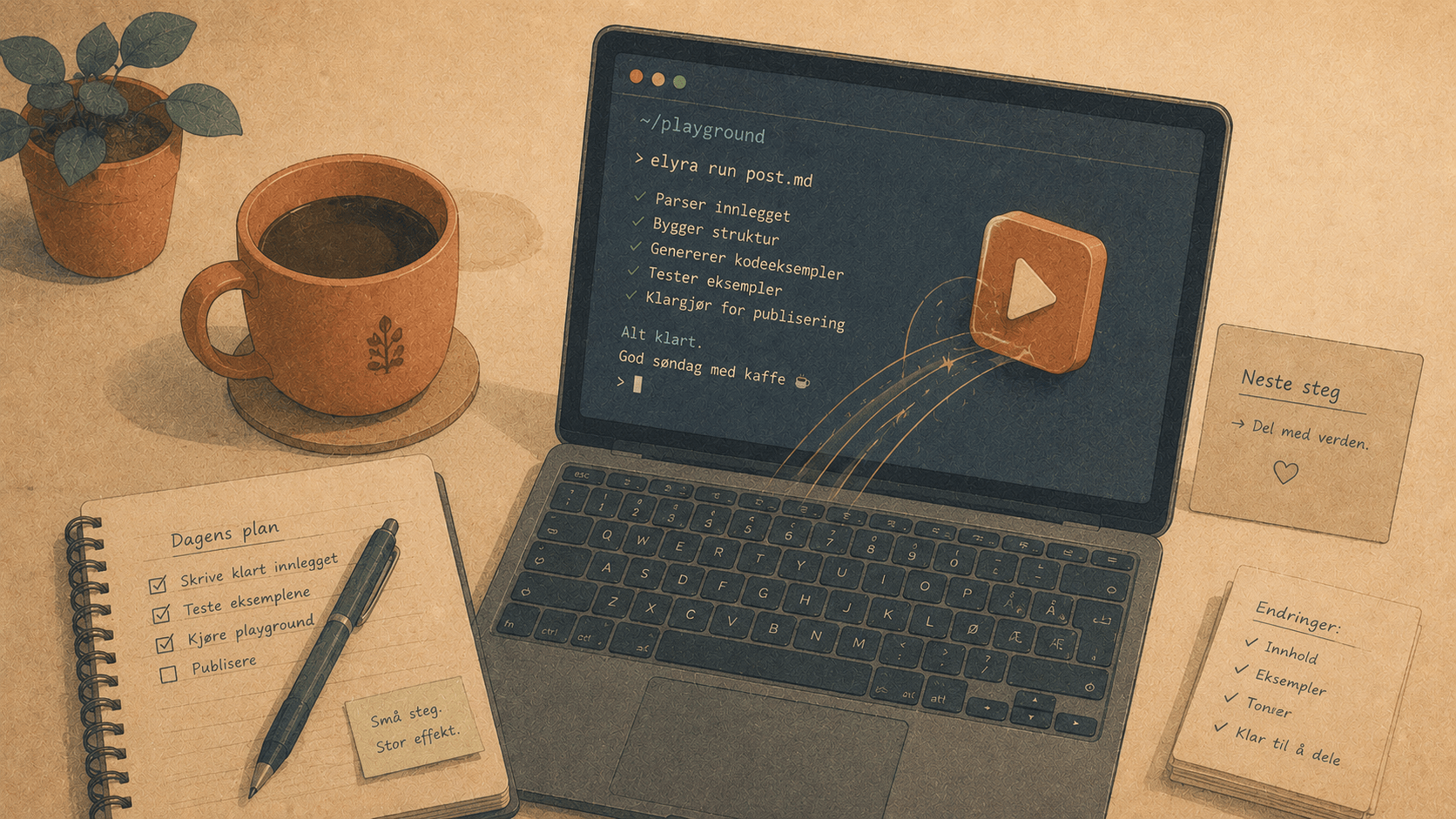
There's a particular kind of tiredness that doesn't come from hard problems. It comes from the little ones — the thousand small frictions between you and the thing you actually want to do. You don't notice any single one. You just notice that, by the end of the day, you're more worn out than the work deserved.
These two releases are about two of those small frictions. Neither is glamorous. Both are the kind of thing you stop noticing — which is exactly the point.
0.3.0 — "Just start the thing" (⌘R)
The friction
Quick: what's the dev command for the project you opened last Tuesday?
Was it npm run dev? Or pnpm dev, because that one uses pnpm? Or composer run dev, because it's a Laravel app and the real command is the composer one that boots Vite, the queue worker, and PHP all at once? Or make dev? Or php artisan serve?
You know it when you see it. But "knowing it when you see it" means opening package.json, squinting at the scripts, remembering which package manager, and typing it out. Every project, slightly different. Every time, a tiny tax.
The thing is — Conductor already knew the answer. It scans your package.json, composer.json, Makefile, and justfile, detects your package manager from the lockfile, and lists every task in the command palette. The knowledge was right there. It just wasn't one button.
The fix
Now it is. Press ⌘R, or click the ▶ that sits on every project in the sidebar, and Conductor picks the right dev command and runs it — in that project's terminal, reusing a pane if one's already open.
How it decides:
It ranks the detected tasks by name:
dev>start>serve>watch.The command string is already correct per source —
npm run devvspnpm devvscomposer run-script devvsmake dev. No guessing about package managers.It runs in a real terminal, so the command echoes and you see exactly what ran. No magic, no hidden behaviour.
The honest part: ties
Some projects are genuinely ambiguous. A modern Laravel app might expose both composer run dev (the umbrella command) and npm run dev (just Vite). Which one did you mean? Conductor doesn't pretend to know — so it asks:
▶ composer run-script dev
▶ npm run dev
You pick once, and it remembers. Next ⌘R goes straight there. No nagging.
When the heuristic can't win
And sometimes the dev command simply isn't a standard task. php artisan serve. pnpm tauri dev (true story — that's how you run Conductor itself; plain pnpm dev only starts Vite without the native window). For those, there's Set start command… — in the command palette or a folder's right-click menu — to pin a per-project override that always wins.
So the full story is: best guess → ask on a tie → let you pin the exception. One key, every project, whatever the stack.
True to Conductor's one rule: this is pure detection and launching. It reads manifests and runs shells. It never calls a model.
0.3.1 — "Tell me when it's done"
The friction
You kick off a build. Or a test suite. Or a deploy. It's going to take a minute or two, so — reasonably — you go do something else. Read a PR. Answer a message. Stretch.
And then you forget. The build finished forty seconds ago and you're still reading Slack, because nothing told you. Or worse: you don't forget, so you sit there babysitting a progress bar, switching back every ten seconds like you're waiting for toast.
Either way, the machine knew the answer and didn't share it.
The fix
Now it shares. When a long-running command in a background tab finishes — when the foreground process hands control back to your shell — Conductor sends you a native notification:
✓ cargo finished
my-project · ran 54s
It's built on something Conductor was already doing: it polls each pane's foreground process to show it in the tab title. So when cargo or vite or pytest quietly turns back into zsh, that's the signal. Nothing to wire up, nothing to annotate. It just notices.
The quiet part
The trick to a notification you don't grow to hate is restraint. So:
It only fires for commands that ran at least ~8 seconds — no popcorn from every
lsandgit status.It never fires for the tab you're actively watching (focused window + active tab). If you're already looking at it, you don't need telling.
It's a single toggle in the command palette — Notify when a background command finishes — and the setting sticks.
So you can kick off the slow thing, walk away with a clear conscience, and trust that you'll be tapped on the shoulder when it's actually done. Not before. Not about nothing.
Why bother with the small stuff
Big features get the headlines. But the texture of a tool — whether it feels like home or like a place you're just passing through — is made almost entirely of small stuff. Of frictions removed so quietly you forget they were ever there.
⌘R means you never go hunting for a dev command again. The finished-notification means you can step away without leaving a part of your brain behind to watch the terminal. Tiny, both of them. But tiny, repeated a hundred times a day, is the whole job.
Go open a project. Hit ⌘R. Walk away. Let the machine keep the small things in its head, so you don't have to. 🪵🔥
Elyra Conductor 0.3.0 and 0.3.1 are out now, with auto-update built right in. As always, Conductor orchestrates — it runs, detects, and notifies — but it never reasons. The thinking stays in your tools.