Three small senses for your cockpit
A cozy look at Elyra Conductor 0.4.6 — a port dashboard, project-coloured tabs, and a sound when things finish. Why these three, and how they work.
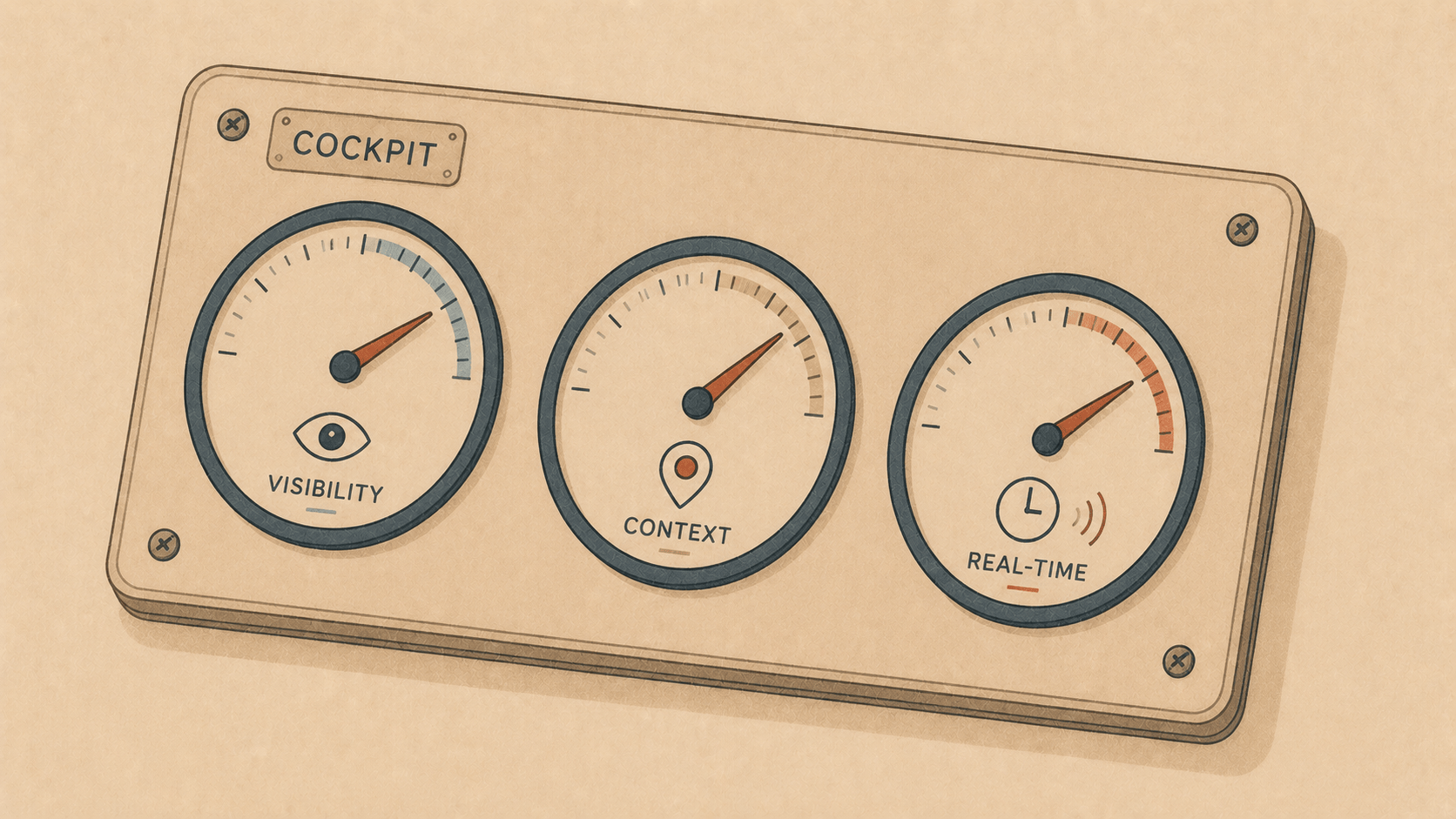
Most of what makes a tool feel good isn't features you use on purpose. It's the ambient stuff — the things the tool quietly tells you so you don't have to go ask. Which server is running. Which project you're looking at. Whether that build is done yet.
0.4.6 is three of those. None of them is a headline. All three give the cockpit a little more awareness — a sense of sight, of place, of hearing. Let me walk through them.
⚡ Sight: the port dashboard
Here's a tiny ritual every web developer knows by heart. You start a dev server. It says it's on :5173. Or was it :3000? Or did something already grab that port and it silently bumped to :5174? You squint at the terminal scrollback, or you run lsof -i :3000 from memory, or you just start opening localhost URLs until one works.
The machine knows exactly what's listening. It just never volunteered the information.
Now it does. Hit ⚡ Ports (top bar, or ⌘K → Show listening ports) and there's the whole picture:
  Port    Process    PID     Address
  :3000   node       48121   127.0.0.1      ↗  ⏹
  :5173   node       48377   *              ↗  ⏹
  :8080   php        49002   127.0.0.1      ↗  ⏹
  :9000   clickhouse 5512    ::1            ↗  ⏹
Click a port and it opens http://localhost:<port> in your browser. The ↗ does the same; the ⏹ sends the process a polite SIGTERM when something's wedged on a port you need back. The list refreshes itself while it's open, so you watch servers come and go in real time.
Under the hood it's just lsof -nP -iTCP -sTCP:LISTEN, parsed and de-duplicated to one row per port — but you never see that. You just see what's actually running, which is the question you were really asking.
🎨 Place: project-coloured tabs
A few releases ago we made tabs show the project name instead of the running process, because a row of tabs all saying "node" tells you nothing. That helped. But once you've got a handful of projects open — app here, BI database there, a docs site in the corner — names alone still make you read before you know where you are.
Reading is slower than seeing. So now every tab carries a thin coloured edge, and the colour is derived from the project's path:
  ▏elyra-conductor   ▏elyra-conductor   ┃inside-works   ┃inside-works
     (one hue)           (same hue)       (another hue)   (same hue)
It's deterministic — the same project always gets the same colour, no setup, no picker. Two tabs from the same project share an edge colour; a tab from a different project stands out instantly. You stop reading tab labels and start just glancing. Your eye learns "blue is the app, amber is the analytics box" within a day, and then you never think about it again.
That's the whole trick: turn a read into a glance.
🔔 Hearing: a sound when it's done
We already had finished-command notifications — kick off a long build, wander off, get a tap on the shoulder when it's done. Lovely. But a silent banner only helps if you happen to be looking at the corner of your screen.
So now the notification has a voice. When a background command finishes:
  ✓ cargo finished
  my-project · ran 54s        🔊
…it plays the default notification sound. Small thing. But it's the difference between "I'll glance over occasionally just in case" and "I'll genuinely go do something else and let it call me back." The whole point of the feature was to let you leave — the sound is what finally makes that safe.
(Still considerate: it only fires for commands that ran a while, and never for the tab you're actively watching. Nobody wants their cockpit pinging at them about things they're staring at.)
Why three tiny things in one release
There's a temptation, always, to save up for something big. But a cockpit isn't made good by one grand instrument — it's made good by a hundred small dials you can read without thinking. Sight: what's running. Place: where am I. Hearing: is it done. Each is a half-second of friction removed, a dozen times a day.
And there's a quiet consistency underneath all three: the machine already had this information — the open ports, the project identity, the moment a process exited. Conductor's job here isn't to compute anything clever. It's just to surface what's already true, in the sense that needs it. Eyes for the port list. Colour for the tab. A sound for the finish.
Open the ports panel. Notice your tabs have learned their colours. Start a slow build and walk away — you'll hear when it's ready.
The cockpit's paying a little more attention now, so you can pay a little less. 🪵🔥
Elyra Conductor 0.4.6 adds a port dashboard, per-project tab colours, and sound on finished-command notifications — signed and Apple-notarized, so it just opens. Conductor surfaces what's running, where you are, and when things finish; it never reasons.