Three habits of a grown-up database client
A cozy look at Elyra Conductor 0.4.9 — connection groups, a Test button, and per-project query history. Small comforts that turn a database viewer into something you actually trust.
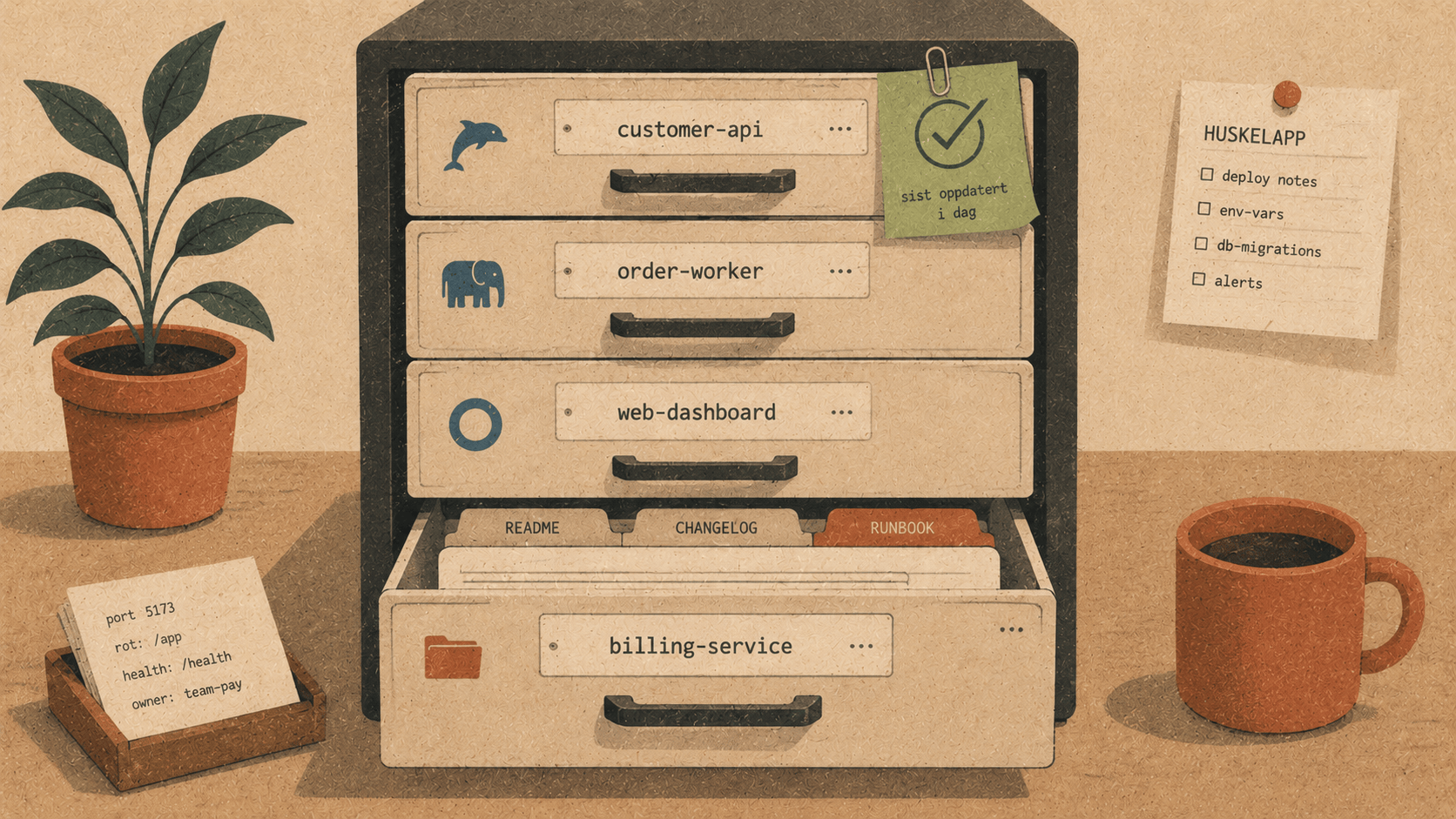
There's a moment when a tool crosses a line from "neat, I can poke at my database" to "this is where I do my database work." It's rarely a big feature that does it. It's the accumulation of small, unglamorous courtesies — the ones every mature client has, and you only notice when they're missing.
0.4.9 adds three of those to the database browser. None is exciting on its own. Together they're the difference between a viewer and a workbench.
📁 Groups: a list that doesn't sprawl
Once the database browser became genuinely useful, a funny thing happened: people connected to lots of things. The app's MySQL. A staging Postgres. A ClickHouse for analytics. Maybe a prod replica you peek at carefully. Suddenly the connection panel is a flat list of eight things and you're reading every label to find the one you want.
So connections can now live in groups. Give a connection a group name when you add or edit it, and the panel organises itself into collapsible folders:
  Database                    +
    🐬 app_dev                       ← ungrouped, on top
    ▾ 📁 Staging
         🐘 app_staging
         🟡 analytics_staging
    ▸ 📁 Production            (collapsed)
Ungrouped connections stay up top where they're handy; named groups fold away when you're not using them. It's the filing-cabinet instinct applied to a list that was starting to sprawl — and it scales to as many environments as your work actually has.
🧪 Test: connect with confidence, not hope
Setting up a connection used to be a small act of faith. Type the host, port, user, password, tick TLS… hit save… and then find out you fat-fingered the port or the password rotated last week. The failure showed up after you'd committed it to the list.
Now there's a Test connection button right in the form:
  Host      db.internal.example.com
  Port      5432
  User      readonly
  Password  ••••••••
  ☑ Use TLS   ☐ Skip certificate verification
[ Test connection ]  ✓ OK          [ Connect & save ]
It runs the exact same connection logic as the real thing — same drivers, same TLS path — but throws the result away. Green ✓ OK and you save with confidence; ✗ failed and you hover for the actual error (wrong password, no route to host, TLS handshake refused) and fix it before it ever joins your list. It's a tiny loop, but it turns "save and hope" into "check, then save."
A nice detail: because it reuses the real connect code path, Test can't lie. If it passes, the saved connection will connect too.
🕘 History: your queries remember themselves
You write a query. It's good. You move on. Twenty minutes later you want it again — and it's gone, scrolled out of the editor, replaced by the three queries you wrote since.
Now a query tab quietly keeps a history, per project. Run something and it's remembered; open the History… dropdown and there are your recent queries, newest first, ready to load back into the editor with a click:
  History…
SELECT city, COUNT(*) FROM addresses GROUP BY city ORDER BY 2 DESC
UPDATE orders SET status = 'shipped' WHERE id = 4471
SELECT * FROM users WHERE email LIKE '%@gets.no'
…
It keeps the last 50 and lives per project (locally — it never leaves your machine), so the history you see is this project's, not a jumble from everywhere. It pairs naturally with the saved queries from before: history is the automatic, low-effort memory of everything you ran; saved queries are the deliberate, named keepers. One you don't think about; the other you curate.
A two-minute tour
Add a couple of connections and give one a Group like
Staging— watch the panel fold them into a folder.Adding another? Hit Test connection first. Green check, then save.
In a query tab, run a few statements, then open History… and pull one back.
The throughline
A database viewer shows you rows. A database client respects how you actually work: across many environments (so it lets you organise them), with imperfect fingers and rotating secrets (so it lets you test before committing), and with a short memory for the clever query you wrote five minutes ago (so it remembers for you).
0.4.9 is three of those courtesies. Groups bring order, Test brings confidence, History brings recall. None will headline a changelog — but together they're what makes the difference between a panel you try and a panel you rely on.
Add a connection, group it, test it, query it — and when you reach for that query again, it'll be waiting. 🪵🔥
Elyra Conductor 0.4.9 adds connection groups, a Test-connection button, and per-project query history to the database browser. Signed and Apple-notarized. Conductor organises, verifies, and remembers; it never reasons.