The release where the cockpit learned to stay still
Elyra Conductor 0.6.0 is a workflow release: editor tabs, a finder that searches everything, drag-and-drop in the tree, a real Git panel, saveable layouts, a task dashboard, and a masked .env editor — plus an honest accounting of the bugs we met on the way.
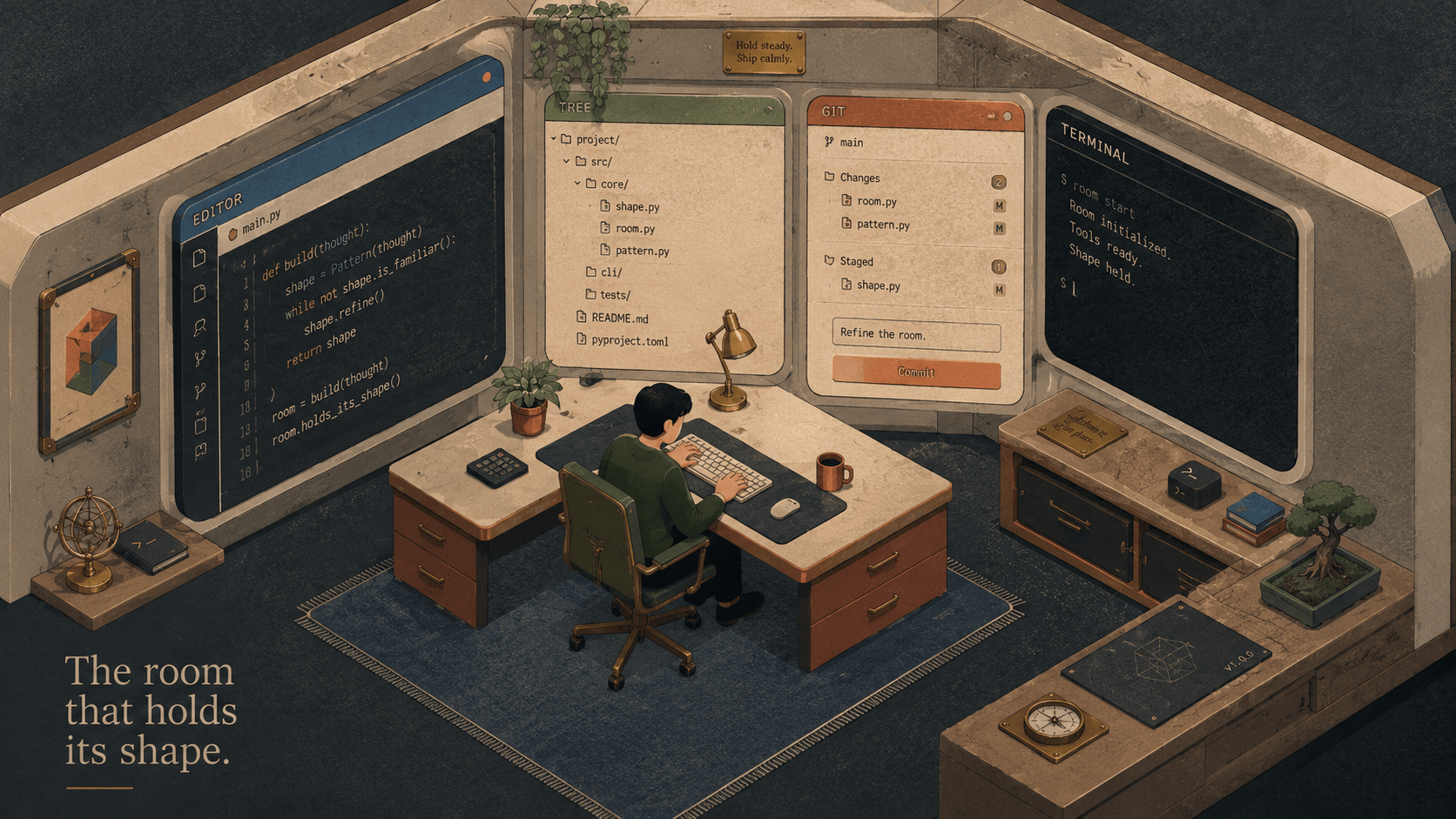
There's a particular kind of friction that doesn't announce itself. It's not a crash or an error dialog. It's the dozen tiny detours you take in an hour: opening a file and losing the one you had, dropping to a terminal to type git add -p because the UI only does "commit everything," hunting through folders for a config you know is in there somewhere, re-arranging your panes from scratch every morning.
None of those is a bug. They're just the way it is — until a tool decides they don't have to be.
0.6.0 is that decision, seven times over. Here's the tour.
📑 The editor grew tabs
The old editor opened one file. Open another, and the first was gone. Fine for a quick peek; useless for actual work, where you're bouncing between a route file, a controller, and a config.
Now open files become tabs:
  ┌ AGENTS.md • ┬ config/app.php ┬ routes/web.php ┐
  │  (active)   │                │                │
Each tab keeps its own scroll position and cursor, so switching back lands you exactly where you left. The little • marks unsaved changes. ⌘S saves — and formats on save when the language has a formatter, so your JSON, JS/TS, CSS and HTML come out tidy without a second thought. ⌘W closes the active tab (and asks first if you'd lose changes); close the last one and the editor folds away.
It's the difference between a viewer and a workbench — the same arc the database browser walked a few versions ago.
🔍 A finder that searches everything (⌘P)
You know the file exists. You just don't want to expand four folders to reach it. Or worse: you remember a line of code but not which file it's in.
⌘P now opens a finder with two tabs:
Files — fuzzy match by name. Type
appcfgandconfig/app.phpfloats to the top.Text — search file contents with ripgrep, fast and
.gitignore-aware. FindSTRIPE_SECRET, hit enter, and the file opens right at the matching line.
  ⌘P
  ┌ Files │ Text ┐                    ⇥ switch · ↵ open · esc close
  │ STRIPE_SECRET│
  ├──────────────────────────────────────────────
  │ config/services.php:42   'secret' => env('STRIPE_SECRET'),
  │ .env.example:18          STRIPE_SECRET=
  │ docs/billing.md:5        Set STRIPE_SECRET in your env…
⇥ flips between modes, arrows move, enter opens. It's the single most-reached-for key in any mature editor, and now the cockpit has it too — backed by your machine's own rg, with a built-in fallback if it isn't installed.
🖱 Drag and drop in the tree
Reorganising files used to mean a terminal and mv. Now you drag a file onto a folder and it moves there; drop it on the empty space and it goes to the project root. The target folder lights up so you know where it'll land. Under the hood it's the same rename_path the right-click menu uses — and the tree refreshes itself afterward, even inside expanded subfolders.
Small thing. But "small thing, done right, a hundred times a week" is the whole philosophy.
⎇ A Git panel that does the 90% (⌘G)
Conductor always had a commit dialog: write a message, commit everything, optionally push. Great for "save my work." Useless for "stage these three files, leave the rest."
⌘G opens a proper Git panel:
  Git — feed3        [ main ▾ ] [+ branch] [Stash] [⟳]
  ────────────────────────────────────────────────────
   STAGED (1)                    │  diff: config/app.php
     M config/app.php   [−]      │  @@ -12,6 +12,7 @@
                                 │  +    'timezone' => 'Europe/Oslo',
   CHANGES (2)                   │  -    'timezone' => 'UTC',
     M routes/web.php  [⟲][+]    │  …
     U notes.md         [+]      │
  ────────────────────────────────────────────────────
   [ Commit message…            ]  [Commit (1)] [Commit & Push]
Stage and unstage individual files (or all of them), discard changes, click a file to see its coloured diff, switch or create branches, stash and pop, and commit just the staged index — with or without a push. It's still deliberately not a full Git client (no interactive rebase here — that's what a terminal pane is for), but the daily loop now lives in one calm panel.
And the boundary holds, as always: Conductor runs git. It doesn't reason about your code. Every button is a git command you could type yourself.
⬡ Workspaces you can name
Mornings shouldn't start with rebuilding yesterday's setup. A workspace is a named snapshot of your whole layout — tabs, split panes, working directories, the open project, even the editor file. Arrange things the way a task wants, hit ⬡ Layout → Save current layout…, give it a name. Tomorrow, load it back in one click.
  ⬡ feed3-release
    💾 Save current layout…
    ─────────────────
    ✓ feed3-release
    inside-helpdesk-bugfix
    conductor-dev
Terminals are real shells and can't be resurrected, so they come back as fresh sessions with the same structure, directories, and replayed scrollback — the shape of your work, ready to refill.
(The logic for this had quietly existed for a while, hidden in the command palette and — embarrassingly — calling the browser's prompt(), which Tauri's webview ignores. 0.6.0 gives it a real dialog and a visible home in the top bar.)
☰ A task dashboard
Conductor already discovered your scripts — package.json, composer.json, Makefile, justfile — and tucked them into the command palette. Now there's a ☰ Tasks button that lays them all out, grouped by source, each with a one-click ▶ to run in a fresh terminal tab:
  📦 package.json
     dev      ▶   pnpm run dev
     build    ▶   pnpm run build
  🛠 Makefile
     migrate  ▶   make migrate
  🦬 justfile
     seed     ▶   just seed
No more remembering whether it's npm run, pnpm, make, or just. You see them; you click; it runs.
🔑 A masked .env editor
Every project has that .env full of secrets you occasionally need to read but never want to leave open on screen. The 🔑 Env panel lists your .env* files and shows each variable with its value masked — DB_PASSWORD = •••••••• — with a 👁 to reveal one row at a time. Edit values, add or remove keys, and Save writes back, preserving comments and structure.
The values stay in the file, where env vars belong — Conductor never copies them anywhere. (Keep .env gitignored, and it'll gently remind you to.)
The bugs we met on the way
Shipping seven features in one go is also a story about three bugs, told honestly:
The eternal "loading." A new command-palette entry slipped outside an
if (activeProject?.is_git)that had no braces, so it readactiveProject.namewhen no project was selected →null.name→ the whole command list threw → the app never mounted. One pair of{ }fixed it. (Classic.)"ModelService: model already exists." The new tabbed editor opened the first file twice — once from
onMount, once from an effect — and both raced to create the same Monaco model. The fix: re-check for the model after the async read, before creating it.The squeezed terminal. Open the editor, and the terminal pane shrank — then stayed shrunk after closing it, because WebKit's
ResizeObserverdoesn't always fire when a flex sibling appears or vanishes. So now the terminals explicitly re-fit whenever the surrounding panels toggle.
The nicest outcome wasn't the fixes themselves — it was adding a dev smoke test to the workflow: a tiny headless run that mounts the app and checks for render errors before every build. The "loading" bug would never have reached a screenshot if it had existed. Now it does.
The throughline
Look at the seven features together and they rhyme. The editor remembers what you had open. The finder finds without making you climb the tree. Git respects that you stage on purpose. Workspaces recall your setup. Tasks and .env put the things you reach for one click away instead of one memory-search away.
It's all the same idea: a cockpit should hold still around you while you work — keep your context, surface your tools, and never make you rebuild the room you were just standing in.
Open a few files, hit ⌘P, drag something where it belongs, stage just what you meant to. The cockpit will keep its shape. 🪵🔥
Elyra Conductor 0.6.0 — multi-file editor, ⌘P fuzzy + content finder, drag-and-drop file tree, a full Git panel, named workspaces, a task dashboard, and a masked .env editor. Signed and Apple-notarized. Conductor runs, shows, and remembers; it never reasons.