The cockpit gets a memory and a pulse
Elyra Conductor 0.6.1 adds a flight recorder for your terminals and a livelier health strip in the sidebar — plus a quiet bit of housekeeping.
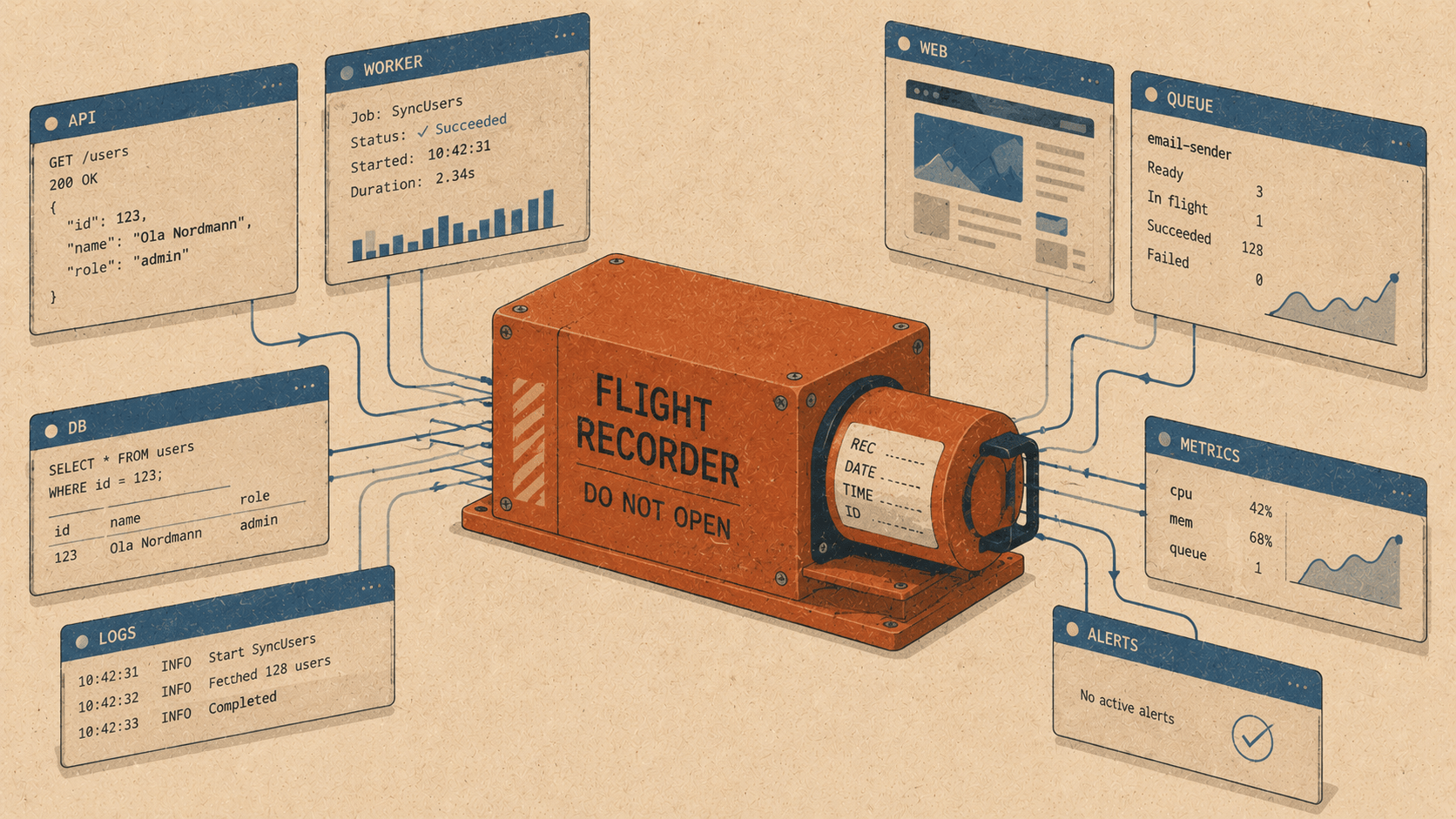
Elyra Conductor 0.6.1 adds a flight recorder for your terminals and a livelier health strip in the sidebar — plus a quiet bit of housekeeping. A fireside look at why "what did I just run?" and "is anything alive in there?" deserved real answers.
Two small questions haunt every developer's afternoon.
The first is "what did I just run?" — you kicked off a build, switched tabs, took a call, and now you're staring at six terminals wondering which one had the thing, and how long ago.
The second is "is anything actually running?" — you've got a dozen projects pinned, and somewhere a dev server is up, a container is humming, a test is grinding away. But which? You find out by clicking around until something looks busy.
0.6.1 answers both, and tidies the workshop a little on the way out.
🕘 A flight recorder for your terminals
Conductor already knew, quietly, when a long command finished — that's how the "build done" notifications work. It watches each pane's foreground process and notices when it returns to a shell prompt. 0.6.1 takes that same signal and, instead of letting it evaporate, writes it down.
Press 🕘 Timeline (or find it in ⌘K) and you get a session history of everything that ran, newest first:
  🕘 Command timeline                    14 recorded · this session   [Clear]
  ────────────────────────────────────────────────────────────────────────
  14:31   vite       2m 14s   feed3            3m ago
  14:28   pnpm       18s      feed3            6m ago
  14:19   pest       41s      inside-helpdesk  15m ago
  14:02   git        2s       conductor        32m ago
  13:58   docker     1m 03s   feed3            36m ago
Each row is the process, the time it finished, how long it ran, and which pane (project) it was in. Click any row and Conductor jumps you straight back to that pane — no hunting. It's a black box for your session: not to relive every keystroke, but to answer "where was that, and how long did it take?" in one glance.
The honest part
This is built on the foreground process name, not shell hooks. So it tells you vite ran for 2m 14s in feed3 — it doesn't (yet) show the full command line or whether it exited 0 or 1. Those need proper shell integration (the OSC-133 prompt hooks that VS Code and iTerm inject), which is a careful, opt-in feature for another day. For now you get the shape of your session — what ran where, and for how long — with zero shell tinkering and zero risk to your prompt. That's a genuinely useful 80% for a tenth of the complexity.
🩺 A health strip with a pulse
The sidebar already told you a project's git status (branch, dirty, ahead/behind) and showed a green ⚡port badge for any local server listening from inside it. 0.6.1 makes the row come alive.
  PINNED
    feed3            🟢  🐳2/2  ●  ⎇ master  ⚡8000  ⚡5173
    inside-helpdesk      🐳0/1      ⎇ main
    conductor            ●  ⎇ main
Two new signals:
A pulsing running dot (🟢) appears when a foreground command is active in one of that project's terminal tabs. It uses the process titles Conductor already polls, so it's free — at a glance you can see which projects are busy right now without opening a single tab.
A 🐳 container badge — running/total — for Docker containers that belong to the project. Conductor runs
docker ps, reads each container's Compose working-dir label, and matches it to your project folder.🐳2/2means both of feed3's containers are up;🐳0/1means one exists but is stopped. If Docker isn't installed or running, the badge simply doesn't appear — no errors, no noise.
It's the difference between a directory listing and a dashboard. Glance at the sidebar and you can read the state of your whole bench: this one's compiling, that one's got containers up, this one's clean and idle.
Still honest
You'll notice there's no "last test passed/failed" badge yet, even though it was on the wish list. Same reason as the timeline: knowing a test's result means knowing its exit code, and that needs shell integration we haven't built. Rather than fake it with a green checkmark that might be lying, we left it out. When the shell hooks land, the test status — and real exit codes in the timeline — arrive together, honestly.
🧹 A quieter App.svelte
The third change you'll never see, and that's the point. App.svelte had grown to nearly two thousand lines — the beating heart of the app, but also a place where every little pure helper had accumulated like leaves in a gutter.
0.6.1 sweeps the clearly-pure ones into a new src/lib/util.js:
// src/lib/util.js — state-free, testable, reusable
export function baseOf(path) { … }
export function dirOf(path) { … }
export function detectRunCommand(name) { … }   // "deploy.sh" -> "bash 'deploy.sh'"
export function isIdleProc(name) { … }          // is this just a shell prompt?
export function rankDevTasks(tasks) { … }        // guess the "dev" script
These are functions with no reactive state — they take input, return output — so moving them out is zero-risk and immediately makes them reusable (the file finder and others can lean on baseOf now too) and unit-testable in isolation. App.svelte dropped 45 lines and, more importantly, a little cognitive weight.
It's phase one. The bigger prize — lifting whole reactive concerns into rune modules — is a more delicate operation, and the kind of thing you do slowly, with the smoke test watching. Which brings me to the nicest part of this release.
The safety net that earned its keep
A version ago, a missing pair of braces let a render error slip into a build, and the app greeted us with an eternal "loading" splash. The fix was one line; the lesson was bigger. So now every build runs a tiny headless smoke test first: it mounts the whole app in a real browser engine and checks that it renders without throwing.
Through all of 0.6.1 — three features, a new backend command, a file extraction — that test ran green after every change. Refactoring App.svelte with a net underneath feels completely different from doing it blind. The leaves come out of the gutter, and you actually trust the roof afterward.
The throughline
A flight recorder so you can answer "what did I just run?" A pulse in the sidebar so you can answer "what's alive?" A tidier core so the next feature is easier to add. And underneath it all, the same old boundary: Conductor watches, records, and shows — it runs docker ps and reads process names; it never reasons about your code.
Run a few things, open the timeline, glance at the sidebar. The cockpit remembers now, and you can feel its pulse. 🪵🔥
Elyra Conductor 0.6.1 — a session command timeline, a livelier per-project health strip (running dot + Docker container badge), and a first pass at modularising the app's core. Signed and Apple-notarized. Conductor records and shows; it never reasons.