The bug that was hiding in plain sight (and a tab that finally tells you where you are)
A cozy write-up of Elyra Conductor 0.3.2 and 0.3.3 — one a quiet fix that made half the app finally work, the other a tiny clarity win you'll feel every day.
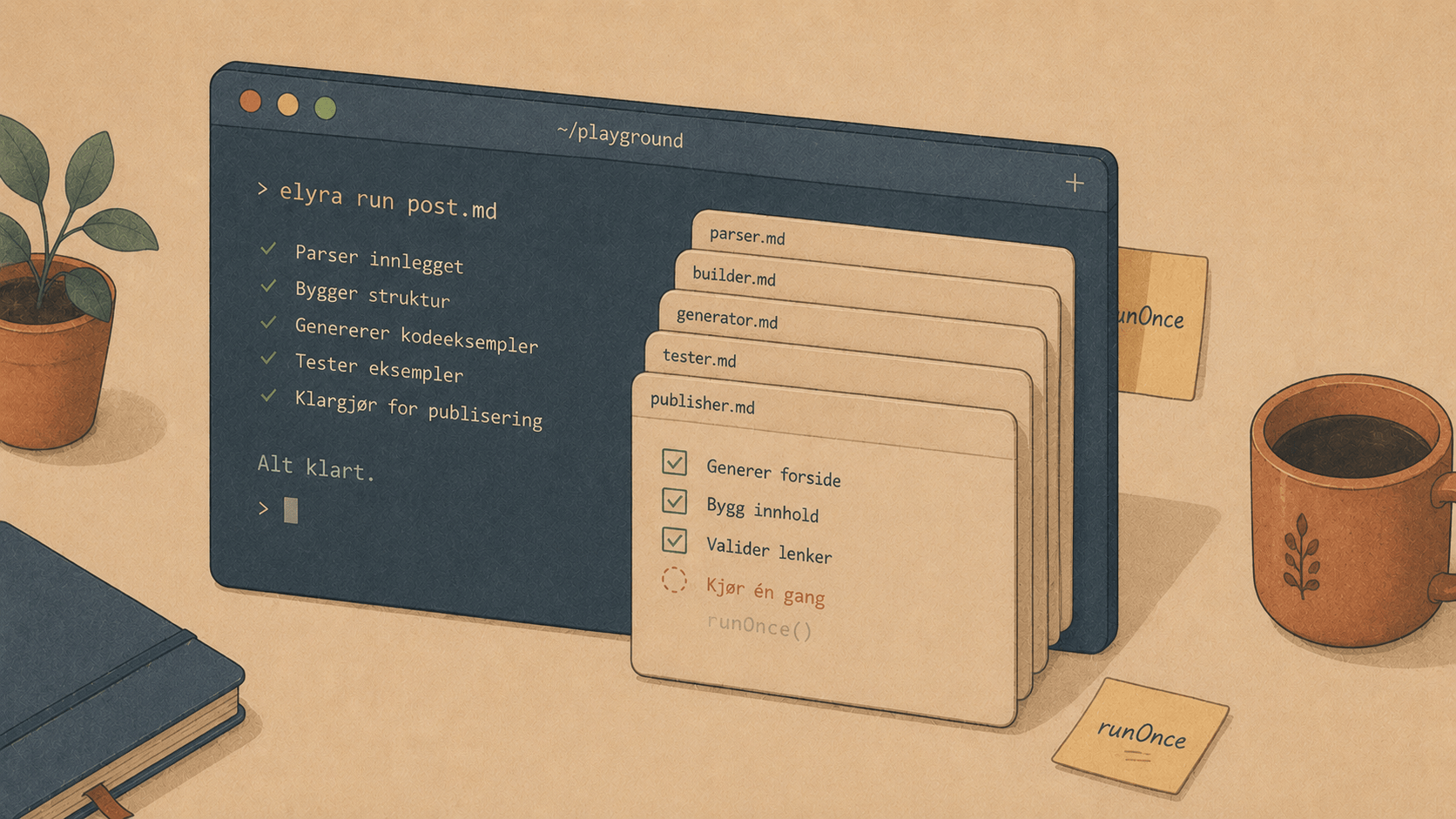
Some releases add new things. These two are about making the things that were already there actually do what they always promised. Which, honestly, is the more satisfying kind of work — the kind where you don't ship a feature so much as you find one that had been sleeping the whole time.
0.3.2 — "Wait, that never ran?"
The smell
It started with a deploy script. A real one — the kind that SSHes into a production box and pokes a Docker container. You right-click it in the file tree, choose Run, a terminal tab opens, the cursor blinks politely at the project root… and nothing happens.
Not an error. Not a hang. Just nothing. The shell was there, ready, waiting — but the command never came.
Now, the funny part: the same command worked fine in the modal runner. And it worked fine if you typed it yourself. So the shell was fine, the script was fine, the environment was fine. Only the "run this in a terminal tab" path was quietly doing absolutely nothing.
That's the worst kind of bug, by the way. Not the loud one that throws a stack trace. The polite one that just… declines.
The hunt
The thing about a feature that "never ran" is that it makes you question how it ever seemed to work. And the answer was: it didn't. Not really.
Conductor lays out its split panes with a little helper that flattens the layout tree into positioned rectangles. Each pane carries a few facts — its terminal id, its working directory, its title. And the code that built those rectangles copied exactly those fields:
leaves.push({
  termId: node.termId,
  cwd: node.cwd,
  title: node.title,
  rect: { x, y, w, h },
});
Spot the absence. The pane also knew two more things — the command it was supposed to run on startup (runOnce), and its stable per-pane key used to save scrollback. Neither made it into the rectangle. So when the tab rendered its terminal:
<Terminal runCommand={leaf.runOnce ?? null} persistKey={leaf.key} ... />
…both were quietly undefined. The command to run? Gone. The key to persist scrollback? Gone. Every "run in a tab" path — right-click Run, the Run: tasks, [[task:dev]] in a runbook, Start project when it opened a fresh tab — had been handing the terminal an empty hand the whole time.
One line fixed it:
leaves.push({
  termId: node.termId,
  cwd: node.cwd,
  title: node.title,
  key: node.key,         // ← scrollback persistence, restored
  runOnce: node.runOnce, // ← the command actually arrives now
  rect: { x, y, w, h },
});
Two features, one missing line. That's the texture of real software.
While we were in there: run it properly
There was a second, subtler gremlin. Even when the command did reach the terminal, the old approach was to type it in — write the keystrokes into the shell right after it started. And a shell that's mid-startup (oh-my-zsh, Powerlevel10k's instant prompt, a chunky .zshrc) will happily swallow those keystrokes before it's ready to listen. Works in iTerm, because you wait for the prompt. Doesn't work when a robot fires the command at it instantly.
So now the shell runs the command itself, deterministically, at launch — and then drops you into a normal interactive prompt:
$SHELL -lic '<your command>; exec $SHELL -li'
Login + interactive, so your full environment is there — PATH, ssh, the SSH agent socket, all of it. A deploy script behaves exactly as it does in your own terminal, because it essentially is your own terminal. And because it execs into a fresh shell afterward, the tab stays open and interactive — output intact, ready for you to poke at.
And a new option to match
Since deploy scripts are things you watch, there's now an explicit choice when you right-click a file:
Run
<file>in a terminal tab — a real, persistent, interactive tab. Full output, full scrollback, answer prompts, the works. The right home for a deploy.Run
<file>… (modal) — the quick, auto-closing one-shot for things you just want to fire and forget.
The deploy script that started all this? It runs end-to-end now — SSH, Docker, the lot.
0.3.3 — "Which one of these is which?"
The friction
Open a few projects. Start a dev server here, a PHP server there, an agent in a third. Glance at your tabs and you'd see something like:
[ elyra ] [ php ] [ ● elyra ]
Three tabs. Two say "elyra". One says "php". And you have no idea which project is which — because each tab was labelling itself with whatever process happened to be running inside it. The moment you started a dev server, the tab forgot its own name and started parroting vite or php or node.
Helpful in theory. In practice: a row of identical-looking tabs and a small game of "click and find out".
The fix
A tab's job is to tell you where you are. So now it does. The label is the project name, always — stable no matter what's running:
[ elyra-conductor ] [ inside-works php ] [ ● my-web-app vite ]
And the thing that is running? It moved to where it belongs — a small, dimmed chip beside the name, plus a gentle pulsing dot when a command is live. So you get both facts, cleanly separated:
Project name — which project this tab belongs to. Front and center.
Running marker — a pulsing dot + a little
vite/php/nodechip, so you can see at a glance which projects are alive and which are idle.
It's a small thing. But it's the kind of small thing you stop noticing precisely because it's working — you just know which tab is which now, without thinking about it. Which was the whole point.
The throughline
If 0.2.x and early 0.3.x were about adding reach — runbooks, one-key project starts, finished-command notifications — these two are about trust. A tool you trust is one where the buttons do what they say, and the screen tells you the truth about what's happening.
0.3.2 made "run this" actually run it. 0.3.3 made the tabs stop lying about which project you're looking at. Neither will headline a changelog. Both make the thing feel a little more like it's on your side.
Go right-click a script and run it in a tab. Start a couple of projects and watch the little dots come to life. Small comforts — but they add up to a place you don't mind spending your day. 🪵🔥
Elyra Conductor 0.3.2 and 0.3.3 are out, with auto-update built in. Conductor still only runs, shows, and notifies — it never reasons. The thinking stays in your tools; the cockpit just keeps the lights honest.