Talking to Your Database Without Leaving the Terminal
There's a workflow that every developer does dozens of times a day. You're in the middle of building something. You need to check what's in the database. You open a database client — TablePlus, DBeaver, phpMyAdmin, the MySQL CLI. You write a query. You read the result. You go back to your editor. You continue coding.
Then you do it again five minutes later.
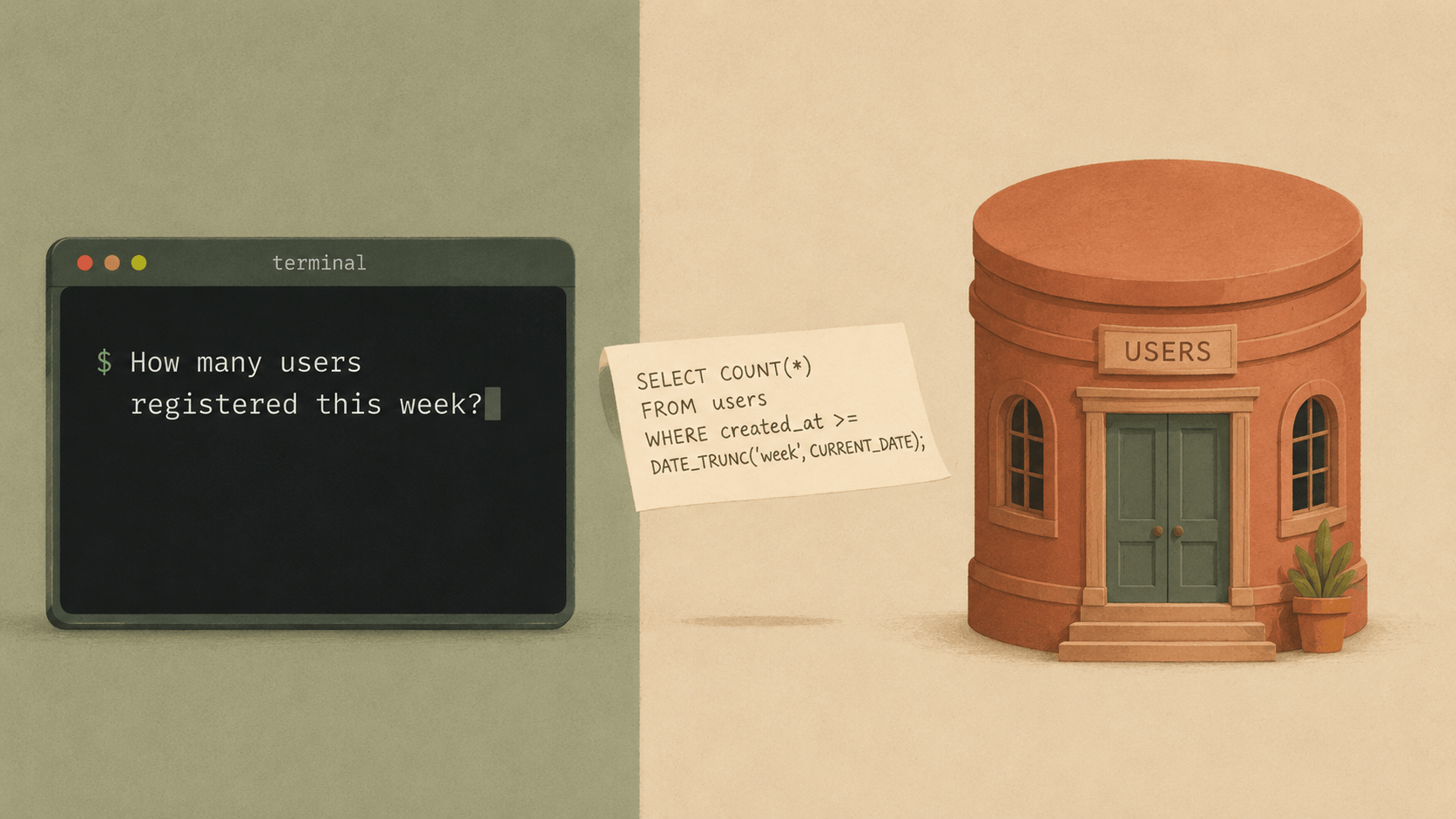
@elyracode/db-tools skips the context switch. The agent queries your database directly, understands the schema, and uses the results to inform what it builds. You stay in one place.
Install
elyra install npm:@elyracode/db-tools
Zero configuration for Laravel projects
If your project has a .env file with DB_HOST, DB_DATABASE, DB_USERNAME, and DB_PASSWORD — the standard Laravel variables — db-tools reads them automatically. No separate configuration.
DB_HOST=127.0.0.1
DB_PORT=3306
DB_DATABASE=myapp
DB_USERNAME=root
DB_PASSWORD=secret
That's enough. The agent can now query your database.
SQLite is even simpler. If your .env has DB_CONNECTION=sqlite, db-tools finds the database file automatically — either from DB_DATABASE or the Laravel default at database/database.sqlite.
Just ask about your data
You don't need to write SQL. Just describe what you want to know:
How many users registered this week?
The agent calls get_database_schema to discover your tables and columns, writes the SQL, executes it via query_mysql, and gives you the answer. If the schema has a users table with a created_at column, it knows what to do.
Show me the top 10 products by revenue this month
The agent joins the relevant tables, handles the date filtering, aggregates the revenue, and returns the results as formatted JSON.
What's the schema of the orders table?
Returns columns, types, nullable flags, defaults, and indexes. Useful when you're about to build something that touches that table and want the agent to know the structure.
Where it gets interesting
The database tools aren't just for answering questions. They change how the agent writes code.
Building migrations. When you ask the agent to add a feature that needs new database tables, it can check the existing schema first. It knows what tables exist, what columns they have, what foreign keys are in place. The migration it writes fits the existing structure instead of guessing.
Add a notifications system. Check the existing schema first.
The agent reads the schema, sees your users table structure, and creates a migration with the right foreign key references and column types.
Debugging data issues. When something isn't working and the bug might be in the data, you can ask the agent to check:
The order total on order #4521 looks wrong. Check the line items and calculate what it should be.
The agent queries the order, queries the line items, does the math, and tells you whether the total matches. If it doesn't, it can trace the code path that calculates totals and find where the bug is.
Seeding and testing. Before writing tests, the agent can check what data patterns exist:
Show me a few example rows from the payments table so I understand the data format
Then it writes factory definitions and test assertions that match your actual data patterns, not generic placeholders.
Three database engines
MySQL is the primary target. Connection details come from your .env or from ELYRA_MYSQL_* environment variables. Supports all standard SELECT queries, joins, aggregations, subqueries.
ClickHouse for analytical workloads. If you have a ClickHouse instance for logs, analytics, or time-series data, the agent can query it with the same natural language interface. Configure with ELYRA_CLICKHOUSE_* variables or the standard ClickHouse .env keys.
What's the 95th percentile response time for the /api/checkout endpoint this week?
If that data lives in ClickHouse, the agent writes the appropriate ClickHouse SQL (which has different syntax for percentiles and time functions) and returns the result.
SQLite for local development and testing. Auto-detected from your Laravel project. No configuration. Useful for checking state during development without spinning up a full database server.
Safety
By default, db-tools only allows read operations. SELECT, SHOW, DESCRIBE, and EXPLAIN. The agent cannot INSERT, UPDATE, or DELETE through the database tools unless you explicitly enable it:
export ELYRA_DB_ALLOW_WRITES=true
Even with writes disabled, the agent can still create migration files that modify the schema — it just can't execute them against your database directly. This is the right default for most workflows: the agent reads data to inform its work, but structural changes go through your normal migration pipeline.
The recommendation is to use a database user with SELECT-only privileges. Even if someone enables ELYRA_DB_ALLOW_WRITES, the database itself enforces the boundary.
Practical patterns
Start of session: ground the agent in reality. Pin your schema or ask the agent to read it at the beginning of a session. This gives it accurate knowledge of your data model for everything that follows.
/pin database/schema.sql
Or:
Read the database schema and keep it in mind for this session.
Before building features: check the data. Instead of describing your data model in words, let the agent see it. "Add a reporting dashboard" works better when the agent has queried the actual tables and knows what metrics are available.
After deploying: verify the data. Run a quick check after a migration or data import:
Check if all users have a valid team_id after the migration
The agent writes a query that finds orphaned records, null foreign keys, or data inconsistencies.
When not to use it
Don't point it at production databases with sensitive data. The query results flow through the LLM provider. Use a development or staging database, or a read replica with anonymized data.
Don't use it for bulk data operations. It's designed for exploratory queries and schema discovery, not for importing 10,000 rows or running data migrations. Use your normal database tools for that.
Don't enable writes unless you have a specific reason and a separate database user with limited permissions. The default read-only mode exists for a reason.