Stealing Like an Artist: Extracting Design Systems From Any Website
Every developer has done this. You're building a landing page and the client says "make it look like Stripe" or "I want that Linear feel." You open the target site, start inspecting elements, copy hex codes into a notepad, screenshot the button styles, try to figure out the spacing scale, and piece together a mental model of their design system.
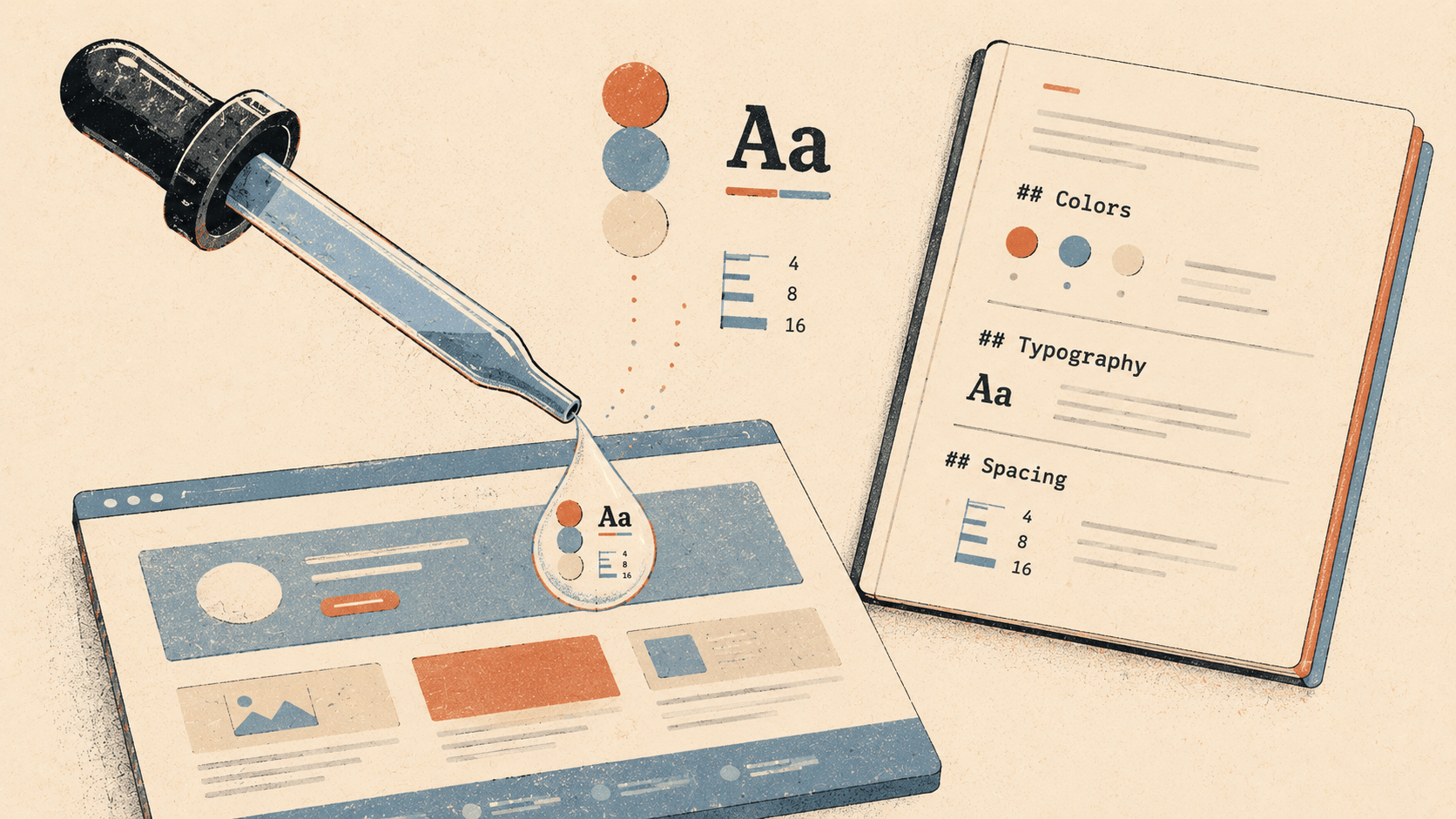
It takes an hour. And you still miss things.
@elyracode/design-lookup does this in about ten seconds.
Install
elyra install npm:@elyracode/design-lookup
It requires Puppeteer for headless browser rendering:
npm install -g puppeteer
How it works
/lookup-design https://stripe.com
Elyra launches a headless browser, navigates to the URL, waits for the page to render, then runs a JavaScript extraction script inside the page context. The script samples hundreds of elements, reads their computed styles, collects CSS custom properties, and maps the results into a structured design system.
The output is saved to .elyra/LOOKUPDESIGN.md:
# Design System: https://stripe.com
> Extracted 2026-05-21
Colors
- body-bg: #FFFFFF
- body-text: #1A1A1A
- nav-bg: #F6F9FC
- button-bg: #635BFF
- button-text: #FFFFFF
- link-text: #635BFF
- heading-text: #0A2540
CSS Variables
--accent-color: #635BFF--background-primary: #FFFFFF--text-primary: #0A2540--text-secondary: #425466
Typography
Font Families
- Inter
- system-ui
Body Text
- Font: Inter
- Size: 16px
- Weight: 400
- Line height: 28px
Headings
- h1: 56px, weight 700, Inter
- h2: 40px, weight 600, Inter
- h3: 24px, weight 600, Inter
Spacing
Scale (px): 4, 8, 12, 16, 24, 32, 48, 64, 80, 96, 128
Base unit: 4px
Components
Button
- Background: #635BFF
- Text: #FFFFFF
- Border radius: 8px
- Padding: 12px 20px
- Font: 16px, weight 600
Card
- Background: #FFFFFF
- Border radius: 12px
- Padding: 32px
- Shadow: 0 2px 8px rgba(0,0,0,0.08)
Input
- Background: #FFFFFF
- Border: 1px solid #E0E0E0
- Border radius: 8px
- Padding: 10px 14px
- Font size: 16px
Layout
- Max width: 1200px
- Uses CSS Grid
- Uses Flexbox
Everything the agent needs to replicate the design, extracted from the live site and formatted as markdown it can parse.
Using it with the agent
The real power isn't the command itself — it's what happens after. The agent has the design system in context and can apply it to everything it builds.
/lookup-design https://linear.app
Then:
Build a project dashboard using the Linear design system from LOOKUPDESIGN.md
The agent reads the extracted design system and builds components that match Linear's colors, typography, spacing, and component patterns. Buttons have the right border radius. Cards have the right shadow. Headings use the right font weight. The spacing scale is consistent.
Pin it for persistent reference across the session:
/pin .elyra/LOOKUPDESIGN.md
Now every component the agent builds in this session will reference the design system automatically, even after compaction.
Practical scenarios
Client says "make it look like X"
/lookup-design https://notion.so
Build a documentation page using these design patterns
Instead of guessing what "like Notion" means, the agent has the actual values. The client's subjective request becomes an objective reference.
Matching an existing product
You're building a new feature that needs to feel consistent with your existing app, but the design system isn't documented anywhere:
/lookup-design https://your-app.com
Now the agent knows your actual colors, spacing, and component styles — extracted from what's deployed, not what someone wrote in a Figma file two years ago.
Competitive analysis
/lookup-design https://competitor-a.com
/lookup-design https://competitor-b.com
Run it on multiple competitors. Compare their design systems. Ask the agent to synthesize the best patterns:
Compare the design systems from the last two lookups.
What do they have in common? Where do they differ?
Build something that takes the best of both.
Design system documentation
Your project has a design system but no documentation:
/lookup-design http://localhost:3000
Point it at your own running dev server. The extracted markdown becomes instant design system documentation that the agent (and your team) can reference.
What it extracts
Colors. Background and text colors from key page regions (body, nav, main content, footer, buttons, links, headings). Plus all CSS custom properties that look color-related — variables containing hex values, rgb, or hsl, and variables with names like --primary, --background, --foreground.
Typography. Font families in use, the complete size scale, font weights, and line heights. Specific styles for body text and h1–h3 headings including exact font, size, weight, and line height.
Spacing. Every margin, padding, and gap value from the first 40 structural elements, sorted into a scale. If the scale follows a 4px or 8px base, it's noted.
Components. Computed styles for the first button, card, and input found on the page. Each includes background, text color, border radius, padding, shadows, and borders. These are the exact values as rendered, not what's in the source CSS.
Layout. Container max-width, whether the page uses CSS Grid, whether it uses Flexbox.
CSS Custom Properties. All --custom-property declarations from :root. These often reveal the design system's token structure — the naming conventions and organizational thinking behind the visual design.
Limitations
It extracts what's visible on the initial page load. It doesn't navigate to subpages, interact with dropdowns, or trigger hover states. If the site's most interesting design patterns are behind interactions (modals, menus, animations), they won't show up.
It reads computed styles, not source CSS. You get 16px not 1rem. You get #635BFF not var(--brand-primary). The CSS variables section partially compensates for this, but the mapping between variables and their usage isn't preserved.
Sites with aggressive anti-bot measures or those that require authentication may not load properly in headless Puppeteer.
Why markdown
The output is a .md file. Not JSON, not a Figma file, not a Tailwind config. Markdown because:
The agent reads it natively. No parsing step, no conversion.
You can read it too. Open it, scan it, spot if something looks wrong.
It's pinnable.
/pin .elyra/LOOKUPDESIGN.mdmakes it permanent context.It's diffable. Run it twice, diff the results, see what changed.
It's editable. If the extraction missed something or got a value wrong, you fix it with a text editor.
The file is overwritten on each lookup. If you want to keep multiple extractions, rename the file before running the next one.