From "is damaged" to "just opens" — and a database browser that grew up
Elyra Conductor 0.4.4 finished the database browser; 0.4.5 made a downloaded app open cleanly — Developer ID signed and Apple-notarized.
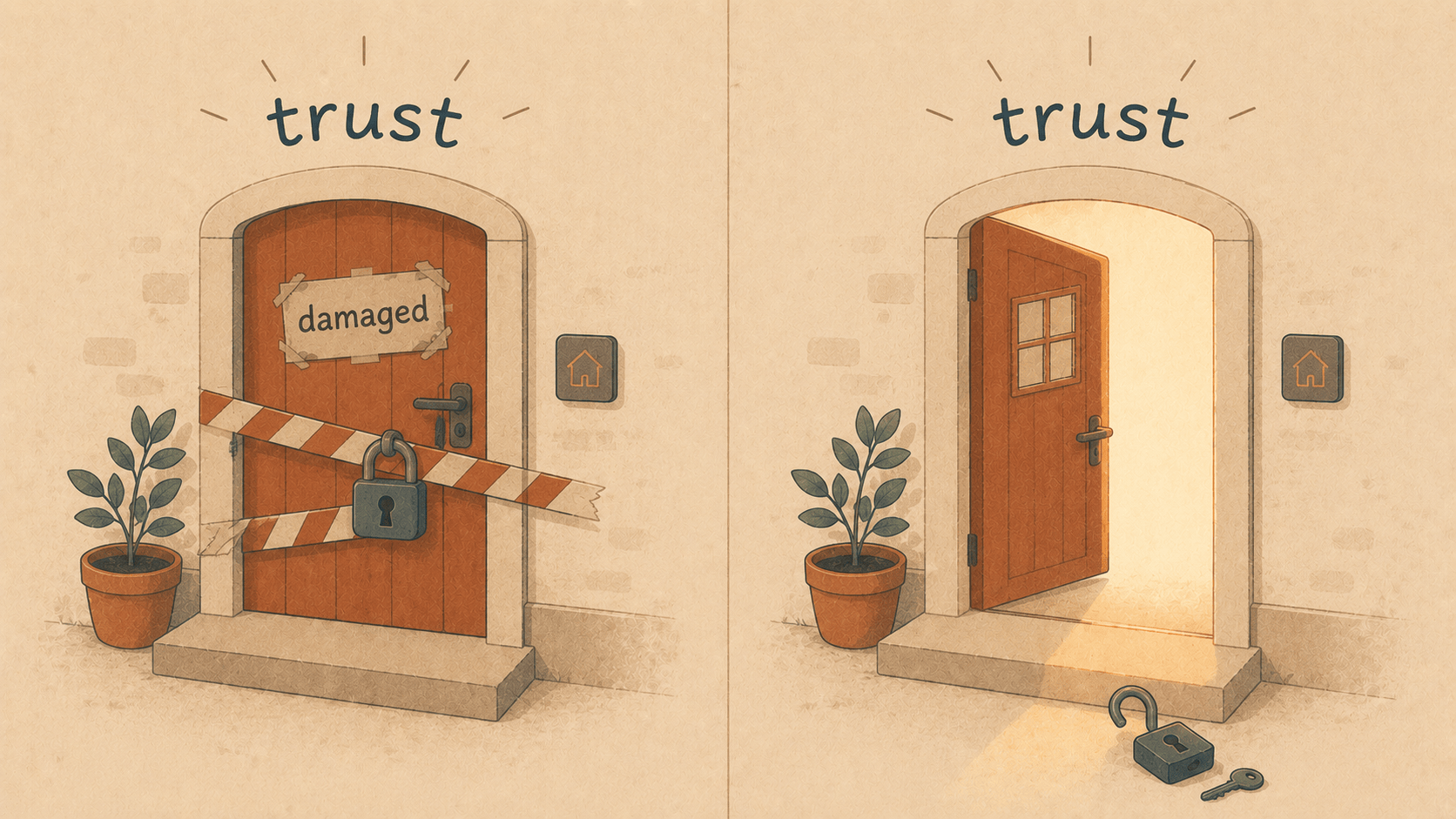
A cozy two-part story: Elyra Conductor 0.4.4 polished the database tooling and first poked at a scary macOS warning; 0.4.5 finally made downloads open the way they always should have.
Some releases are about adding. These two were mostly about finishing — taking things that worked "well enough" and making them actually right. There's a database browser that quietly became a real tool, and a download experience that went from frightening to invisible. Let me tell you both stories, because the second one has a proper little detective arc.
Part one — 0.4.4: the database browser grows up
By 0.4.3 the DB panel already did a lot: four engines, multiple connections, a real grid. But using it daily kept surfacing the small "oh, I can't do that here" moments. So 0.4.4 closed five of them.
Edit a connection. Got the port wrong, or rotated a password? Hover the connection, hit ✎, fix it, and it reconnects. No delete-and-re-add dance.
Edit a cell — properly. Double-clicking a cell used to drop you into a cramped inline box. Now it opens a little editor with a real multi-line field — because some values are long — and a Set to NULL checkbox, because "empty string" and "NULL" are not the same thing and pretending otherwise causes bugs at 11pm.
double-click → [ a roomy text box ] ☐ Set to NULL [Cancel] [Save ⌘↵]
Export to CSV. Excel was already there; sometimes you just want a plain .csv to pipe into something. Now both sit side by side.
Know how big a table is. Flip to Structure and you'll see the column list plus the table's approximate row count and on-disk size:
12 columns · ≈ 1,284,902 rows · 412 MB
Each engine answers that differently (MySQL's information_schema, Postgres' pg_class, ClickHouse's system.tables, a real COUNT(*) for SQLite), but you just see the number.
TLS for remote. Local dev is plaintext-fine, but real Postgres and ClickHouse often live behind TLS. So the connection form grew a Use TLS checkbox (and a Skip certificate verification for self-signed/internal hosts). The neat part: it uses the system TLS stack — macOS Secure Transport — so no heavyweight crypto dependencies, and ClickHouse keeps speaking its native protocol, just over an encrypted stream.
Five small things. Together they turn "a nice DB viewer" into "the DB client I don't tab away from."
Part two — the case of the damaged app
And then, in the middle of all this, a screenshot arrived. A user had downloaded Conductor and macOS greeted them with the worst possible sentence:
"Elyra Conductor" is damaged and can't be opened. You should move it to the Trash.
Not "unidentified developer." Not "are you sure." Damaged. Bin it. The kind of message that makes someone delete your app and never come back.
The thing is — it wasn't damaged. It ran perfectly on the machine that built it. So why "damaged"?
The first clue
The answer was in one line of codesign:
$ codesign --verify --deep --strict "Elyra Conductor.app"
… code has no resources but signature indicates they must be present
The signature was invalid. The app only carried the signature the Rust linker slaps on by default — an "ad-hoc, linker-signed" placeholder that fails real validation. And here's the trap we'd been walking past for a dozen releases: our local installs ran a proper codesign after copying the app, so we never saw the broken signature ourselves. The DMG we shipped, though? It carried the broken one. Download it (which adds the quarantine flag), and macOS does the math: quarantined + invalid signature = "damaged."
The half-fix (0.4.4)
The immediate fix was small and real: tell the bundler to ad-hoc sign the app properly:
"bundle": { "macOS": { "signingIdentity": "-" } }
Now codesign --verify passed, resources were sealed, and "damaged" softened into the milder, bypassable "unidentified developer." Better. But not done — a downloaded app still needed a right-click or a xattr incantation. That's a paper cut, not a welcome.
Part three — 0.4.5: doing it the real way
The only way to make a download just open is the full Apple ritual: Developer ID signing + notarization. Which means a Developer ID certificate. Which means a private key. And that's where the detective story got a second act.
The certificate existed in the Apple portal. We imported it. And codesign still reported zero valid identities. Because a .cer is only half of an identity — it's the public certificate. The matching private key was nowhere on the machine; it had been generated on some other Mac, long ago, and was effectively lost.
You can't recover a lost private key. But you can make a new one. So:
# generate a fresh private key + signing request, right here
openssl genrsa -out elyra_devid_key.pem 2048
openssl req -new -key elyra_devid_key.pem -out elyra_devid.csr \
  -subj "/CN=Elyra Conductor (GETS AS)/emailAddress=…/C=NO"
Upload that request to Apple, download the fresh certificate, and — the satisfying moment — check that the cert and the key are truly two halves of the same thing:
cert modulus:  48b811accb46002933643a9600778c4f
key  modulus:  48b811accb46002933643a9600778c4f   ✓ identical
Bundle them into the keychain, and finally:
$ security find-identity -v -p codesigning
  1) … "Developer ID Application: GETS AS (7G383N3VY7)"
     1 valid identities found
Then the release script learned three new verbs — sign, notarize, staple — and the next build talked to Apple's notary service and waited:
Current status: In Progress…
Current status: Accepted.
The staple and validate action worked!
spctl: accepted — source=Notarized Developer ID
Accepted. Stapled. Gatekeeper happy. A freshly downloaded DMG now opens with no warning at all — the way an app is supposed to.
And one more lesson learned
We lost that private key once. We're not doing it twice. So the very last step was to export a password-protected .p12 backup of the signing identity and tuck it somewhere safe — and verify it really restores by re-importing it into a throwaway keychain. Future-us will be grateful.
The throughline
There's a single word under both halves of this story, and it's trust. A database browser earns it by letting you edit the data, not just look at it — carefully, with a real NULL and a roomy editor and an honest row count. A downloadable app earns it in the first three seconds, by opening cleanly instead of accusing itself of being broken.
0.4.4 made the data tooling feel finished. 0.4.5 made the front door open. Neither added a headline feature. Both made Conductor a little more like something you can rely on — which, in the end, is the only feature that really matters.
Download it. Watch it open, no fuss, no right-click. Connect to your database over TLS, fix a cell, set one to NULL, export the rest. Trust restored, on both ends. 🪵🔥
Elyra Conductor 0.4.4 brought editable connections, a NULL/long-value cell editor, CSV export, table metadata, and TLS to the database browser. 0.4.5 ships the macOS app properly Developer ID–signed and Apple-notarized — no more Gatekeeper warnings. Conductor still only connects, queries, and exports; it never reasons.