Elyra Conductor 0.7.5: The cockpit reaches outward
Conductor 0.7.5 turns the timeline into a one-click bridge to Elyra and the container badge into a doorway — context bundles out, container actions in, and the host still never reasons.
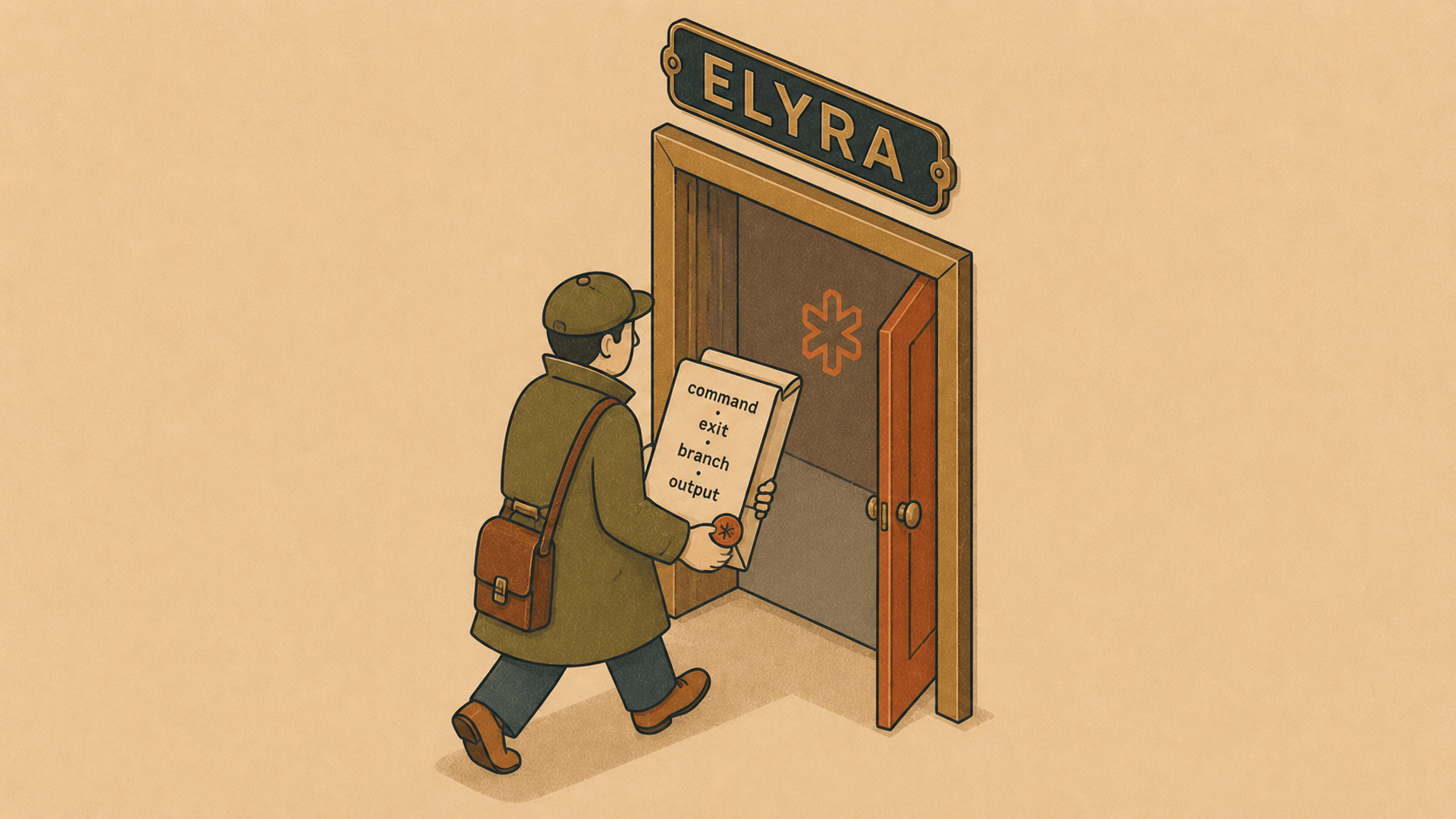
🤖 Ask Elyra about a command
A few versions ago, shell integration taught the terminal to narrate itself: the real command, its exit code. Then the timeline started remembering. 0.7.5 is what all that memory was for.
Open the 🕘 Timeline and every command from a shell-integrated terminal now has a small 🤖 button — quietly tucked away, but always visible on the ones that failed. Click it, and Conductor assembles a context bundle and hands it to a fresh Elyra agent, pre-filled and ready for your question:
A command failed in feed3. Help me understand why:
php artisan migrate

Exit code: 1 · ran 3s
Branch: main (uncommitted changes)
Output (tail):
SQLSTATE[42S01]: Base table or view already exists:
1050 Table 'jobs' already exists
Look at everything that's in there. The exact command. The exit code. Which project and branch you were on, and whether you had uncommitted changes. And — the part that took real work — a tail of the actual output. You didn't copy a single thing. You clicked once.
Catching the output
That last piece is new plumbing worth a word. To include the output, Conductor had to capture it — and it does so cleanly, reading the rendered lines straight from the terminal's buffer between the shell-integration "output starts" and "command done" markers. That means it's already plain text: no ANSI colour codes, no escape-sequence noise, just what you saw on screen, trimmed and capped so the bundle stays small.
Still just text
Here's the part that matters most, and the reason this feature is so Conductor: none of this makes Conductor smart. It doesn't read your error. It doesn't reason about your migration. It formats some facts as markdown and hands them to the one part of the system that's allowed to think. The cockpit is a courier with a very good memory — it gathers the whole story and passes it along, and Elyra does the understanding. The host-not-agent line holds, exactly as it always has; it just got a lot more useful.
🐳 A doorway into your containers
The sidebar already showed a little 🐳 badge — 2/2 — telling you how many of a project's containers were running. Useful as a glance, but it just sat there.
Now it's a door. Click the badge and you get a menu of that project's containers, each with the three things you actually want:
feed3-db · running
🖥 Shell into container
📜 Tail logs
↻ Restart
feed3-redis · running
🖥 Shell into container
📜 Tail logs
↻ Restart
Shell into container opens a new terminal tab already inside the container (
bashif it's there,shif not).Tail logs opens a tab following that container's logs.
Restart bounces it.
No remembering the container's name. No docker ps | grep to find it, then copy-pasting it into docker exec -it … bash. Conductor already knows the names — it's been reading them to draw that badge — so it just does the typing for you. Each action lands in its own terminal tab, fully interactive, right where the rest of your work lives.
It's a small thing that removes a dozen tiny frictions a day: the badge stopped being a readout and became a control.
Two smaller comforts
While we were in there, two papercuts got fixed:
⇧⌘Pnow jumps straight to the project search in the sidebar — start typing to filter your projects without reaching for the mouse.Arrow-key navigation in the command palette (
⌘K) and scrollback search (⇧⌘F) now keeps the selected row in view. Before, you could arrow down past the window and the highlight would scroll out of sight, forcing you back to the mouse. Now the list follows your selection through the whole thing, the way it always should have.
The throughline
Both of this release's features are about the cockpit reaching outward. Outward to Elyra, with the full story of a command instead of a fragment. Outward into your containers, turning a passive badge into a way in. In both cases Conductor's job is the same one it's always had: gather what's true — the command, the output, the branch, the container's name — and hand it to wherever the action belongs. It runs, it shows, it remembers, it forwards. It still never reasons.
Next time something fails, don't copy-paste a thing. Open the timeline, click 🤖, and let the cockpit hand over the whole story. 🪵🔥
Elyra Conductor 0.7.5 — context bundles (command, exit code, git state, and output) from the timeline to Elyra, clickable container actions (shell, logs, restart) from the sidebar badge, ⇧⌘P for project search, and a palette/scrollback arrow-scroll fix. Signed and Apple-notarized. Conductor gathers and forwards; it never reasons.