Elyra 0.9.18: Your Agent Finally Reads the Type Definition Before You Ask
Elyra already shipped LSP integrations — the agent just wasn't reaching for them proactively. 0.9.18 makes symbol lookup automatic after every edit, adds Rust to the LSP lineup with @elyracode/lsp-rust, ships a stack profile for Elyra Framework, and fixes a copy-paste bug quietly breaking /tall:info, /vilt:info and /silt:info.
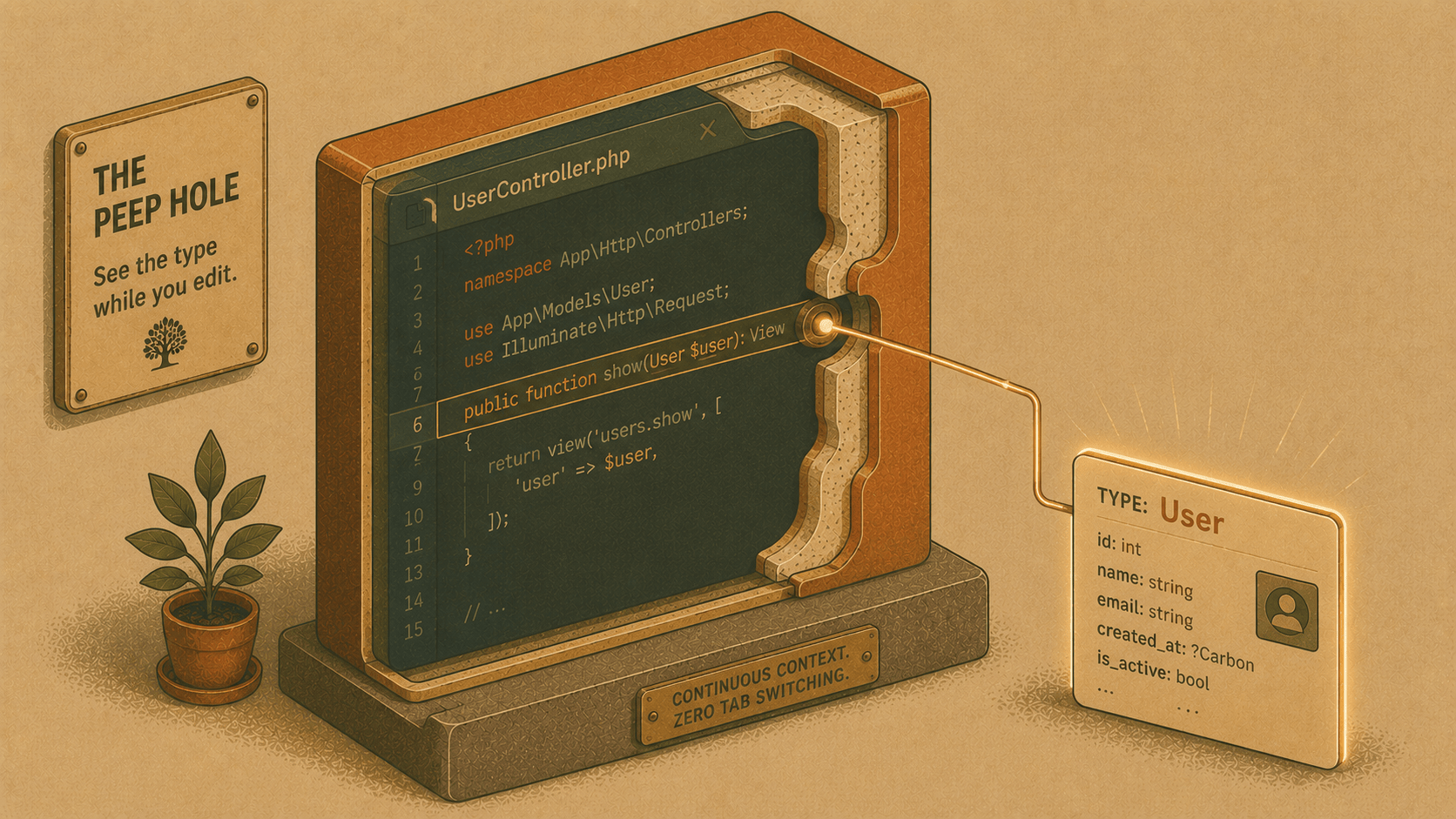
Every release we ship makes the agent slightly less dependent on you saying "wait, check the type first." Version 0.9.18 is entirely about that instinct — the agent looking something up before it becomes a problem, instead of after.
Why this release
Here's a pattern anyone who's paired with a coding agent recognizes: it edits a function signature, changes what a parameter expects, and confidently declares victory — without ever looking at the interface it just broke compatibility with. You catch it in the next message. It fixes it. You've burned a round trip on something the agent could plausibly have caught itself, since the information was one LSP call away the whole time.
Elyra already ships full LSP integrations for TypeScript and PHP — go-to-definition, find-references, diagnostics, hover. The tools existed. They just weren't being used proactively. The agent had to think to reach for them.
0.9.18 closes that gap, adds a third language to the LSP lineup, and ships a stack profile for a framework close to home.
What's new
1. Symbol-aware auto-context (TypeScript + PHP)
After every edit tool call, Elyra now:
Re-syncs the file with the language server (forcing a fresh read, not a stale cache)
Scans the diff for PascalCase identifiers — the kind that usually name a type, interface, or class
Fires
textDocument/hoverat each one, in parallelAppends a short, one-line summary of each to the edit's own tool result
No extra turn, no extra tool call from the agent's perspective. It just sees the type it's working against, right there in the result of the edit it made.
Example. Say the agent edits a function to accept a new parameter:
function scheduleExport(job: ExportJob, options: ExportOptions) { ... }
Previously: the agent would either already know what ExportOptions looks like (if it read the file recently) or guess, and only discover a mismatch when a type error surfaced later — or when you pointed it out. Now, the tool result for that edit automatically includes something like:
ExportOptions (interface, export-job.ts:14): { format: "csv" | "json"; compress?: boolean; notifyOnComplete?: boolean }
The agent has the shape of the type immediately, in-band, without a lsp_hover round trip and without asking you to paste it in. It's a small thing per edit — but it's the kind of small thing that happens dozens of times in a session, and each one used to cost a turn.
It's deliberately conservative: capped at 4 candidates per edit, filtered through a per-language stoplist (so it's not firing hover requests at String, Promise, Array), and wrapped in a try/catch that silently does nothing on failure. It only ever adds information — it can't break an edit.
2. Rust support — @elyracode/lsp-rust
Elyra now speaks Rust. The new @elyracode/lsp-rust extension wires up rust-analyzer the same way lsp-typescript and lsp-php wire up their respective servers:
rust_definitions,rust_references,rust_diagnostics,rust_hoveras agent toolsAuto-detected in any project with a
Cargo.tomlThe same proactive auto-context behavior on edit — a
Result<T, E>change gets itsEtype surfaced automatically
Install it with:
elyra install npm:@elyracode/lsp-rust
or just open a Rust project — Elyra will offer it via the package browser.
3. Elyra Framework stack profile
If you're building on Elyra Framework — the Rust + Svelte 5 desktop app framework with Laravel-flavored ergonomics — Elyra now recognizes it. Drop into a project with an elyra.toml or an elyra dependency in Cargo.toml, and Elyra suggests @elyracode/stack-elyra-framework: a deep skill covering #[command] handlers, the Ctx container, the typed rata codegen bridge, EventBus, the Database/#[derive(Model)] layer, Cache/Storage/Queue facades, the elyra::ai SDK, and the rata CLI workflow.
Same pattern as our TALL, SILT, VILT, and RILT stack profiles — Elyra doesn't just recognize your stack, it comes pre-loaded with how to work in it.
4. A bug we found on the way, and fixed
While building the new stack profile off the existing stack-silt template, we noticed /silt:info was silently broken — a handler signature mismatch and a swapped argument order in the notification call meant the command threw instead of showing anything. Turned out the same copy-paste bug was sitting in /tall:info and /vilt:info too. All three are fixed now. Not glamorous, but worth knowing if you'd noticed those commands doing nothing.
Get it
npm install -g @elyracode/coding-agent@latest