Teaching the Agent to See — Its Config, Its Failures, and Its UI. Elyra v0.9.15
Most releases add a feature. This one added a sense — three, actually. v0.9.15 closes feedback loops that used to be blind spots: the agent can check whether its own defaults are still valid, survive a broken extension gracefully, and actually look at the UI it builds.
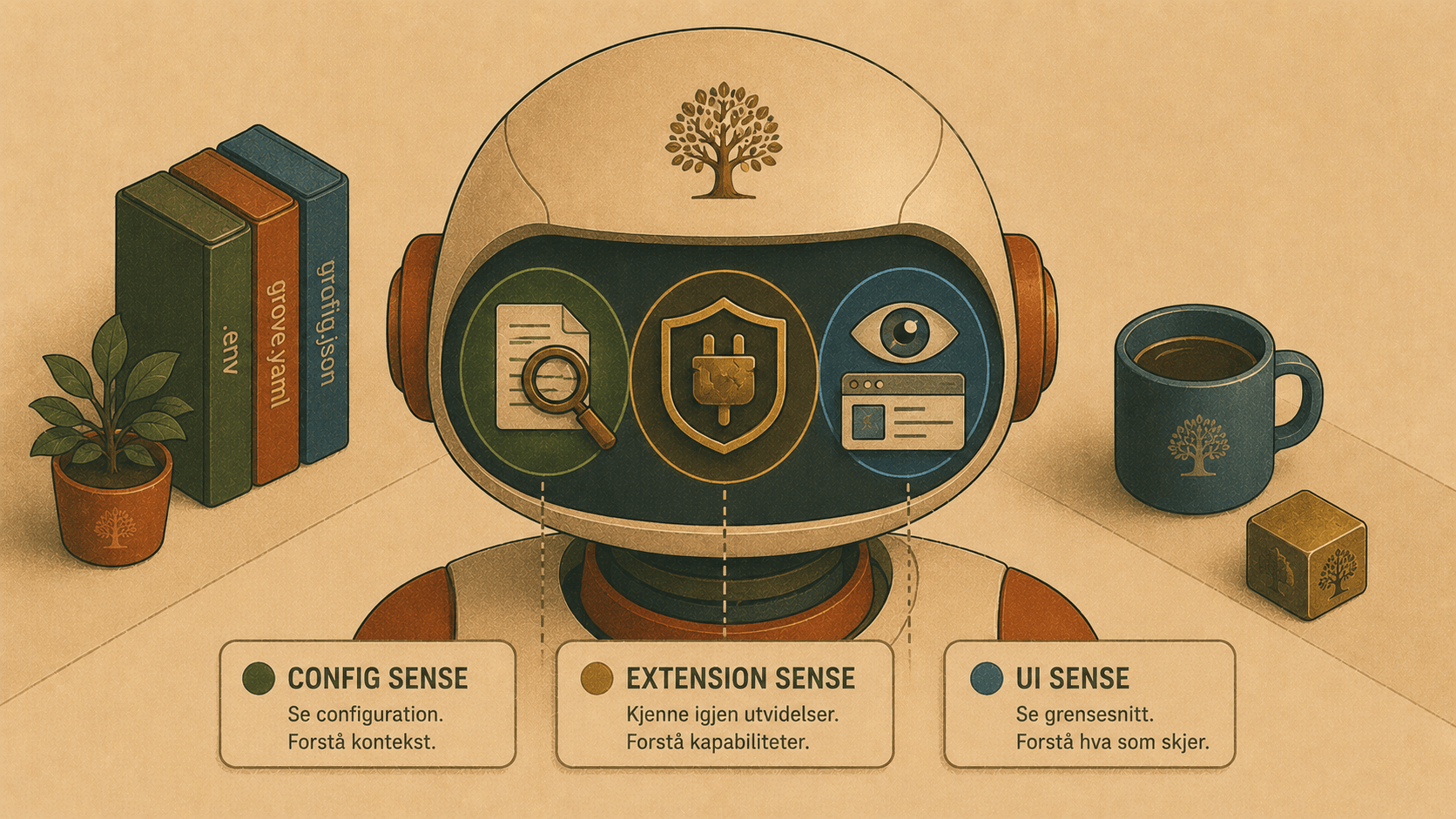
Most releases add a feature. This one added a sense. Three of them, actually. v0.9.15 is about closing feedback loops that used to be blind spots: the agent can now check whether its own defaults are still valid, survive a broken extension gracefully, and look at the UI it builds. Here's the why and how, with examples.
1. elyra doctor preflight: catch stale defaults before they bite
Why. Model IDs churn constantly. Providers ship gpt-5.6, retire a dated snapshot, rename something — and suddenly a default your config points at doesn't exist anymore. The failure mode is nasty: everything looks fine until a build or a session tries to resolve the model and dies with a cryptic error. We hit exactly this ourselves: a default pointing at a removed claude-sonnet-4-20250514 sailed past our normal checks and only blew up at publish time.
How. A new offline command validates every configured default against the registry — no API calls, instant:
$ elyra doctor preflight
✓ All default models resolve against the registry.
Newer models available for configured defaults:
- openai: gpt-5.4 → gpt-5.6, gpt-5.5
Two jobs in one:
Correctness: if a default points at a model that's no longer in the registry, you get a red line and a non-zero exit (CI-friendly) instead of a runtime surprise.
Freshness: it nudges you when a newer model exists in the same family. The version comparison is deliberately conservative — it only suggests clean aliases in the same family with the same flavor, so it never pushes you from a stable
gpt-5.6onto a dated snapshot or a different-minivariant.
This is the un-glamorous kind of feature that quietly prevents the exact class of bug we spent real time cleaning up.
2. A broken extension no longer takes down your whole session
Why. Extensions are optional add-ons — a PHP language server, database tools, design tools. But a single broken one used to be fatal. We lived this: after an upgrade, npm left a half-extracted mysql2 inside the db-tools extension, and Elyra refused to start at all with a raw Cannot find module 'mysql2/promise' and a Node require stack. One optional database driver, and the whole agent was down.
How. A failed optional extension is now skipped, not fatal — and the message tells you how to fix it instead of dumping a stack trace:
⚠ Skipped extension "…/db-tools/extensions/index.ts": Cannot find module
'mysql2/promise'. This usually means a missing dependency; try reinstalling
it. Elyra continues without it.
Elyra starts, you keep working, and you fix the driver when it's convenient. A broken add-on should degrade to "that one tool is unavailable," never "the app won't launch."
3. Visual QA: the agent can see the UI it builds
Why. This is the timely one. Every model Elyra now defaults to — Claude Sonnet 5, GPT-5.6, Grok 4.5 — is multimodal. That means the agent can genuinely look at a rendered screen, not just reason about the code that produces it. A coding agent that writes a component but can never see it is working blindfolded.
How. The design-tools extension (/design) grew real eyes:
Element screenshots. Focus on exactly the component you changed, not the whole page:
screenshot_url url=http://localhost:5173 selector="#pricing-card"Console capture. The image comes back with the browser's errors and failed requests — because a visual bug is very often a JavaScript error in disguise. The agent sees both at once.
design_diff: before/after. The headline. Capture the UI, make a change, capture again, and diff:screenshot_url url=http://localhost:5173 # before…agent edits the component…screenshot_url url=http://localhost:5173 # afterdesign_diff # compares the last twoBoth images go to the model with one instruction: describe what changed, and flag anything that looks like an unintended regression versus an intended change. That turns "I changed some CSS, hope nothing else moved" into an actual visual review.
The loop this closes — build UI → look at UI → notice the delta → iterate — is something surprisingly few coding agents do well.
Also: Grok 4.5 is the new xAI default
Small but worth noting: the default xAI model is now grok-4.5 (reasoning, text + image), keeping the default current instead of lagging on an older build — exactly the kind of drift doctor preflight now helps you catch.
The through-line
Three features, one idea: give the agent feedback about things it couldn't previously observe. Its own configuration (are my defaults still real and current?), its own failure modes (an extension broke — keep going and say why), and the visual result of its work (here's the screen, here's what changed). Good agents aren't just good at generating; they're good at checking. This release is a step toward an agent that checks its own work at every layer.
npm install -g @elyracode/coding-agent@0.9.15
elyra doctor preflight     # is my config current?