Catch the thing you did once
Elyra Conductor 0.7.4 adds a runbook recorder — press record, do the work in your terminal, and Conductor hands you a runbook draft of exactly what you ran.
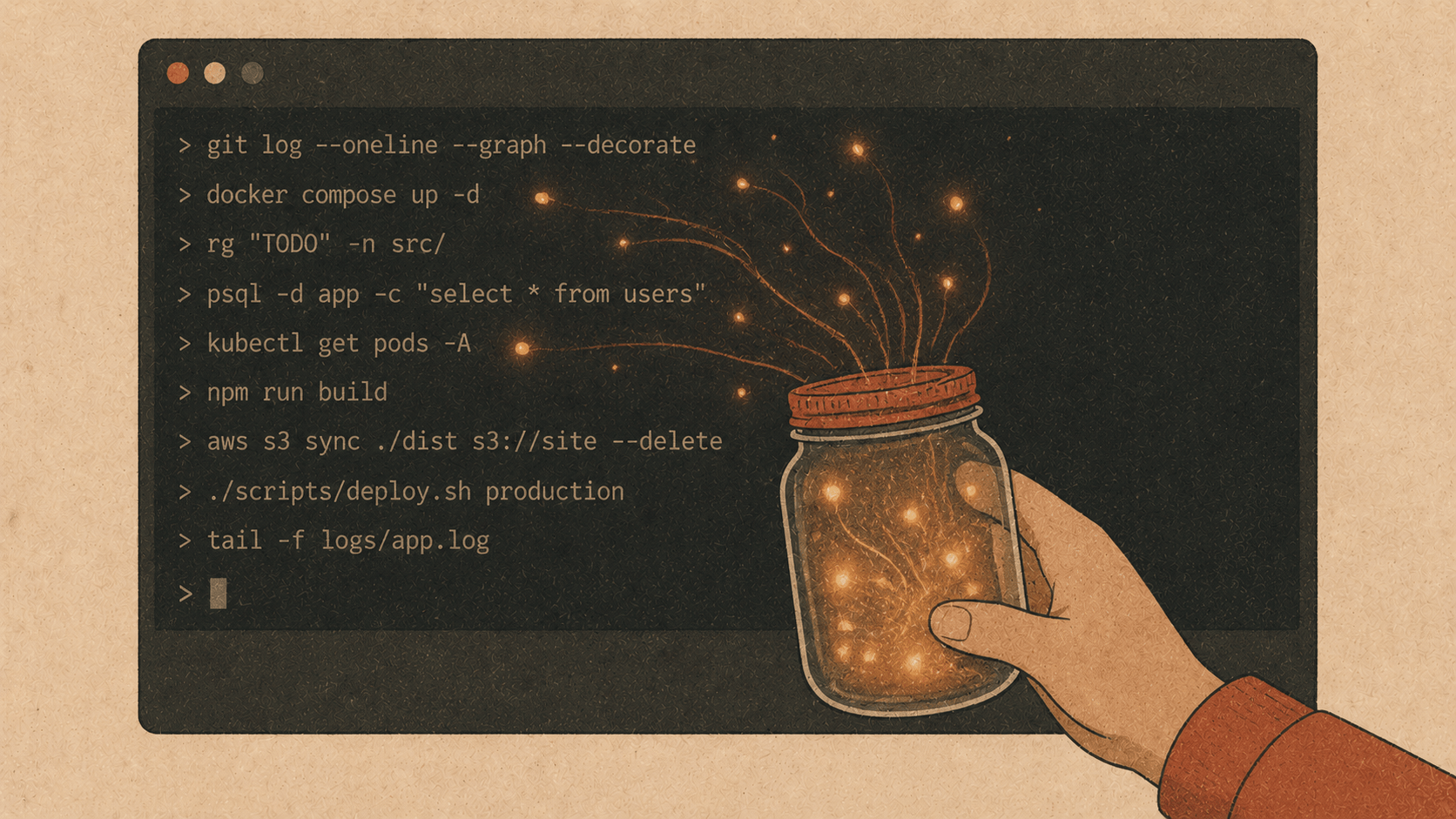
Elyra Conductor 0.7.4 adds a runbook recorder — press record, do the work in your terminal, and Conductor hands you a runbook draft of exactly what you ran. A fireside look at why the most valuable commands are the ones you forget, and how the cockpit now catches them.
Think about the last genuinely annoying thing you figured out in a terminal. The seven commands to reset a flaky local database. The exact incantation to rebuild and redeploy a service. The migration-plus-seed-plus-cache-clear dance that finally worked at 11pm.
You figured it out. It worked. You felt clever. And then — three weeks later — you needed it again, and it was gone. Scrolled out of some terminal you've since closed. Half-remembered. You pieced it back together from muscle memory and a few wrong turns, feeling slightly less clever the second time.
That knowledge — the stuff that lives only in the moment you typed it — is the most valuable and the most fragile thing a developer produces. 0.7.4 is about catching it.
Why recording, and why now
Conductor has always had runbooks: living .md notes with runnable command blocks. Great — if you remember to write them. But nobody stops mid-firefight to document. The work happens in the terminal, fast and messy, and the documentation never comes.
So instead of asking you to write the runbook, Conductor now offers to watch you do the work and write the draft for you.
This only became possible a version ago. In 0.7.0, the terminal learned to tell Conductor the truth via shell integration — the real command line you ran, and the exit code that came back. The recorder is what that honesty was for. Once Conductor can see exactly what you ran and whether it worked, recording a runbook is almost free: just remember the sequence and format it.
"Do it once, then share it." That's the whole pitch.
How it works
It's three buttons and a name.
Press ⏺ Record. It's in the Tools group of the toolbar (or
⌘K→ Record commands into a runbook). If shell integration isn't on yet, Conductor turns it on for you and reminds you to open a fresh terminal — because integration only applies to terminals opened after it's enabled.Do the work. Open a new terminal (
⌘N) and run your commands like you always would. The record button goes red and starts blinking with a live count:⏺ Rec 4Four commands captured. No special mode, no friction — you're just using your terminal. Conductor is quietly taking notes.
Press ⏺ Rec again to stop, give it a name, and you're done. Conductor writes the draft, drops it in
.conductor/notes/, and opens it as a runbook tab, ready to edit.
What you get
Say you just worked out how to reset and reseed a local environment. You recorded:
git pull
composer install
php artisan migrate:fresh
php artisan db:seed
npm run build
…and named it "Reset local environment." Conductor hands you this:
# Reset local environment
Recorded 2026-06-05 14:22 · feed3
Steps
git pull

composer install

php artisan migrate:fresh

php artisan db:seed

npm run build
Every command is its own runnable block — open this runbook next month, hit ▶ on each step, and you're reset in seconds. No retyping, no half-remembering.
And because the recorder rides on shell integration's exit codes, it's honest about what didn't work. If a command failed during your session, the draft flags it:
```bash
npm ci
│ ⚠ exited 1
</code></pre><p>Which is a gift, really — that little flag is a note to future-you: <em>this one was finicky; check it.</em> The messy reality of the session is preserved, not airbrushed away.</p><h2>It's a draft, on purpose</h2><p>The recorder doesn't pretend to write a perfect document. It writes a faithful transcript of what you ran — and then gets out of the way so <em>you</em> can shape it. Delete the false starts. Add a heading explaining <em>why</em>. Turn a hard-coded value into a <code>[[task:…]]</code> link. Drop a sentence of context above a tricky step.</p><p>That division of labour is the point. The tedious part — <em>remembering and transcribing the exact commands</em> — is the part you'd skip, so Conductor does it. The valuable part — the judgment about what matters — stays yours. You go from a blank page to a 90%-done draft, which is the difference between "I'll document this later" (you won't) and "oh, that's basically done."</p><h2>From "run & show" to "catch & share"</h2><p>For a long time the cockpit's job was to <em>run</em> your commands and <em>show</em> you the output. The recorder adds a third verb: <strong>catch.</strong> The ephemeral becomes durable. The thing you did once, alone, at 11pm, becomes a runnable note your teammate can find — or that future-you can run without re-earning the knowledge.</p><p>It's the natural endpoint of a few releases working together: terminals that narrate themselves, a timeline that remembers, and now a recorder that turns that memory into something you can keep and share. Tribal knowledge, finally written down — by the act of doing the work itself.</p><p>Next time you crack something tricky in the terminal, hit record first. Let the cockpit catch it. You only have to be clever once. 🪵🔥</p><p><em>Elyra Conductor 0.7.4 — a runbook recorder that captures the commands you run (via zsh shell integration) and turns them into a runnable runbook draft, exit codes and all. Signed and Apple-notarized. Conductor runs, shows, and now catches; it never reasons.</em></p>