A database, right there in the cockpit
A cozy walk through Elyra Conductor 0.4.0 — why we put a database browser next to your terminals, and how it works, with examples.
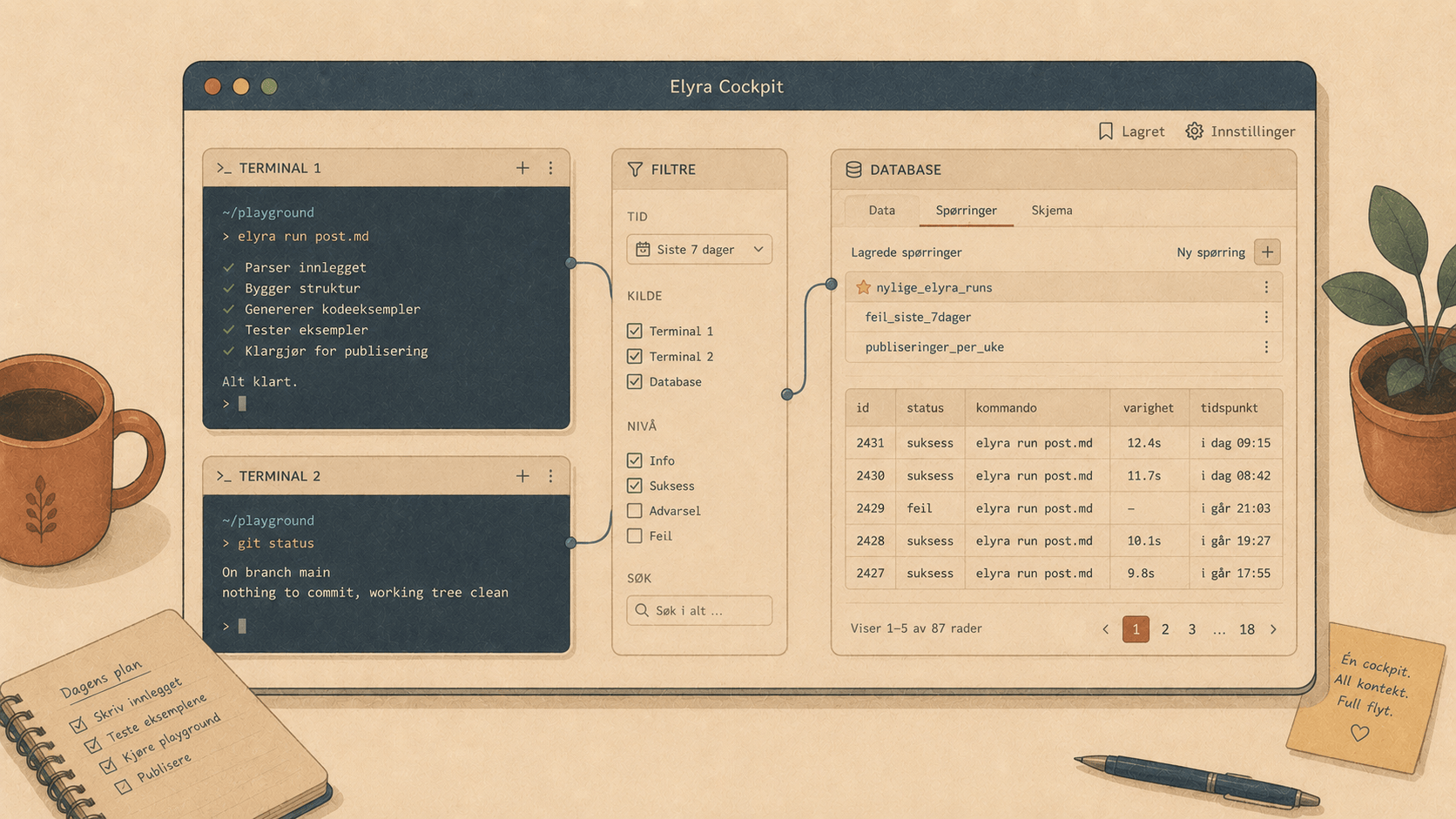
There's a little ritual most of us know by heart. You're deep in a project — terminal open, editor warm, train of thought finally moving — and then you need to check something in the database. Just one thing. So you tab away to a separate database app, hunt for the right saved connection (which one was the staging box again?), wait for it to spin up, run your query, find your answer… and by the time you tab back, the train of thought has left without you.
It's never a big interruption. It's a small one, twenty times a day. And small interruptions, stacked, are how a focused afternoon quietly turns into a tired one.
So in 0.4.0, the database came to you. It lives in the cockpit now, right next to the terminals and the file tree.
Why it belongs here (and why it's still "just a tool")
Conductor has one rule it never bends: it orchestrates, it doesn't reason. It runs things, shows things, connects things — but it never calls a model, never holds a model key, never grows "AI features."
A database browser fits that rule perfectly. Connecting to a database, listing tables, running a SELECT — that's a tool, the same as a terminal or a git status. No intelligence required, no secrets invented. In fact, it leans into the part of Conductor's philosophy that matters most here: it doesn't want your secrets.
Your project already has a .env with its database credentials. Conductor just reads the one that's already there. It doesn't ask you to set up a new connection, doesn't store a copy, doesn't sync anything to a cloud. The credentials it uses are the ones your app uses. Nothing new to leak.
How it works
Connecting, the lazy way
Open a project, toggle the DB panel (top-right, or ⌘K → Show database panel), and click Connect from .env.
That's it. Conductor reads the familiar keys —
DB_CONNECTION=mysql
DB_HOST=127.0.0.1
DB_DATABASE=inside_finance
DB_USERNAME=root
DB_PASSWORD=…
— and connects. Phase 1 speaks MySQL/MariaDB and SQLite, which covers the overwhelming majority of Laravel projects. If DB_CONNECTION=sqlite, it even resolves the file path for you (relative to the project, or the usual database/database.sqlite).
Prefer to dial it in yourself? There's a manual connection form too — and those credentials live only in memory for the session. Conductor writes them nowhere.
Browsing, the way the file tree taught us
The panel lists the database's tables, with a filter box for when there are eighty of them (and there are always eighty of them). Click one, and here's the nice part: it doesn't cram itself into a little sidebar pane. It opens in the main window as its own tab — a proper, full-width data grid with room to breathe.
And it's a real grid, with the toolset you reach for:
Sort — click a column header. Click again to flip it.
Filter — type a condition and hit Enter:
city = 'Bergen'(Type the leading
WHEREif you like — it's forgiving and strips it.)Page through 100 rows at a time with ‹ / ›.
Row counts, query timing, NULLs in quiet italics, and click any cell to copy it.
It feels less like a sidebar widget and more like the table actually is the thing you're working on — which, in that moment, it is.
Asking a real question
Some answers need more than a filter. Hit + New query and you get a SQL editor tab:
SELECT city, COUNT(*) AS n
FROM addresses
GROUP BY city
ORDER BY n DESC;
Run it with ⌘↵. SELECT (and friends like SHOW, PRAGMA, EXPLAIN) come back as a grid; an UPDATE or INSERT quietly reports how many rows it touched. It's a real client — it'll let you write, because sometimes a dev database is a thing you poke.
Getting it into a spreadsheet
Found the rows someone in finance is going to ask for? Hit ⤓ Excel — table view or query result, doesn't matter — and you get a real .xlsx, not a CSV-pretending-to-be-one.
One small detail we sweated: values export as text, on purpose. Because the day you export a column of Norwegian postcodes and Excel "helpfully" turns 0484 into 484 is the day you stop trusting your tools. Leading zeros survive. IDs survive. What you saw is what you get.
Queries worth keeping — kept private
You write the same three diagnostic queries over and over. So save them: ⭐ Save, give it a name, and it shows up in the Saved queries… dropdown next time.
Here's the part we thought carefully about. Saved queries are:
Per project — your inside-finance queries don't clutter your blog project.
Private — they live in
<project>/.conductor/queries/, and Conductor drops a.gitignorein that folder that ignores everything in it. So your half-finishedDELETEexperiments and that query with a hard-coded customer id you were debugging? They stay on your machine. Never committed. Never pushed. Never your teammate's problem.
(Runbooks, over in .conductor/notes/, stay versionable — those you want to share. Queries are the private notebook; runbooks are the shared one. Same .conductor/ home, two different intentions.)
A two-minute tour
Select a Laravel project. Toggle DB → Connect from .env.
Click
addressesin the table list. Sort by city. Filtercity = 'Bergen'.+ New query →
SELECT city, COUNT(*) FROM addresses GROUP BY city→ ⌘↵.⭐ Save it as
cities. ⤓ Excel the result. Open it. Marvel at the intact leading zeros.Glance at
.conductor/queries/— yourcitiesquery is there, andgit statusdoesn't even mention it.
You never left the window. The train of thought is still on the platform.
The throughline
This is the same idea every Conductor release keeps circling back to: keep the project's whole world in one place, and stop making you tab away from your own focus. Terminals, files, git, runbooks, one-key project starts — and now the database too.
Not because Conductor wants to be everything. But because the database was never really a separate app in your head. It was always just another part of this project. Now the window agrees with you.
Open a project. Connect. Run one query. Stay right where you are. 🪵🔥
Elyra Conductor 0.4.0 ships the phase-1 database browser (MySQL + SQLite) with auto-update built in. It connects, lists, queries, and exports — and, like the rest of the cockpit, it never reasons. Your secrets stay in your .env; your thinking stays in your tools.