Three New Themes, Because Your Terminal Deserves Better
You spend a lot of time looking at your terminal. Probably more than you'd like to admit. So it feels a little silly that for most of us, the answer to "how should this look?" has been the same dark-on-darker default for years.
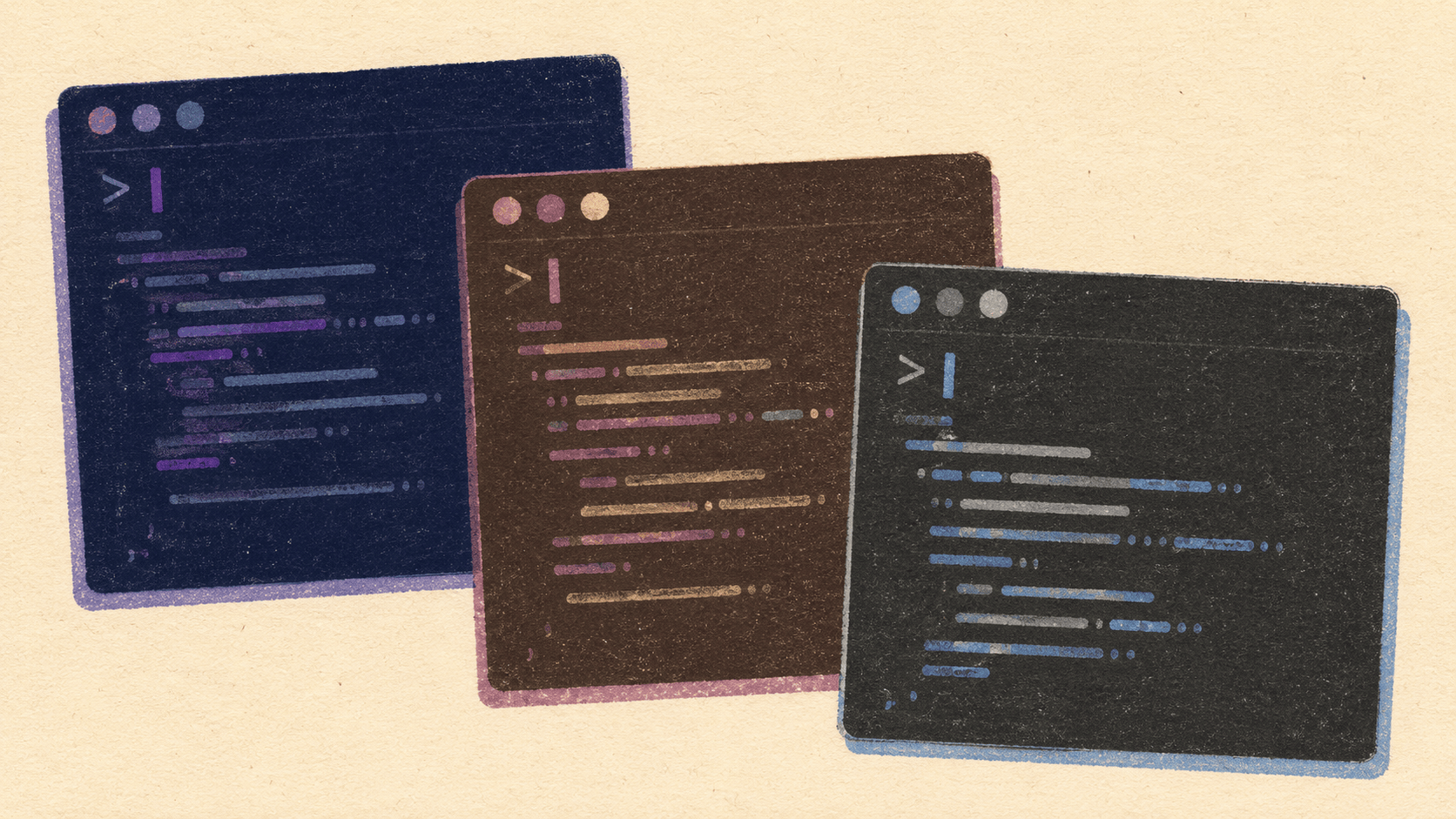
Elyra v0.5.6 ships with three new built-in themes: Palenight, Catppuccin Mocha, and One Dark Pro. They join the existing dark and light themes, bringing the total to five — enough variety that there should be something here you actually want to look at all day.
Switching takes a second. Type /theme in any Elyra session to browse the list, or jump straight to one:
/theme palenight
/theme catppuccin
/theme onedark
Your choice sticks across sessions, so you only have to decide once. (Or twenty times. No judgment.)
Palenight
Based on whizkydee's Palenight, which itself sits in the broader Material Theme family. If you've spent time with Material in VS Code, this will feel like running into an old colleague — deep blue-gray backgrounds, soft purples and teals, the kind of muted pastels that don't fight you for attention.
The accent is purple (#C792EA), which warms up the borders, list bullets, and cursor in a way that's easy to underestimate until you go back to something more clinical. Syntax highlighting leans into the Material palette: purple keywords, blue functions, teal operators, green strings, orange numbers. Comments sit at a quiet #697098 — present enough to read, quiet enough to ignore.
Good for: long sessions where you want something softer than the default dark theme, but you're not quite ready to commit to full pastel.
Catppuccin Mocha
Based on the Catppuccin Mocha flavor, which is the darkest of Catppuccin's four variants. What makes Catppuccin work, more than any individual color choice, is the cohesion — these colors feel like they were designed together, not picked one at a time from a wheel.
Mauve (#cba6f7) carries the accent role. Backgrounds use the official Catppuccin base/mantle/crust scale (#1e1e2e / #181825 / #11111b), which gives the UI a real sense of depth without any of the harsh contrast that makes your eyes work overtime. The syntax colors follow the Catppuccin style guide to the letter: mauve keywords, blue functions, green strings, peach numbers, sky operators, yellow types.
It's worth noting how different Catppuccin feels from Palenight, even though on paper they're both "purple-ish dark themes." Catppuccin is warmer and rounder. Palenight is cooler and a little sharper. Same neighborhood, different houses.
Good for: people who already use Catppuccin in their editor, terminal, file manager, RSS reader, and probably their wallpaper. (You know who you are.)
One Dark Pro
Based on Binaryify's One Dark Pro, itself descended from Atom's original One Dark. This is the most "traditional" of the three — if Palenight and Catppuccin have strong opinions, One Dark is the reliable default that an enormous chunk of the developer world already knows by heart.
Blue (#61afef) is the accent. The background (#282c34) is a clean, neutral dark gray with no real color cast pulling it in any direction. Syntax highlighting uses the classic Atom palette: purple keywords, blue functions, red variables, green strings, orange numbers, cyan operators, yellow types.
One small departure: markdown headings render in red (#e06c75) rather than yellow, and list bullets pick up the yellow instead. The overall vibe is more contrast-forward — colors pop a bit harder against that neutral background than they do in the other two.
Good for: anyone coming from VS Code with One Dark Pro already dialed in, or Atom users still nursing a quiet bit of nostalgia.
Rolling your own
If none of the five built-in themes are quite right, you can build your own. Drop a JSON file into ~/.elyra/themes/ following the schema from any of the built-ins, and you're off.
The structure is intentionally uncomplicated: a vars section for reusable color definitions, a colors section that maps semantic roles to those variables, and an optional export section for HTML export colors. That's it.
The easiest way to start is to crib from one that already works. The built-in theme files live at packages/coding-agent/src/modes/interactive/theme/. Copy one over, change the colors to taste, save it as ~/.elyra/themes/mytheme.json, and it'll appear in /theme right away. No reload, no restart.
Have fun. Your terminal will thank you.