Twelve small habits that make Elyra feel like magic
Twelve small, low-effort habits that change how Elyra feels to use — set a goal and walk away, rewind without fear, switch models mid-thought, and let the tool carry more than you usually hand it.
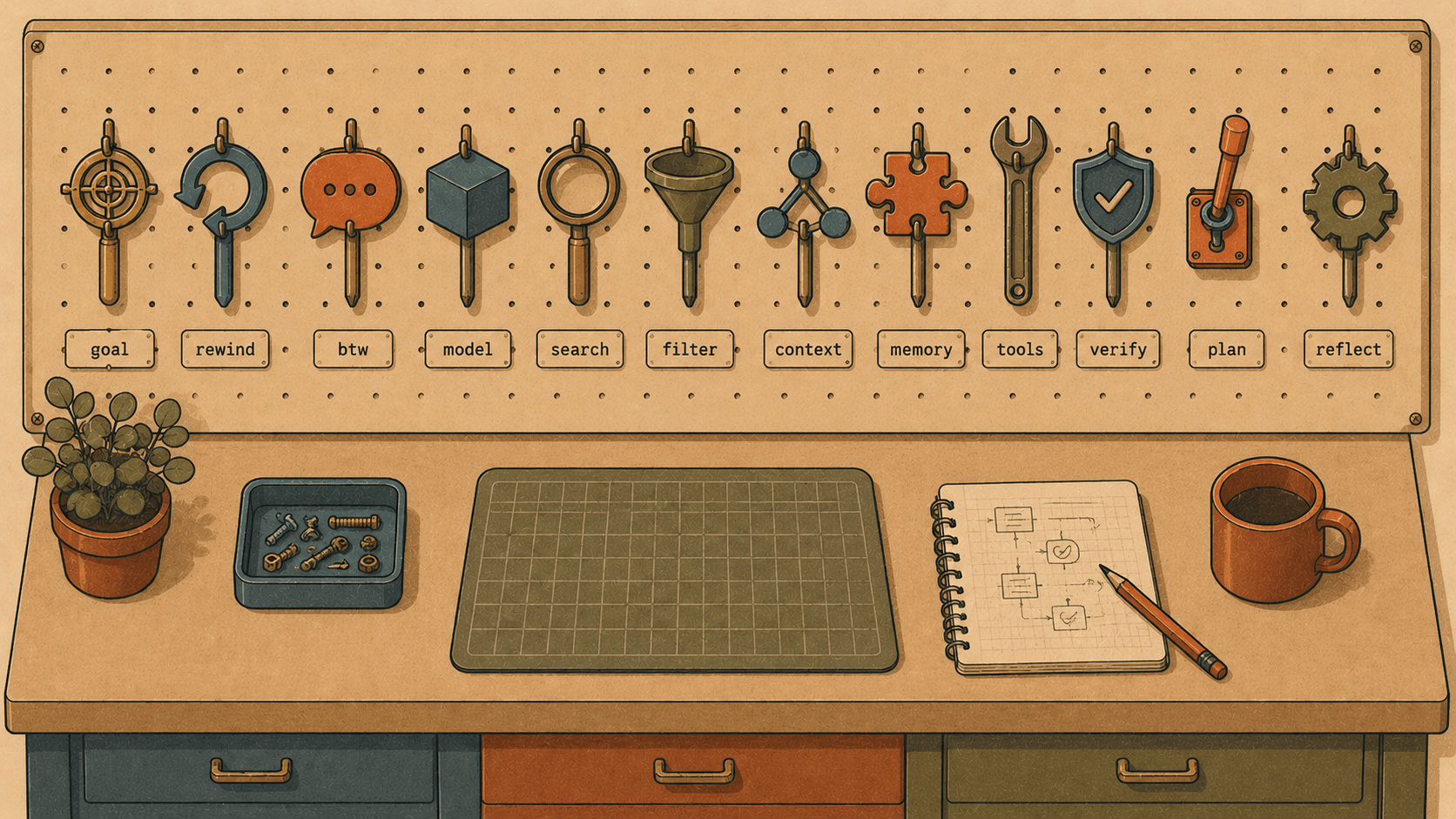
Most tools you learn once and then use forever at about 60% of their potential. Elyra rewards a little curiosity. None of the tips below are advanced — they're the small habits that, once they're muscle memory, change how the whole thing feels. Grab the three that fit how you work and let the rest find you later.
1. Set a goal and go make coffee
The single biggest mindset shift: stop babysitting. Instead of nudging the agent "continue… continue…", hand it a finish line.
/goal npm run check
Elyra now keeps working — editing, running, fixing — until that command exits cleanly. Point it at your test suite, your linter, your build. The agent's job isn't done when it thinks it's done; it's done when your command says so. Walk away. Come back to green.
2. Treat /rewind as a safety net, not a panic button
Because Elyra checkpoints your files and the conversation together, you can afford to be bold. Try the risky refactor. Let it run wild on an experiment. If it goes sideways:
/rewind
…and both the chat and your files snap back to a previous point. Once you trust this, you'll prompt more ambitiously, because the cost of a bad turn drops to nearly zero.
3. Ask side questions without derailing the main thread
You're deep into a feature and a question pops up: "wait, how does our auth middleware work?" Normally you'd pollute the context — or open a second tool. Instead:
/btw how does the auth middleware decide which routes to protect?
It's a side conversation. Ask, learn, and your main task's context stays clean. Inject the answer back only if you actually want it.
4. Switch models mid-thought
You don't have to pick one model for the session. Plan with a heavyweight, grind with something cheap and fast:
/model
Search, select, continue — same conversation, new brain. Even better, pre-load a rotation and flip through them with a keystroke:
elyra --models "anthropic/*opus*,*nemotron*,*minimax*"
Now Ctrl+P cycles between them. Expensive model for the gnarly bit, cheap model for the boilerplate, no friction.
5. Dial the thinking up and down
Not every task deserves deep reasoning, and burning tokens on "rename this variable" is silly. Match the effort to the work:
elyra --thinking high      # for architecture and tricky bugs
elyra --thinking minimal   # for quick, mechanical edits
Levels run off → minimal → low → medium → high → xhigh. Treat it like a gearbox.
6. Feed it files and screenshots directly
Stop pasting. Attach. The @ prefix pulls files (and images) straight into your message:
elyra @src/server.ts @errors.log "Why is this throwing on startup?"
elyra @design.png "Match the spacing in this mockup"
A screenshot of a broken layout plus "fix this" is often the fastest bug report you'll ever write.
7. Pin the files that matter so they survive compaction
Long sessions eventually compact to stay within context. Usually that's fine — but if there's a file the agent must never forget, pin it:
/pin src/core/types.ts
It stays in context through every compaction. Pin your schema, your key interface, your spec — the north star the agent keeps drifting away from.
8. Keep an eye on the meter
No surprises at the end of the month. Anytime you're curious:
/cost
Token usage and an estimated cost for the session. It's also a great feedback loop — you'll quickly learn which habits are cheap and which ones aren't.
9. Continue, resume, and fork instead of starting over
Closed the terminal? You didn't lose anything.
elyra --continue          # pick up the last session
elyra --resume            # choose from a list
elyra --fork <id>         # branch an old session into a fresh one
--fork is the quiet gem: take a session that reached a good state, branch it, and explore two directions without one stepping on the other. Combine with /tree to navigate the branches visually.
10. Put your project's rules in AGENTS.md
The agent reads AGENTS.md automatically. This is where house rules live — "use Vitest, never any, run npm run check before claiming done." Write it once and every session starts already knowing how your project works. It's the highest-leverage five minutes you'll spend, because it stops you re-explaining the same things forever.
11. Teach it a new trick with a skill
When you find yourself explaining the same procedure repeatedly, make it a skill: a folder with a SKILL.md that has a name, a description, and the steps. The agent only loads it when a task matches the description, so skills are cheap to keep around and powerful when they fire. Build a small library — "generate a migration," "write a Pest test," "draft a release note" — and your agent gets sharper every week.
Browse and install community skills and extensions without leaving the session:
/ext
There's a whole shelf of them — Laravel knowledge, TypeScript LSP navigation, database tools, multi-agent pipelines — each one a new ability for the same body.
12. Script it when you don't need a conversation
Not everything needs the interactive UI. Drop into headless mode and Elyra becomes a Unix citizen — pipeable, scriptable, CI-friendly:
elyra -p "List every TODO in src/ with file and line"
# in a script or pre-commit hook
elyra -p "Summarize the git diff and suggest a commit message"
One prompt in, one answer out, exit. Perfect for the jobs that are too small to sit down for.
Bonus: share what just happened
Solved something clever? Export the whole session — prompts, edits, results — to a self-contained HTML page:
elyra --export session.html
Great for a teammate, a bug report, or a blog post. Your "how did you do that?" answer is now a link.
The throughline
If there's one thread running through all of these, it's let go a little. Set a goal instead of steering every step. Be bold because rewind has your back. Ask the side question. Switch models when the work changes. The tool is built to carry more than most people hand it — these habits are just you, gradually, handing it more.
Happy building.