The Invisible Work: What Changes When You Optimize for Long Sessions
Elyra v0.6.0 isn't about new commands or themes. It's about what happens inside the agent over the course of a two-hour session — how it remembers, what it costs, and which model does the work
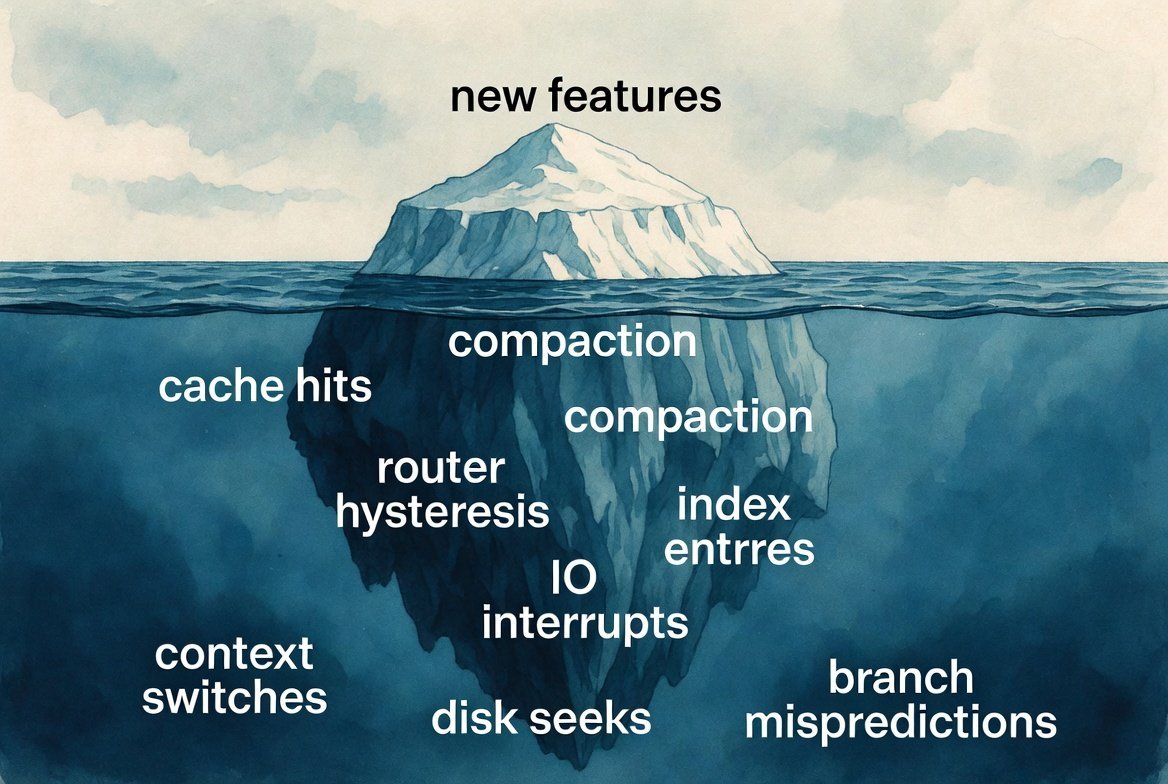
The Invisible Work
What changes when you optimize for long sessions
Most coding agent improvements are visible. A new command, a new theme, a new extension. You type something, something happens, you see it.
The changes in Elyra v0.6.0 are different. They're about what happens inside the agent over the course of a two-hour session — how it remembers, how much it costs, and whether it picks the right model for each turn. You won't notice these changes directly. You'll notice that sessions feel smoother, cost less, and lose less context along the way. But you won't see why.
Here's what changed, and why it matters.
Compaction used to forget the important things
When a session gets long, Elyra compacts the conversation — it summarizes old messages to free up context space. The summary replaces the raw history, so the agent has room to keep working without slamming into the context window.
The problem was what the summary preserved. The old format had six sections: Goal, Constraints, Progress, Key Decisions, Next Steps, and Critical Context. Functional, but missing things that matter in real development work.
It didn't have a dedicated place for architecture decisions. If you and the agent decided to use the repository pattern for database access, that decision lived in "Key Decisions" as a one-liner — if the summarizer even captured it. Two compactions later, it might be gone. The agent would start suggesting inline queries because it no longer knew you'd chosen a pattern.
It didn't track error history. If you spent twenty minutes debugging a race condition in the queue worker, the resolution — what failed, what the stack trace said, what the fix was — got compressed into "Fixed queue worker bug" in the Progress section. If a similar error appeared later in the session, the agent had no memory of what it had already tried.
The new format adds two sections:
Architecture & Patterns preserves structural decisions explicitly. "Using repository pattern for DB access." "Split into service + controller layers." "Events dispatched via Laravel's event system, not direct calls." These survive compaction because the summarization prompt specifically asks for them.
Error History preserves what went wrong and how it was fixed. File paths, line numbers, the actual error message, the resolution. If the agent fixed a null pointer exception in UserService.php at line 47 by adding a null check, that's preserved with enough detail to recognize the same pattern if it recurs.
The summarization rules also got more explicit. Instead of "keep it concise," the prompt now says: preserve exact file paths, function names, class names, variable names, error messages, and stack traces verbatim. Include specific line numbers when referenced. Note which files were created versus modified versus deleted.
On the serialization side, tool results used to be truncated to 2000 characters before being sent to the summarizer. That's tight. A PHP stack trace alone can be 1500 characters. A file diff with context easily exceeds 2000. The limit is now 4000 characters, which means the summarizer sees more of the actual error output and file content when it's deciding what to preserve.
A date was costing you money every day
This one is almost embarrassing in its simplicity.
The system prompt — the long block of text that tells the agent who it is, what tools it has, what skills it knows, what your project context looks like — ended with:
Current date: 2026-05-16
Every day at midnight, that date changed. And when the date changed, the entire system prompt cache was invalidated.
Anthropic and OpenAI cache system prompts so that repeated calls with the same prompt don't re-process all those tokens. A cache hit is roughly 10× cheaper than a cache miss. But because the date was embedded in the system prompt, the first call after midnight was always a cache miss — for the entire prompt, not just the date.
For a typical 3000-token system prompt, that's 3000 tokens re-processed at full input price instead of cache price. Multiply by every session that spans midnight or starts on a new day.
The fix: move the date out of the system prompt and inject it as part of the first conversation message instead. The system prompt is now stable across days. The date still reaches the agent (it's in the context injection alongside pinned files), but it doesn't invalidate the prompt cache.
This is the kind of optimization you never see, but always feel on the invoice.
The smart router used to second-guess itself
Elyra's smart router selects between cheap models (for simple tasks like reading files) and expensive models (for complex tasks like multi-file refactors). The idea is sound: don't pay Opus prices for a grep.
But the classifier had problems.
It knew eight keywords. If your message contained refactor, debug, or architect, it escalated to the expensive model. If it didn't contain one of those eight words, it stayed cheap — even if you wrote "investigate why the payment system silently drops transactions under concurrent load." That's clearly a complex task, but none of the magic words appeared.
The keyword list is now 35 terms. It covers:
Performance work — optimize, memory leak, race condition
Debugging — investigate, diagnose, troubleshoot, root cause
Architecture — design pattern, dependency injection, decouple
Scope indicators — implement from scratch, build a system
It's still keyword matching — not semantic analysis — but the coverage is dramatically better.
More importantly, the router had no memory. Each turn was classified independently. A complex multi-step refactor might go like this:
powerful — user describes the refactor
powerful — agent plans
powerful — agent edits files
fast — agent reads a file to check results
powerful — agent continues editing
That drop to fast in the middle was wrong. The agent was mid-task, just doing a read-only verification step. But because the classifier only looked at the current turn, it saw "read-only tools + short message" and downgraded.
The router now has hysteresis. If the previous turn was classified as powerful, the next turn won't drop directly to fast — it dampens to balanced instead. This prevents the oscillation without being sticky: if the task genuinely becomes simple (a new unrelated question), it'll settle back to fast after one balanced turn.
The read-only de-escalation also got smarter. It now only triggers in short conversations (under 10 messages). In a long session, a read-only turn is almost certainly an intermediate step in a larger task, not a standalone simple question. The router respects that context now.
And large tool outputs (over 5000 characters) now escalate to powerful. A single file write that rewrites an entire module is complex work, even if the user's message was short. The router catches that signal now.
Why this matters more than new features
New commands and extensions are exciting. They expand what Elyra can do. But the optimizations in v0.6.0 improve what Elyra already does — the core loop of understanding context, managing cost, and picking the right tool for the job.
A session that loses architectural context after compaction produces worse code in the second hour than the first. A system prompt cache miss every morning costs real money across thousands of sessions. A smart router that oscillates wastes tokens on model switches and retries.
These aren't things you debug. They're things you notice — as a vague sense that "the agent seems to forget things," or "this costs more than it should." The fixes are invisible. But the improvement accumulates across every session, every day, every user.
And that, quietly, is the work.