Small Things That Make the First Five Minutes Better
The flashy features get the blog posts, but the changes that actually determine whether someone keeps using a tool happen in the first five minutes. Here's what's new in Elyra v0.6.1 and v0.6.2
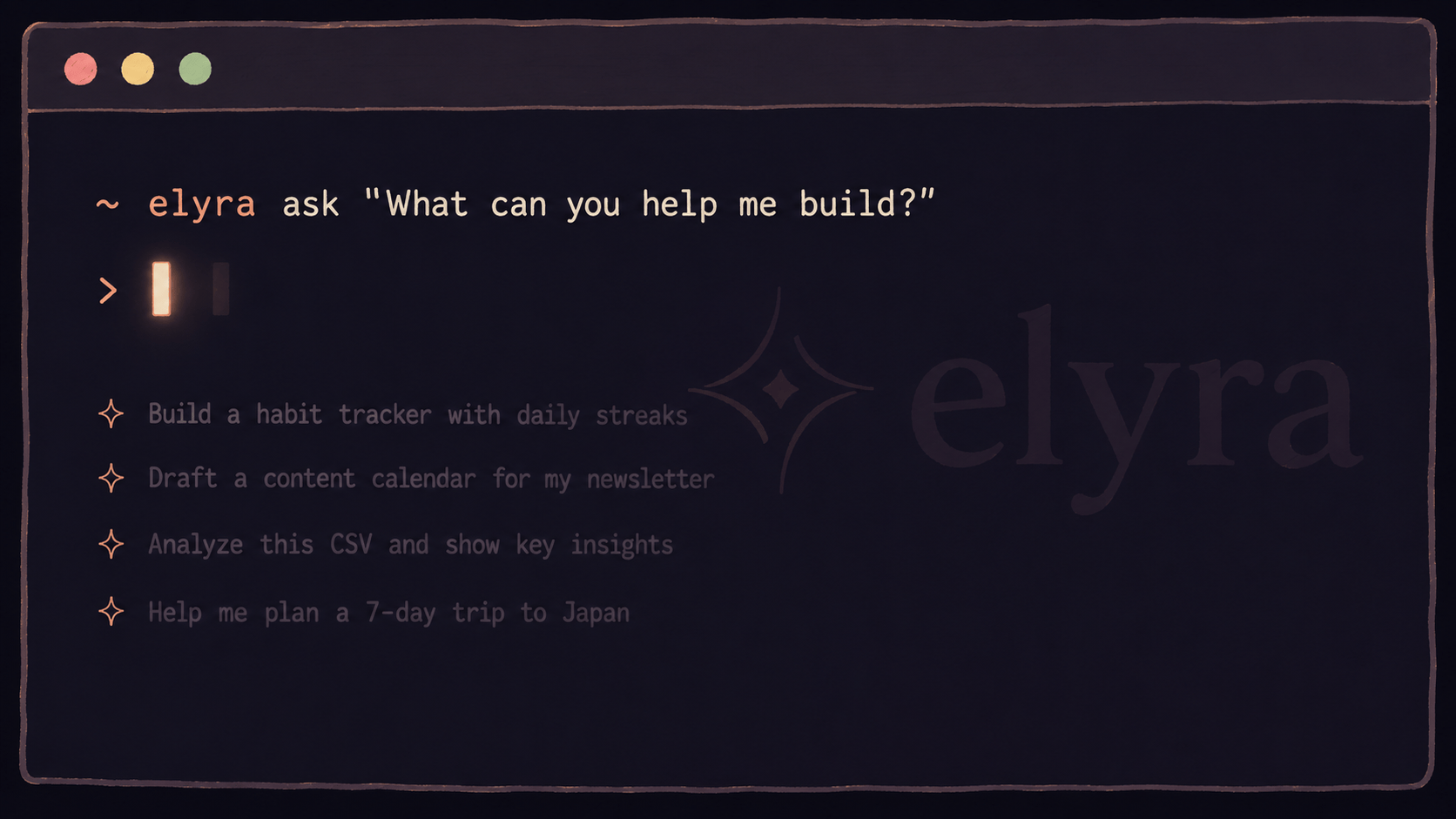
The blank screen problem
Before these releases, a new user who installed Elyra and ran it for the first time saw a logo, a dim line about pressing a key for help, and a blinking cursor. That's it. No hint about what to type. No examples. No indication of what this thing can actually do.
Experienced users know to type a task description. New users stare at the cursor and wonder if they're supposed to type a command, a question, or a filename. Some of them close the terminal and never come back.
Now, when Elyra starts in a project that doesn't have a .elyra/ directory (meaning it's never been set up for this project), it shows a short block of example prompts:
Try one of these to get started:
Summarize this codebase and explain the architecture
Find and fix bugs in src/auth/
Add tests for the user registration flow
Review the payment module for security issues
Type / for commands, /ext for extensions. Docs at elyracode.com
Four real prompts that work in any project. Not documentation. Not a tutorial. Just "type one of these and see what happens." The examples disappear once you set up .elyra/ for the project, and they're suppressed if you enable quiet startup in settings.
/help
For users who come back later and want a refresher:
/help
Shows the same example prompts plus a curated list of the most useful commands — /model, /theme, /cost, /diff, /pin, /memory, /blueprint, /ext, /settings, /hotkeys. Not all 35+ commands. Just the ones you'll actually use in the first week.
Ends with a link to elyracode.com for everything else.
/init
The step between "I installed Elyra" and "Elyra knows my project" used to be manual. Read the docs, create a .elyra/ directory, write an AGENTS.md file, figure out which extensions to install. Most users skipped it entirely.
/init
Does it in one command:
Creates
.elyra/AGENTS.mdwith scaffold sections for project overview, stack info, and conventionsCreates
.elyra/blueprints/for session templatesRuns stack detection on your project
Suggests the right extensions based on what it finds
If you're in a Laravel project with Livewire and Tailwind:
Project initialized
Created .elyra/AGENTS.md
Created .elyra/blueprints/
Detected: TALL stack
Install: elyra install npm:@elyracode/stack-tall
Edit .elyra/AGENTS.md to add project rules and conventions.
Browse all extensions with /ext.
If it detects Docker Compose, it suggests @elyracode/docker. If it finds Filament, it suggests @elyracode/stack-filament. The suggestions are specific to what's actually in your project, not a generic list.
The AGENTS.md it creates includes your detected stack info and placeholder sections for conventions. You fill in the blanks — "we use repository pattern," "tests go in tests/Feature/," "never modify migration files after they've run." The agent reads this file on every session start, so your project rules are always in context.
/memory
Elyra has had project memory since v0.5 — it generates a summary of what it learned after each session and persists it across future sessions. But there was no way to see what it remembered.
/memory
Shows the current project memory rendered as markdown in the chat. Architecture patterns, decisions, conventions, gotchas — everything the agent has accumulated from previous sessions in this project.
/memory clear
Wipes the memory if it's gotten stale or wrong.
/memory path
Shows where the memory file lives on disk, in case you want to edit it directly.
The memory is generated automatically when a session ends (if codebase memory is enabled in settings). You don't have to do anything to build it. /memory just makes it visible so you can verify the agent is learning the right things.
Why these matter more than they look
None of these are technically complex. /help is a formatted text block. /init creates two files and a directory. /memory reads a file and renders it. The first-run welcome is a conditional string.
But they solve the highest-impact problems in the user journey:
"What do I type?" — First-run examples answer this in 2 seconds.
"How do I set this up?" —
/initdoes it in 1 command."What commands exist?" —
/helpshows the important ones."What does the agent know about my project?" —
/memorymakes it visible.
Every user hits these questions. The ones who find answers stay. The ones who don't, leave. These changes make it harder to leave.