Teaching Your Agent Once: Skills in Elyra v0.7.1
There's a moment in every long-running project where you realize you've explained the same thing to the AI agent four times this week. "We use the repository pattern." "Tests go in tests/Feature/." "Always run Pint before committing." "The API returns paginated responses with a meta key."
Each time, the agent follows the instruction perfectly. And each time, it's forgotten by the next session.
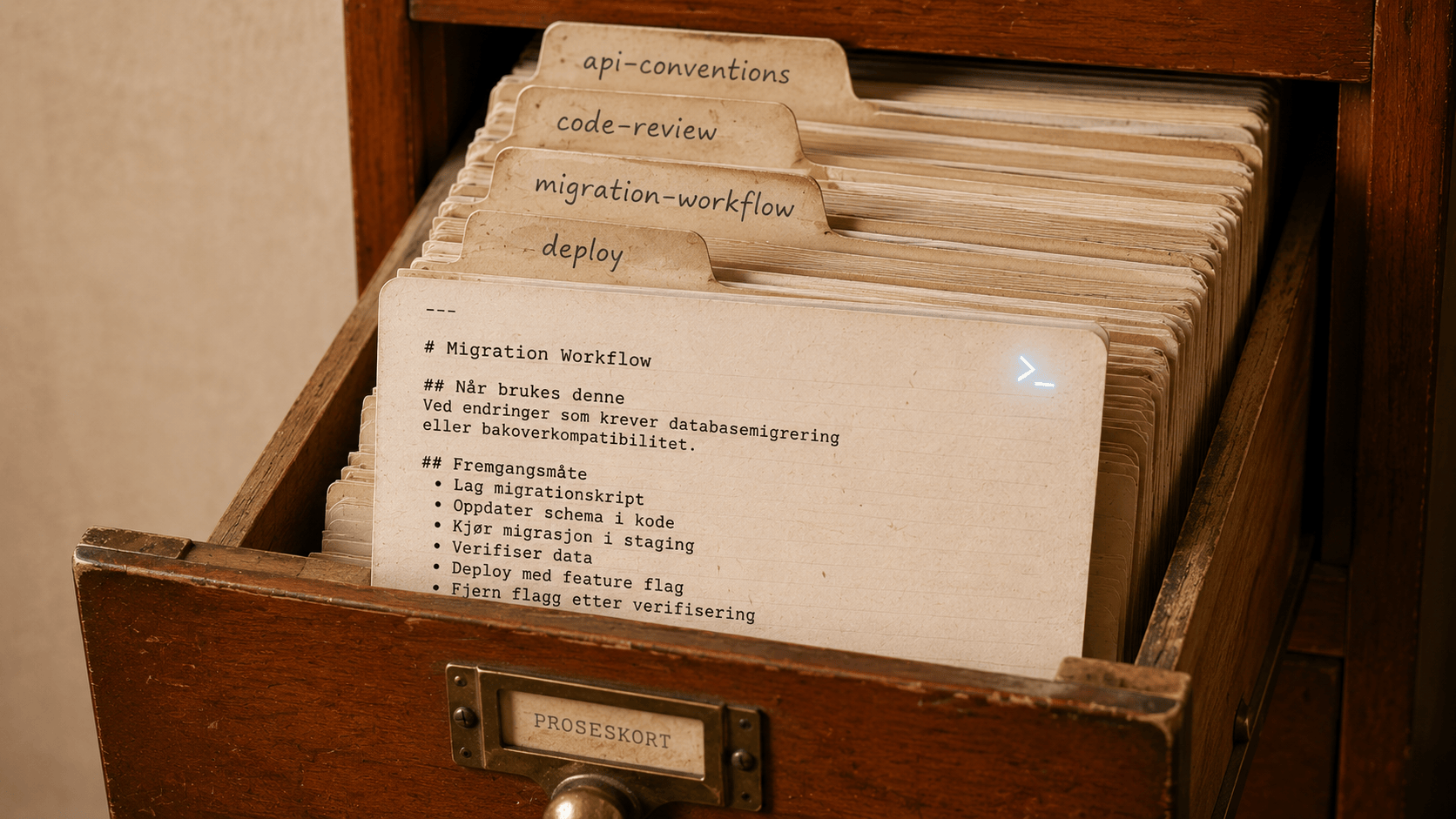
Skills solve this. You write the instruction once, as a markdown file, and the agent loads it automatically whenever the task matches.
What's a skill
A skill is a folder with a SKILL.md file inside. The file has YAML frontmatter that tells the agent when to use it, and a markdown body that tells it what to do.
.elyra/skills/api-conventions/SKILL.md
---
name: api-conventions
description: API response formatting and error handling conventions. Use when building or modifying API endpoints, writing controllers, or handling API errors.
---
API Conventions
Response Format
All API responses use this structure:
{
"data": { ... },
"meta": { "current_page": 1, "last_page": 5, "total": 47 }
}
Error Responses
Use standard HTTP status codes. Always return:
{
"message": "Human-readable error",
"errors": { "field": ["Validation message"] }
}
Rules
- Always validate requests with Form Requests
- Always return JSON, never views
- Use API Resources for response transformation
- Paginate collections by default (15 per page)
When someone asks the agent to build an API endpoint, it sees this skill's description, recognizes the task matches, loads the full instructions, and follows them. Every endpoint comes out consistent. No re-explaining.
What changed in v0.7.1
Anthropic compatibility
Elyra's skill format is now fully compatible with Anthropic's Agent Skills specification. If you've built skills for Claude.ai, they work in Elyra without modification. And skills you build in Elyra work in Claude.ai.
The frontmatter supports all standard fields:
---
name: my-skill
description: What it does. Use when user asks to...
license: MIT
compatibility: Requires Node.js 20+
allowed-tools: "Bash(python:*) WebFetch"
metadata:
author: Your Name
version: 1.0.0
category: workflow
allowed-tools restricts which tools the agent can use when the skill is active. compatibility documents requirements. metadata holds arbitrary key-value pairs for organization and discovery.
Scripts and references
Skills can now include executable scripts and reference documents:
my-skill/
├── SKILL.md
├── scripts/
│   ├── validate.py
│   └── generate-report.sh
└── references/
├── api-guide.md
└── style-guide.md
The scripts/ directory contains code the agent can execute. The references/ directory contains documentation the agent can read when it needs deeper context.
Both are auto-discovered and exposed to the agent in the system prompt. When a skill has scripts, the agent knows they exist and can call them:
# In your SKILL.md:
Before submitting, run the validation script:
python scripts/validate.py --input {filename}

If validation fails, check references/api-guide.md for the correct format.
This is powerful for skills that encode complex workflows. Instead of describing a validation algorithm in natural language (where the agent might interpret it loosely), you write the actual validation in Python (where it's deterministic) and let the agent execute it.
/skills command
/skills
Lists every loaded skill with its name, description, script and reference counts, and where it came from (which extension or local directory). Useful for understanding what knowledge the agent currently has access to.
Three levels of disclosure
Skills use progressive disclosure to minimize token usage:
Level 1: Frontmatter. Always in the system prompt. Just the name and description — enough for the agent to know when the skill is relevant. This costs a few tokens per skill.
Level 2: SKILL.md body. Loaded only when the agent decides the skill matches the current task. Contains the full instructions. Only costs tokens when actually used.
Level 3: References. Read on demand. The agent navigates to references/ files only when it needs specific details. Keeps the main instructions lean.
A project with 20 skills loaded doesn't burn 20x the tokens. The frontmatter for all 20 might be 500 tokens total. The body of the one that's relevant is maybe 1000. And references are loaded only if needed.
Practical skill examples
Code review checklist
.elyra/skills/code-review/SKILL.md
---
name: code-review
description: Code review checklist and standards. Use when reviewing code, pull requests, or when asked to check code quality.
Code Review Standards
Check in this order:
- Security: SQL injection, XSS, auth bypasses, data exposure
- Correctness: Logic errors, edge cases, null handling
- Tests: Coverage, meaningful assertions, edge case tests
- Performance: N+1 queries, missing indexes, expensive loops
- Conventions: Naming, structure, patterns per project rules
Flag issues as:
- CRITICAL: Must fix before merge
- WARNING: Should fix, but not blocking
- SUGGESTION: Nice to have
Database migration workflow
.elyra/skills/migration-workflow/SKILL.md
---
name: migration-workflow
description: Database migration creation and safety checks. Use when creating migrations, modifying schema, or adding database columns.
Migration Workflow
Before Creating
- Check existing schema with
get_database_schema
- Verify the table exists (or doesn't, for new tables)
- Check for existing indexes that might conflict
Rules
- Never modify existing migration files
- Always add
->after('column_name') for column ordering
- Foreign keys need explicit index names
- Add
->index() on all foreign key columns
- Use
nullOnDelete() for optional relationships
- Large tables: use
--step flag for reversible migrations
After Creating
- Run
php artisan migrate to verify
- Run
php artisan migrate:rollback to verify reversibility
- Check that seeders still work
Deployment checklist
.elyra/skills/deploy/SKILL.md
---
name: deploy
description: Pre-deployment verification checklist. Use when preparing to deploy, release, or push to production.
Pre-Deploy Checklist
- All tests pass (
npm run test or php artisan test)
- No uncommitted changes (
git status is clean)
- Changelog updated with new entries
- Version bumped in package.json
- Documentation reflects recent changes
- No TODO/FIXME in changed files
- Environment variables documented if new ones added
- Migration tested (up and rollback)
Do NOT proceed with deploy if any check fails.
Report which checks passed and which failed.
Where skills live
Project-local (.elyra/skills/): Shared with the team via git. Everyone gets the same conventions.
Global (~/.elyra/agent/skills/): Personal to you. Workflows and preferences that follow you across projects.
Extensions: Each installed extension can bundle skills. @elyracode/swarm comes with a skill that teaches the agent when to use multi-agent pipelines. @elyracode/docker comes with a skill for container-awareness.
Project-local skills take priority if names conflict. Your project's conventions override global defaults.
Building skills that last
Write for the next developer. Your skill will be read by an AI, but the audience is the human who comes after you. If a new team member reads your SKILL.md and understands the workflow, the AI will too.
Be specific about triggers. The description field determines when the skill loads. "Helps with code" won't trigger. "Use when building API endpoints, creating controllers, or modifying route files" will.
Put deterministic logic in scripts. If your workflow has a validation step, a calculation, or a format check, write it as code in scripts/ rather than describing it in natural language. Code doesn't hallucinate.
Keep SKILL.md focused. Move deep documentation to references/. The main instructions should be scannable — numbered steps, bullet points, clear rules. Save the explanations for reference files that the agent reads on demand.