Stop Typing the Same Instructions Twice
There's a pattern that emerges after a few weeks of using a coding agent daily. You catch yourself typing the same instructions over and over. Not the same tasks — the tasks are different. But the framing around them is identical.
"Set the version, write release notes, update the docs changelog, commit before releasing."
"Update the user documentation based on the recent changes. Check
commands.html,getting-started.html, andextensions.html.""Run the tests, fix what's broken, run again until green."
You've typed each of these a dozen times. They're not complex enough to warrant a blueprint — that starts a whole new session with its own context and pins. They're just instructions you want to fire into the middle of an existing conversation without retyping them from memory.
That's what /snippet is for.
How it works
Create a markdown file in .elyra/snippets/:
# .elyra/snippets/release.md
Set version and write release notes. Update /docs changelog.
Commit changelog before running release. Remember to update
the sidebar links and the main content entry.
Now, in any session:
/snippet release
The content of release.md is sent as your message. The agent reads it and acts on it exactly as if you'd typed it yourself. No special parsing, no frontmatter, no configuration. The file content becomes the prompt.
Setting them up
Snippets live in two places:
.elyra/snippets/— project-local, shared with the team via git~/.elyra/agent/snippets/— global, personal to you
Project snippets take priority if both have the same name. The filename minus .md is the snippet name.
If you use /init to set up a new project, the snippets directory is created automatically alongside blueprints and AGENTS.md.
Snippets that earn their keep
Here are the ones that show up most often in daily use.
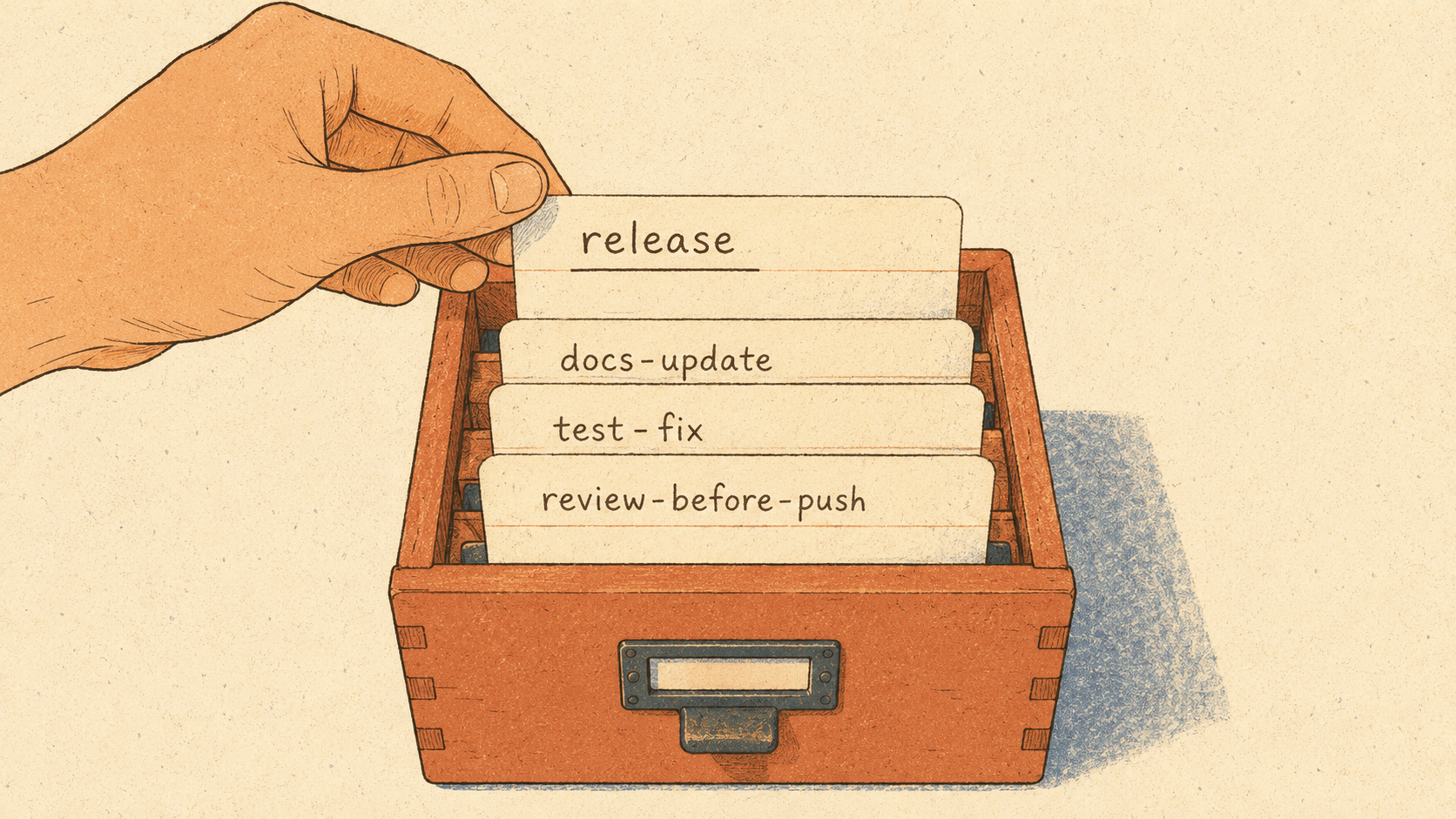
release.md — the versioning checklist:
Set version and write release notes. Update /docs changelog.html
with the new version entry and sidebar link. Update the package
changelog. Commit all changes before running the release script.
Versioning involves the same five steps every time. Without the snippet, you either type them all out or forget one — usually the docs changelog.
docs-update.md — the documentation sweep:
Update user documentation based on the recent changes.
Check commands.html, getting-started.html, extensions.html,
and changelog.html. Add any new commands to the quick-reference
table and the detailed sections. Update nav links if needed.
Documentation updates follow the same checklist. The snippet encodes the checklist so the agent covers all the files.
test-fix.md — the run-fix-repeat loop:
Run the test suite. If tests fail, read the failing tests
and the implementation, fix the issue, and run again.
Repeat until all tests pass. Show me the final test output.
Something you describe in words every time. The snippet makes it one command.
review-before-push.md — the pre-push sanity check:
Review all uncommitted changes with git diff. Check for:
correctness, security issues, missing tests, leftover
debug code, TODO/FIXME comments. Give a go/no-go verdict.
A quality pass you want to be thorough every time, not just when you remember all the things to check.
new-endpoint.md — the consistency enforcer:
Build a new API endpoint following existing patterns.
Include request validation, proper error responses,
authorization checks, and a feature test. Check existing
endpoints for the project's conventions before starting.
Every new endpoint follows the same template. The snippet ensures nothing gets skipped.
db-check.md — the schema sniff test:
Check the database schema for the tables related to the
current task. Look for missing indexes on foreign keys,
nullable columns that shouldn't be, and inconsistent
naming conventions.
A quick sanity check you run before writing migrations.
The selector
Type /snippet without a name and a selector opens with all available snippets. Arrow keys to navigate, Enter to send. Useful when you can't remember the exact name, or when you want to browse what's there.
Snippet names also autocomplete in the editor, so typing /snippet rel and pressing Tab completes to /snippet release.
How it differs from blueprints
Blueprints (/blueprint) are session starters. They set up context at the beginning of a conversation — pinning files, establishing instructions, configuring the session. You reach for them when starting a new task from scratch.
Snippets (/snippet) are mid-session injections. They send an instruction into an ongoing conversation. You reach for them when you're already working and need to trigger a known sequence of steps.
A blueprint says "here's how to approach building API endpoints in this project." A snippet says "build the endpoint now, following the usual checklist."
Team snippets
Because project snippets live in .elyra/snippets/ inside your repo, they're version-controlled. The whole team gets the same snippets when they pull. That turns out to be useful for standardizing how common tasks are described to the agent:
Everyone's release process follows the same steps
Documentation updates cover the same files
Code review checks the same things
New features follow the same patterns
When someone improves a snippet — adds a step that was being forgotten, or clarifies an instruction that was ambiguous — everyone benefits on the next pull.
Writing good snippets
A few things that separate the snippets you actually use from the ones gathering dust:
Be specific about what to check. "Update the docs" is vague. "Update commands.html, getting-started.html, and the changelog sidebar links" leaves nothing to interpretation.
Include the verification step. If the instruction involves running tests or checking output, say so. "Run tests and fix until green" beats "run tests."
Keep them short. A snippet is an instruction, not a tutorial. Three to five lines is the sweet spot. If it needs more than that, it's probably a blueprint.
Name them for the trigger, not the content. release is better than set-version-write-notes-update-docs. You'll type the name dozens of times — make it short.
The friction snippets remove is small. A few seconds of typing, a moment of remembering which files to mention. But that friction adds up across a day of work, and the bigger win is consistency: the release always touches the same files, the review always checks the same things, the endpoint always gets the same scaffolding. The agent doesn't drift, because you stopped describing the task from memory each time.