Seeing What Changed - Elyra v0.9.1
A real diff viewer, editor handoff, and a way to see exactly what the agent touched.
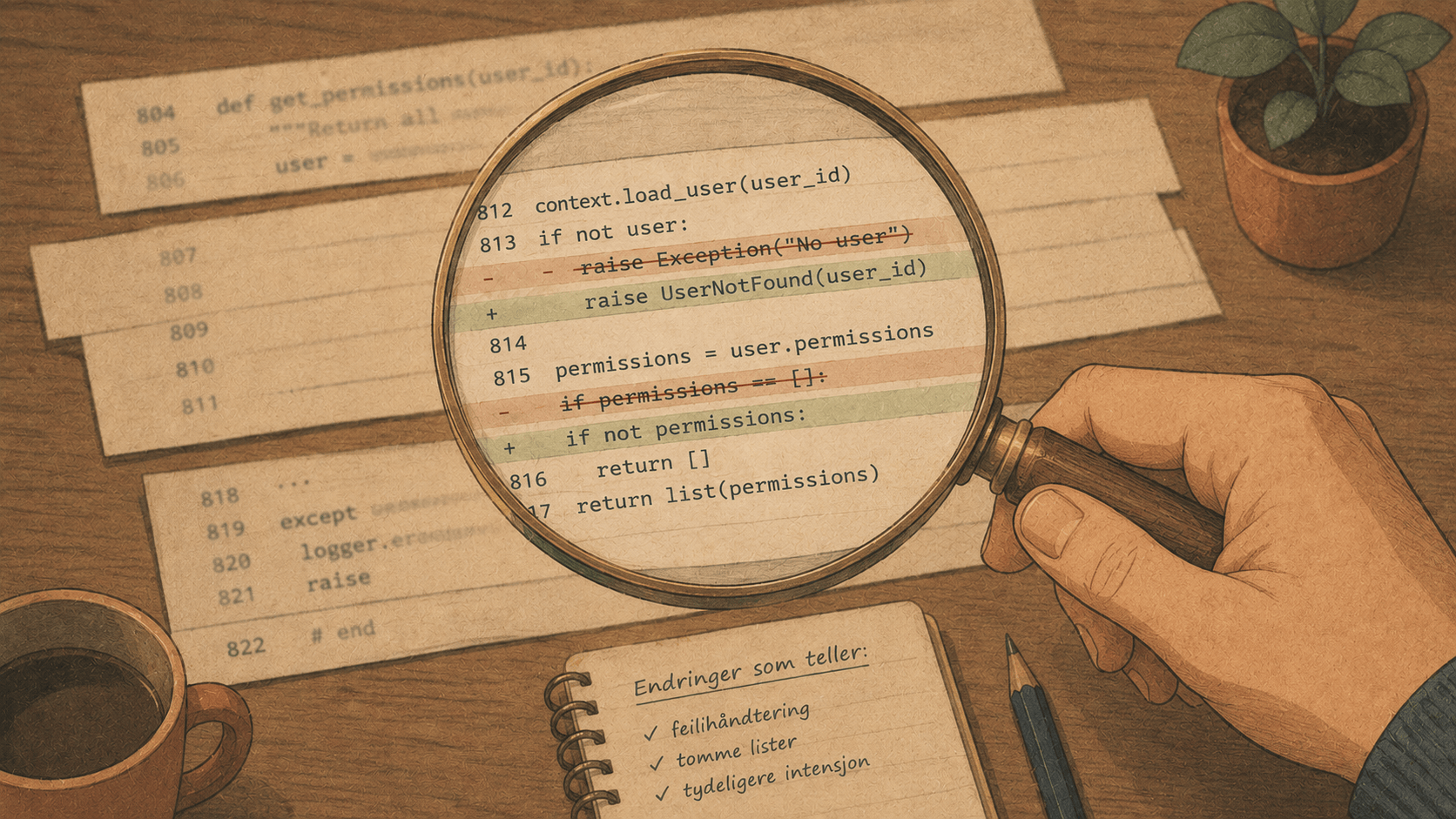
When you work with a coding agent, there's a question you ask constantly: what did it just change?
You asked for a fix. The agent read some files, made some edits, ran the tests, declared victory. But before you trust it, you want to see the actual diff. Not a summary in prose — the real lines, red and green, so you can judge for yourself.
Elyra has always had a /diff command. Until now, it dumped the output as a markdown block into the chat history. That's fine for a three-line change. For anything real, it was useless — you couldn't scroll it properly, it pushed your conversation off-screen, and reviewing a 400-line diff in a chat log is nobody's idea of a good time.
v0.9.1 fixes this with a proper diff viewer, the ability to open diffs in your own editor, and — the part I'm most pleased with — a way to see exactly what the agent changed this session.
A real diff viewer
Type /diff now and you get a full-height, scrollable, syntax-highlighted viewer right in the terminal:
Uncommitted Changes
─────────────────────────────────────────────────────────
diff --git a/src/auth.ts b/src/auth.ts
@@ -12,7 +12,9 @@ export async function verify(token: string) {
   const payload = decode(token);
-  if (!payload) return null;
+  if (!payload) {
+    throw new InvalidTokenError("malformed token");
+  }
   return payload;
─── ↓ 38 more ──────────────────────────────────────────
 ↑↓ scroll · PgUp/PgDn page · g/G top/bottom · e open in editor · Esc close
It behaves the way you'd expect a pager to behave:
Arrow keys scroll a line at a time
PgUp/PgDn jump a page
g / G go to the top or bottom
Esc or q closes it
Hunk headers, file metadata, additions, removals, and context lines are each colored distinctly. The scroll indicators (↑ 12 more, ↓ 38 more) tell you where you are in a long diff. It's the difference between glancing at a snippet and actually reviewing a change.
Or open it in your editor
Here's the thing about diff viewers: no matter how good the built-in one is, plenty of developers would rather review in the editor they already know. They've got their own theme, their own diff folding, their own muscle memory.
So the viewer has an escape hatch. Press e and the diff opens in your $EDITOR (or $VISUAL) as a .diff file — which means VS Code, nvim, emacs, whatever you use, will syntax-highlight it automatically:
e → opens the diff in `code --wait` / nvim / emacs / ...
Elyra suspends itself while your editor is open and restores cleanly when you close it. The same suspend-and-resume machinery that powers the external-editor feature for composing prompts.
If you always prefer your editor, you don't have to press e every time. There's a setting:
/settings → Diff in editor → true
Now plain /diff goes straight to your editor. And if you occasionally want the in-terminal viewer instead, /diff --inline overrides it for that one invocation. Default behavior is the TUI viewer; the setting flips it; the flag overrides the setting. Everyone gets what they want.
The feature I actually wanted: /diff --session
This is the one that solves a real, specific frustration.
git diff shows you everything that's uncommitted. But in an agent session, "everything uncommitted" is a mix of your changes from before the session and the agent's changes from during it. When you want to review "what did the agent do?", plain git diff is too broad. You're squinting at a combined diff trying to remember which parts were already there.
Elyra already creates a git checkpoint before every agent turn — that's the machinery behind /rewind. v0.9.1 reuses it. When you run:
/diff --session
Elyra diffs your working tree against the session's first checkpoint — the snapshot taken before the agent did anything. The result is precisely the agent's contribution, with your pre-existing changes filtered out.
// Under the hood, it finds the earliest checkpoint and diffs against it:
const baseline = this.session.getSessionBaselineRef();
diff = runGit(["diff", baseline, ...pathSpec]);
So after a long session you can ask, with confidence, "show me only what you changed" — and get exactly that. Combine it with the editor flag and you've got a clean review workflow:
/diff --session --editor
Open just the agent's work this session, in your editor, for a proper review before you commit.
The smaller wins
A few more improvements rounded out the release:
/diff --cached shows staged changes — useful when you've been selectively staging hunks.
/diff <path> filters to a file or directory:
/diff src/auth.ts        # just this file
/diff --session src/      # agent's changes under src/
Untracked files now show up. Plain git diff famously ignores new, untracked files — a classic gotcha where the agent created a file and your diff command pretended it didn't exist. Elyra now lists them so you don't miss new work.
And a bit of cleanup: the diff command's buffer limit went from 1MB to 32MB (large diffs no longer get truncated), and an inline import got hoisted to the top of the file where it belongs.
Why this matters
Trust in an agent is built on visibility. The more easily you can see what it did, the more comfortable you are letting it do more. A diff you can't read is a change you can't trust, and a change you can't trust is one you have to redo yourself — which defeats the point of the agent.
/diff used to be a quick glance. Now it's a real review tool: scroll through changes in the terminal, pop them open in your editor, or zero in on exactly what the agent touched this session. Three ways to answer the one question that matters every time the agent stops typing — what changed?
/diff            # scrollable viewer
/diff --editor   # in your editor
/diff --session  # just the agent's work
Get it
npm install -g @elyracode/coding-agent@0.9.1
Full changelog: v0.9.1