One Command, Everything Current - Elyra v0.9.2
Elyra v0.9.2 makes /update bring your whole setup — the agent and every extension — current in a single step. Plus two quieter reliability fixes.
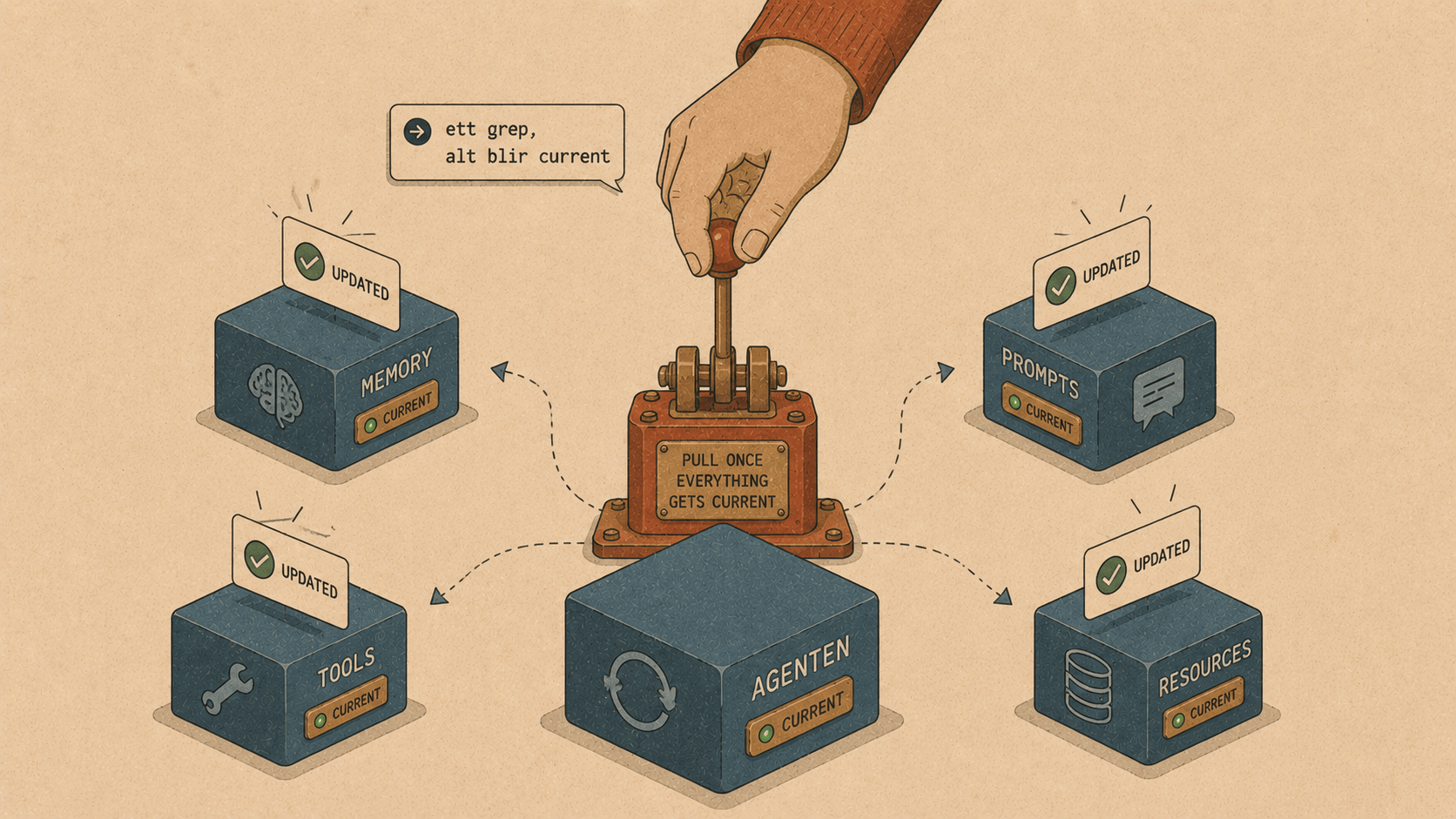
Here's a small annoyance that builds up over time. You install a few Elyra extensions — maybe the Laravel tools, the database tools, YouTrack. They're great. Then weeks pass, the authors ship improvements, and your copies quietly fall behind.
Elyra itself had a clean update story: type /update, and it pulls the latest version and restarts. But your extensions? Those you had to update by hand, one CLI command at a time, remembering which ones you'd installed. The agent stayed fresh while its tools went stale.
v0.9.2 fixes that. /update now updates everything.
What changed
Type /update and Elyra now checks two things at once: whether there's a newer version of Elyra, and whether any of your installed extensions are out of date. Then it updates all of it and restarts once.
> /update
Updating Elyra 0.9.1 → 0.9.2 and 3 extensions...
Updated. Restarting...
That's it. One command, and your whole setup is current — the agent and every tool you've added to it.
How it works
The pieces were mostly already there; they just weren't wired together. Elyra's package manager already knew how to check for available extension updates and install them. The in-app /update just wasn't calling it.
The new flow does three things in order:
// 1. Check both Elyra and extensions
const elyraUpdate = await this.checkForVersionUpdate();
const extensionUpdates = await packageManager.checkForAvailableUpdates();
// 2. Update extensions while Elyra is still running
if (extensionUpdates.length > 0) {
await packageManager.update();
}
// 3. Self-update Elyra if newer, then restart once
if (elyraUpdate) { /* run the install command */ }
restart();
The single restart at the end matters. Extensions are loaded fresh on startup, so after updating them on disk, a restart is what actually activates the new versions. By updating both Elyra and the extensions before that one restart, you get everything live in a single step — no "now run this other command" follow-up.
And it's honest about the state of things. If everything's already current, it tells you:
> /update
Already up to date (Elyra 0.9.2, all extensions current)
If only extensions have updates, it updates just those. If Elyra can't self-update (say, it's managed by a system package manager), it still updates your extensions and tells you how to update Elyra yourself. No silent failures, no half-finished states.
The startup notification got the same treatment. When Elyra notices extension updates are available, it now points you at the in-app command:
Extension updates are available. Type /update
Previously it suggested the CLI command, which meant quitting your session to run it. Now you never have to leave.
Two quieter fixes
The release carried two smaller fixes worth a mention, both from a recent reliability pass.
Your prompt now survives a crash. Elyra defers writing a new session to disk until the agent actually responds — that's deliberate, so opening Elyra and immediately quitting doesn't leave junk session files everywhere. But it had a sharp edge: if you typed a long, careful prompt and the process crashed during that first LLM call — before any response came back — your prompt was never written to disk. Gone.
The fix flushes your prompt to disk the moment the agent starts working on it:
} else if (event.type === "turn_start") {
this._createCheckpoint();
this.sessionManager.flushPending();  // ← your prompt is now safe
...
}
The window is closed without disturbing the original intent. Opening and quitting still leaves no junk file. Speculatively forking a conversation branch you don't pursue still creates nothing. But the instant the agent commits to working on your prompt, it's on disk — so a crash mid-request can't take it with it.
Faster cursor navigation in big inputs. If you've ever pasted a large block of text into the prompt editor and moved the cursor around, you might have felt a slight drag. The editor was recomputing its visual-line layout two or three times per keypress during navigation. Now it memoizes that computation within each keypress — cleared at the start of every input event so it can never go stale — eliminating the redundant work. Smoother navigation, zero risk of showing the wrong thing.
Why these small things matter
None of this is flashy. There's no new command to learn, no new capability to show off. It's the maintenance layer — the stuff that determines whether a tool feels reliable after you've used it for a month.
An agent whose extensions drift out of date feels neglected. A prompt that vanishes on a crash erodes trust in a way no feature can win back. A cursor that lags reminds you, every time, that you're using software. Fixing these isn't glamorous, but it's the difference between a tool you tolerate and one you forget you're using — which is the highest compliment a tool can earn.
Get it
npm install -g @elyracode/coding-agent@0.9.2
Then type /update whenever you want to bring your whole setup — Elyra and every extension — current in one step.
Full changelog: v0.9.2