Grove 1.1 — teaching your local environment to talk to your AI
Grove 1.1 turns grove mcp from a read-only window into a workshop: sandboxed writes with automatic rollback, a per-request causal chain linking requests to SQL and mail, and one-click 'explain this error' bundles. No app instrumentation required.
There's a particular kind of tired that comes from being the human glue between three tools that don't know about each other. Your app throws a 500. You alt-tab to the terminal to tail the log. You copy the stack trace into your AI assistant. It asks what query ran — so you go dig that up too. It asks what the request looked like. Copy, paste, copy, paste. You're a very expensive clipboard.
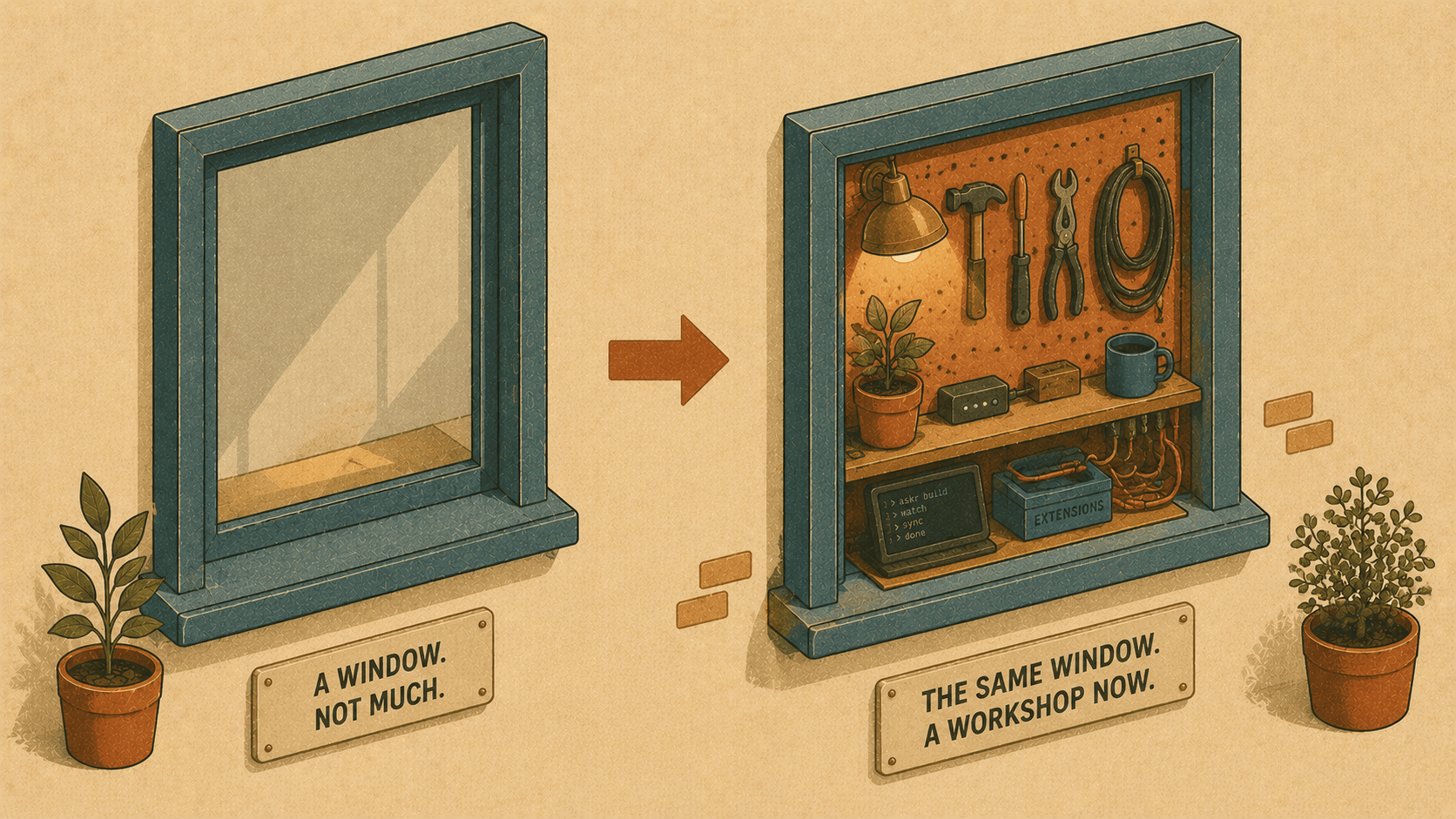
Grove 1.0 quietly opened a door here: grove mcp let AI clients like Claude and Cursor see your local environment — sites, the request timeline, webhooks, logs, the database schema. But it was read-only. A window, not a workshop.
Grove 1.1 is the AI release. It turns that window into a workshop: safe, sandboxed writes with automatic rollback; a per-request causal chain that ties each request to the SQL it ran and the mail it sent; and one-click "explain this error" bundles that gather everything your assistant needs into a single payload. The whole core stays free and open source, and — because Grove already is your proxy, DNS, and database supervisor — all of this happens with zero app instrumentation.
Let's walk through the why and the how.
1. Letting an agent run migrations — without holding your breath
Why
We all want the AI to do the boring thing: "add the migration for the invoices table and apply it." But handing a language model write access to your database is a great way to discover what "irreversible" means. The fear is rational, so people keep the AI read-only and do the scary part by hand.
The fix isn't more trust — it's a safety net. Grove owns your database service, and it already had db snapshot / db restore. So why not wrap every agent write in a snapshot with automatic rollback?
How
The MCP server is read-only by default. Write tools only appear when you opt in:
grove mcp --allow-write
Now your assistant can call grove_migrate_sandboxed. Under the hood, Grove:
Takes a point-in-time snapshot of the database
Runs
php artisan migrate --forcein the siteCaptures the schema diff
Rolls back automatically if the command fails
Here's the shape of what comes back:
{
  "site": "shop",
  "command": "php artisan migrate --force",
  "snapshot_id": "20260718-174210",
  "success": true,
  "rolled_back": false,
  "schema_diff": {
    "added_tables": ["invoices"],
    "removed_tables": [],
    "changed_tables": { "users": { "added_columns": ["invoiced_at:timestamp:null"] } }
  },
  "note": "the migration succeeded and was kept; use the snapshot_id to roll back if needed"
}
Want a pure dry run? Pass roll_back: true and Grove will run the migration, show you exactly what it would change, then roll back even on success. There's also grove_sql_sandboxed for a single write statement (UPDATE users SET status = 'active' WHERE status IS NULL) with the same snapshot → run → diff → rollback flow, returning rows_affected.
Every write is appended to an audit log at $GROVE_HOME/logs/mcp-writes.log, so you can always see exactly what ran, when, and how it ended. And it all works across bundled MySQL/PostgreSQL (daemon snapshot) and SQLite (a quick file copy).
The result: you can finally say "go ahead, apply it" and mean it.
2. The causal chain — "this 500 also ran 20 queries and sent an email"
Why
A request is never just a request. It's a request and the eight queries it fired, and the confirmation email it sent, and the 240ms it spent doing all of it. But those live in separate places — the timeline here, the query log there (if you even have one), the mail catcher somewhere else. Reconstructing the story is manual archaeology.
Grove has an unfair advantage: it sits in front of every request and captures mail centrally. It already knows the whole story. It just wasn't telling it as one.
How
Because Grove is the proxy, it knows each request's exact time window. Turn on SQL capture and it correlates the rest:
grove sql-capture on
That flips on MySQL's general query log (written to a Grove-owned file) so Grove can read back the SQL each request issued — no Debugbar, no Telescope, no app changes. Now ask your assistant, or hit the MCP tool grove_request_chain directly:
{
  "request": { "method": "POST", "path": "/checkout", "status": 500, "duration_ms": 243 },
  "metrics": { "duration_ms": 243, "query_count": 20, "email_count": 1 },
  "queries": [
    { "sql": "select * from `carts` where `user_id` = 42", "epoch_ms": 1784... },
    { "sql": "insert into `orders` ...", "epoch_ms": 1784... }
  ],
  "emails": [
    { "subject": "Your order confirmation", "to": ["kh@wirelabs.no"] }
  ]
}
That query_count: 20 on a single checkout is exactly the kind of N+1 smell you'd otherwise never notice. And in the desktop app, you just expand a request in the Requests panel to see its whole chain — with a toolbar toggle for SQL capture right there.
3. "Explain this error" — one button, the whole story
Why
The single most repetitive debugging task is assembling context. The request, the response, the stack trace, the queries, the side effects — a human spends minutes gathering what a good assistant could reason about in seconds, if only someone handed it the pile.
Grove already has the pile. Let's hand it over.
How
grove explain 42
Grove curates a single bundle for request #42: the request (headers + body), its causal chain (SQL + mail + metrics), and the matching error-level log entries with stack traces pulled from the site's laravel.log. It only chases logs for actual failures, and it degrades gracefully when there's no stack trace to find.
POST /checkout → 500 on shop · 20 queries, 1 emails · 1 error log entry
Error log:
[2026-07-18 17:41:59] local.ERROR: Undefined array key "total"
#0 /app/Http/Controllers/CheckoutController.php(88): ...
For the human, that's a readable summary. For the machine, grove explain 42 --json (or the grove_explain MCP tool) returns the full structured bundle — ready to pipe straight into your assistant. And in the desktop app, there's an ✨ Explain button on every request that copies the whole thing to your clipboard, so you can paste it into Claude or Cursor and just ask "why did this 500?"
No more being the clipboard.
The quiet theme: Grove is already in the middle
None of this needs a package installed in your app. No middleware, no service provider, no composer require. It works because Grove is already the proxy, the DNS, the TLS layer, and the database supervisor — it's standing in exactly the spot where all the context flows through. 1.1 just teaches it to hand that context to the tools you're already talking to.
Getting it
Grove auto-updates in place (Apple Silicon and Linux), or grab the binaries from the release. Then:
# point your AI client at Grove
grove mcp                 # read-only, safe by default
grove mcp --allow-write   # opt in to sandboxed migrations & SQL
and while you work
grove sql-capture on
grove explain <id>
The core is, and stays, free and open source. Go break something locally — Grove's got the snapshot. 🌱