Branching Conversations: How /tree Lets You Explore Without Losing Your Place
There's a moment in every coding session where you want to try something different. You've been building a feature one way, but you're not sure it's the right approach. You want to explore an alternative without losing the work you've already done.
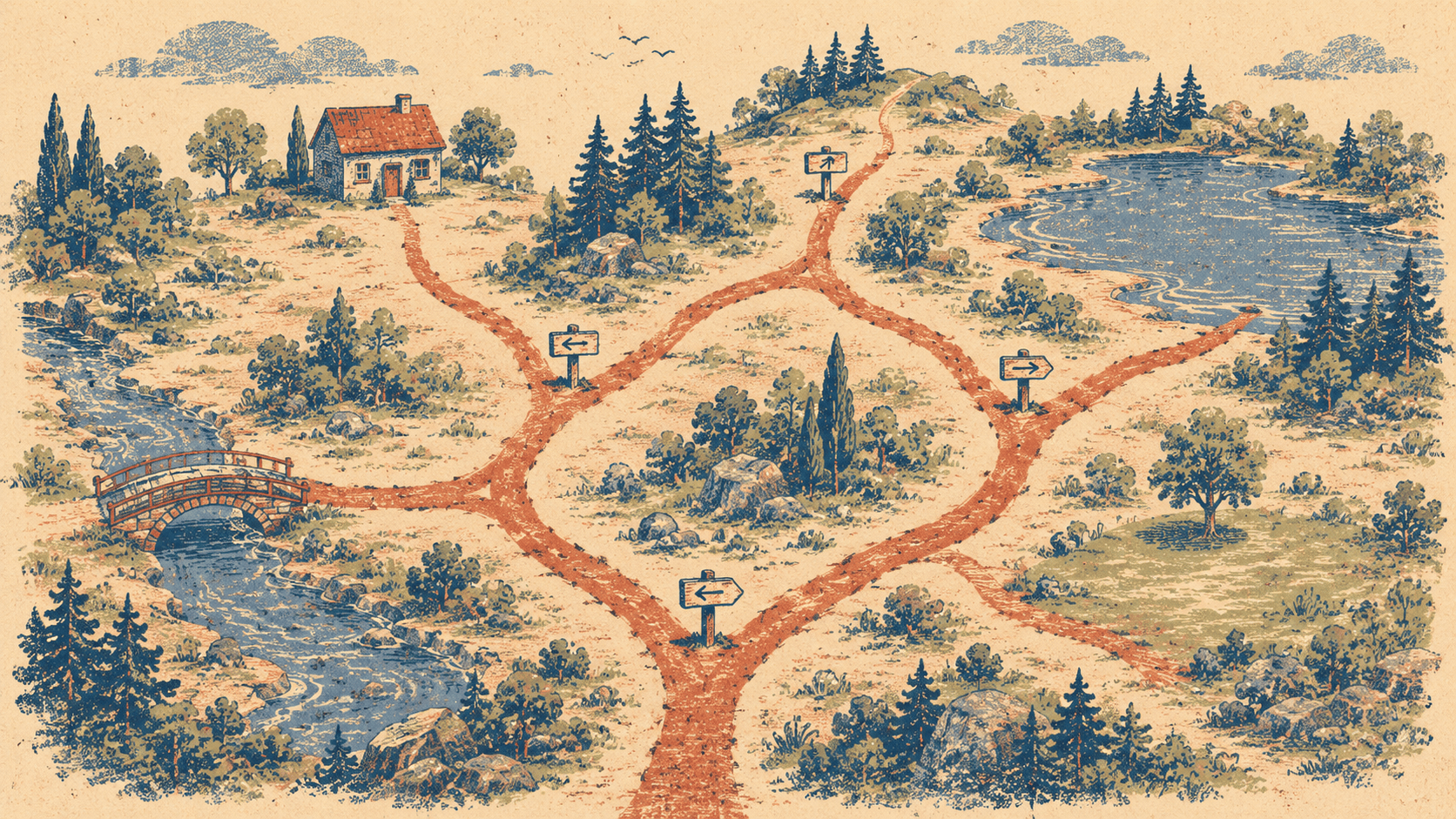
In a normal conversation, you can't. The history is linear. If you change direction, the old approach is gone — buried under new messages, eventually compacted away.
Elyra's /tree command turns your session into a tree. Branch at any point, explore alternatives, and switch between them without losing anything.
The problem with linear conversations
You're building an authentication system. You've spent twenty minutes with the agent implementing JWT-based auth. The controllers are written, the middleware is in place, the tests pass. Then you realize: maybe session-based auth would be simpler for this use case.
In a linear conversation, you have two options:
Keep going. Commit to JWT even though you have doubts. The sunk cost fallacy in action.
Start over. Tell the agent to undo everything and try sessions instead. You lose the JWT implementation and can't easily go back if sessions turn out to be worse.
Neither is good. What you want is to branch: keep the JWT work on one path, explore session auth on another, and compare them before deciding.
How /tree works
/tree
Opens a visual navigator showing your session's structure as a tree. Every user message is a node. Every branch point is visible. You can see where the conversation split and navigate to any point.
The tree looks something like this:
● Set up the project structure
├── ● Add user registration
│   ├── ● Implement JWT authentication ← you are here
│   │   └── ● Add refresh token rotation
│   └── ● Implement session authentication
└── ● Set up the database schema
Navigate with arrow keys. Press Enter to switch to that branch. The entire conversation context shifts to that point — the agent sees the history as if you'd taken that path from the beginning.
Creating branches with /fork
/fork
Opens a selector showing all your previous messages. Pick one, and Elyra creates a new branch from that point. The original branch is preserved. You're now on a fresh path starting from that message.
Say you sent "Implement JWT authentication" and the agent built it. Now you want to try sessions instead:
/fork
Select the "Add user registration" message. Elyra forks from there. Now type:
Implement session-based authentication instead of JWT
The agent sees the conversation up to "Add user registration" but not the JWT work. It builds session auth from scratch. The JWT branch still exists — you can switch back anytime with /tree.
Practical scenarios
Comparing approaches
You're not sure whether to use a SQL query builder or an ORM for a complex report:
Build the sales report using raw SQL queries
Agent builds it. You fork back:
/fork
Build the same sales report using Eloquent
Now you have both implementations. Switch between them with /tree, compare the code, pick the one that's cleaner.
Recovering from a wrong turn
The agent went down a path that isn't working. Instead of trying to undo fifteen tool calls:
/fork
Go back to the last message before things went wrong. Continue from there. The broken branch stays in the tree as a record of what didn't work — which is useful context if you're debugging why.
Exploring with confidence
You want to try a risky refactor but you're not sure it'll work:
/fork
Refactor the notification system to use events instead of direct calls
If it works, great. If it doesn't, switch back to the pre-refactor branch. No damage done, no time wasted on reverting.
A/B testing prompts
You're not sure how to phrase a request to get the best result:
Build a dashboard with charts for user activity
Fork back, try a different prompt:
/fork
Create an analytics dashboard showing daily active users, retention curve, and revenue per user. Use Chart.js. Include date range filters.
Compare the outputs. The more specific prompt probably produced better results — and now you can see exactly how much difference the phrasing made.
Cloning sessions
/clone
Duplicates the entire current session at the current position. Unlike /fork (which branches from a past message), /clone creates an exact copy of where you are right now.
This is useful when:
You want to continue in two different directions from the same point
You want a "save point" before trying something experimental
You want to hand a session state to a colleague (export the clone)
The tree is persistent
Branches survive across restarts. When you resume a session, the full tree is there. You can navigate back to any branch, any message, any point in the conversation's history.
This means branches aren't just for in-session exploration. You can close Elyra, come back tomorrow, and pick up a different branch. The JWT auth branch from last week is still there if you change your mind about sessions.
Combining with other features
/tree + /diff — Switch to a branch, run /diff to see what files that branch changed. Switch to another branch, /diff again. Compare the file-level impact of each approach.
/tree + /cost — Each branch has its own token history. After exploring two approaches, check /cost on each branch to see which one burned more tokens. Sometimes the "simpler" approach costs more because it required more back-and-forth to get right.
/tree + /compact — Compaction works per-branch. If one branch gets long, compact it without affecting other branches. The compaction summary preserves the branch's context, and other branches keep their full history.
/tree + /export — Export a specific branch as HTML. Useful for documentation: "Here's the exploration we did on auth approaches, with the JWT branch and the session branch side by side."
When not to use it
For most sessions, you don't need branches. The linear conversation works fine. Branches add value when:
You're genuinely uncertain between approaches
The cost of being wrong is high (large refactors, architecture decisions)
You want to compare prompt strategies
You need a safe rollback point before something risky
If you're just building a feature and the path is clear, skip the branching. It's a tool for uncertainty, not a requirement for every session.